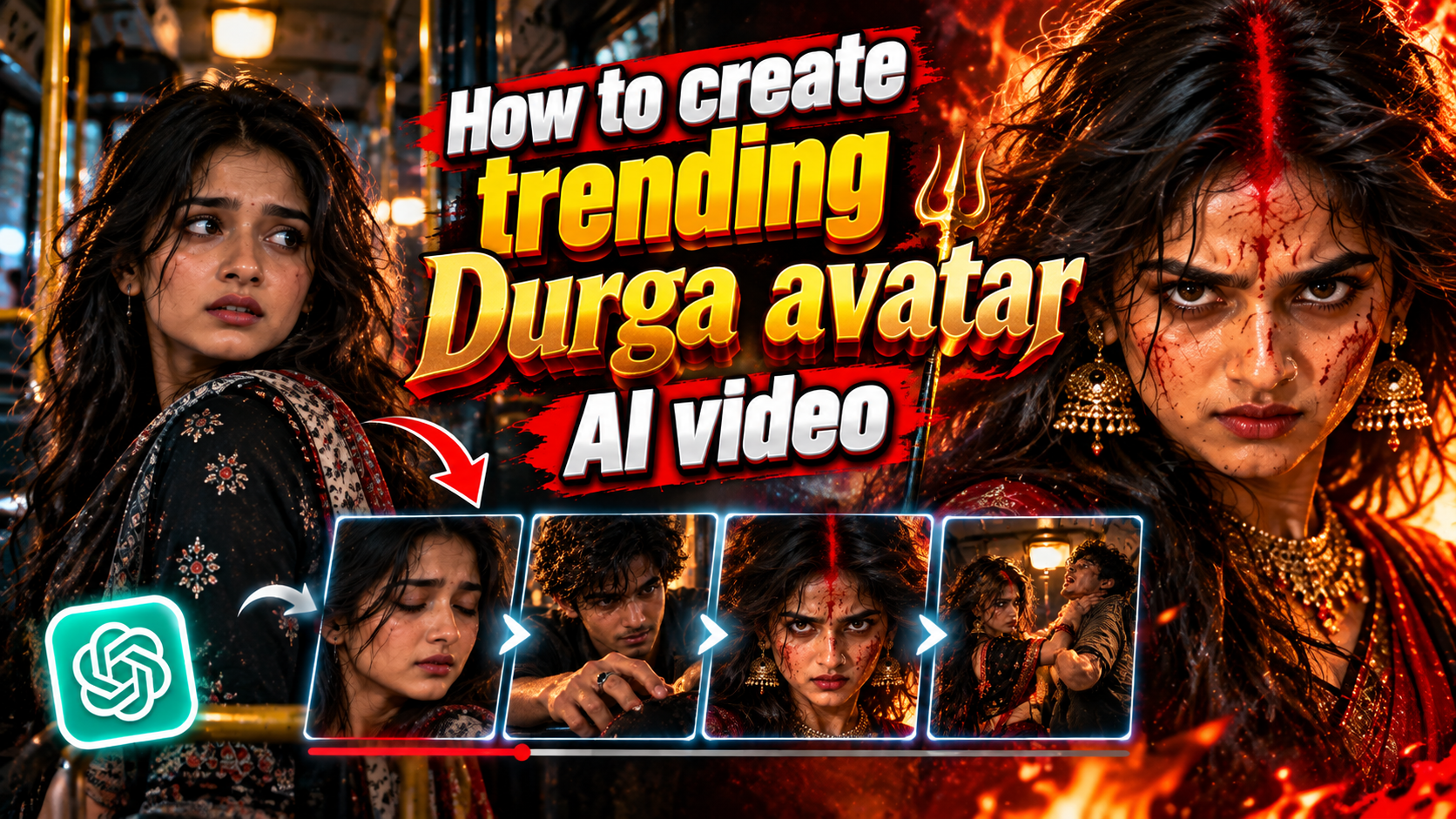
How to Create Trending Durga Avatar AI Video
👋 About
Create a powerful and trending Durga Avatar AI video using AI image and video generation tools. This prompt category helps you transform a normal character into a dramatic Durga-inspired avatar with cinematic lighting, intense expressions, traditional styling, realistic details and a powerful devotional atmosphere. Follow the complete prompt sequence to create high-quality images and turn them into a cinematic AI video suitable for YouTube Shorts, Instagram Reels and other social media platforms.
This prompt is designed to help you create a complete Durga Avatar transformation video with consistent characters, cinematic scenes, dramatic expressions, realistic details and powerful visual effects. You can use the prompts step by step to generate matching images and convert them into an engaging AI video without having to create every scene from scratch.
✨ Best Prompt for Trending Durga Avatar AI Video
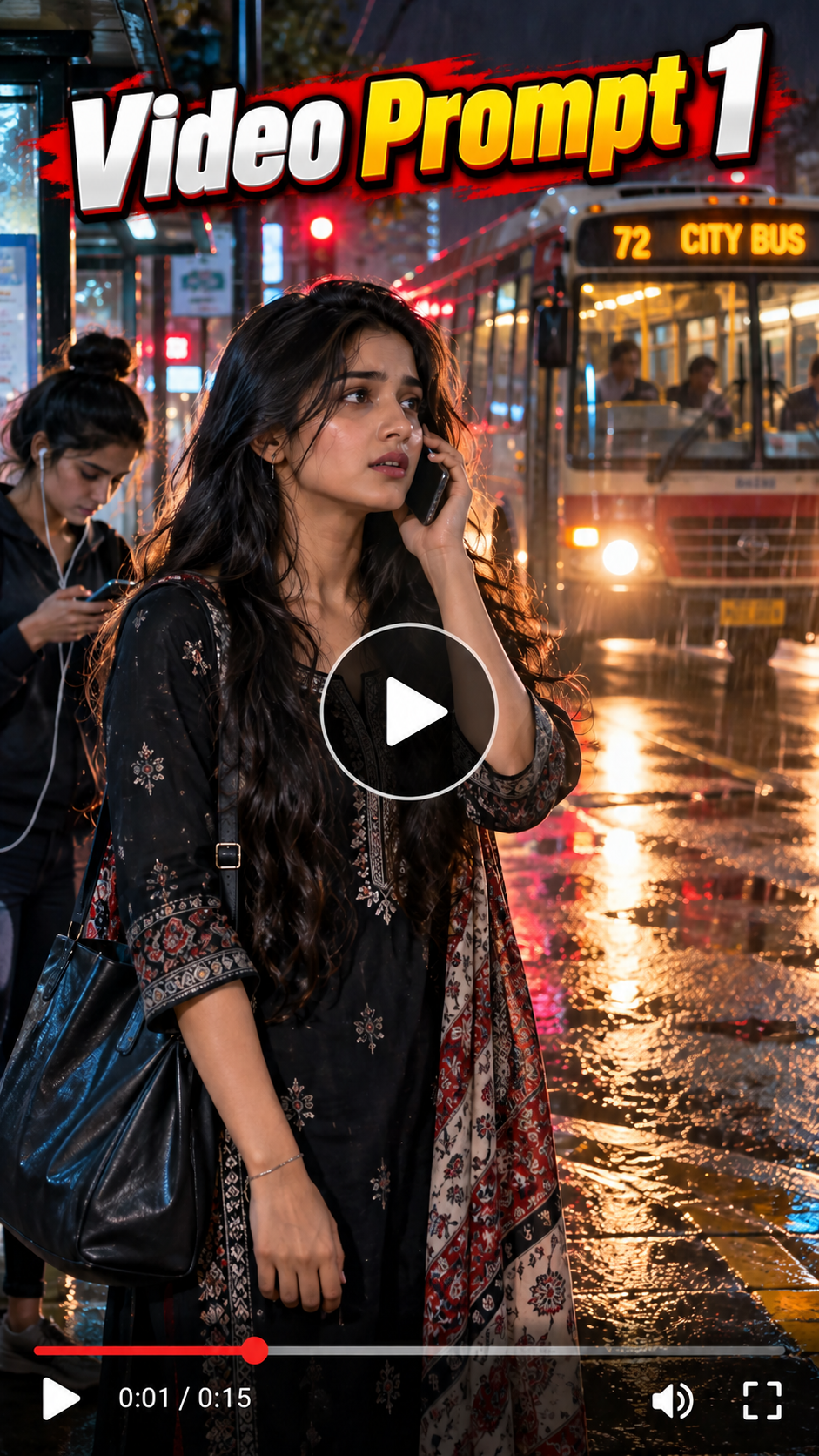
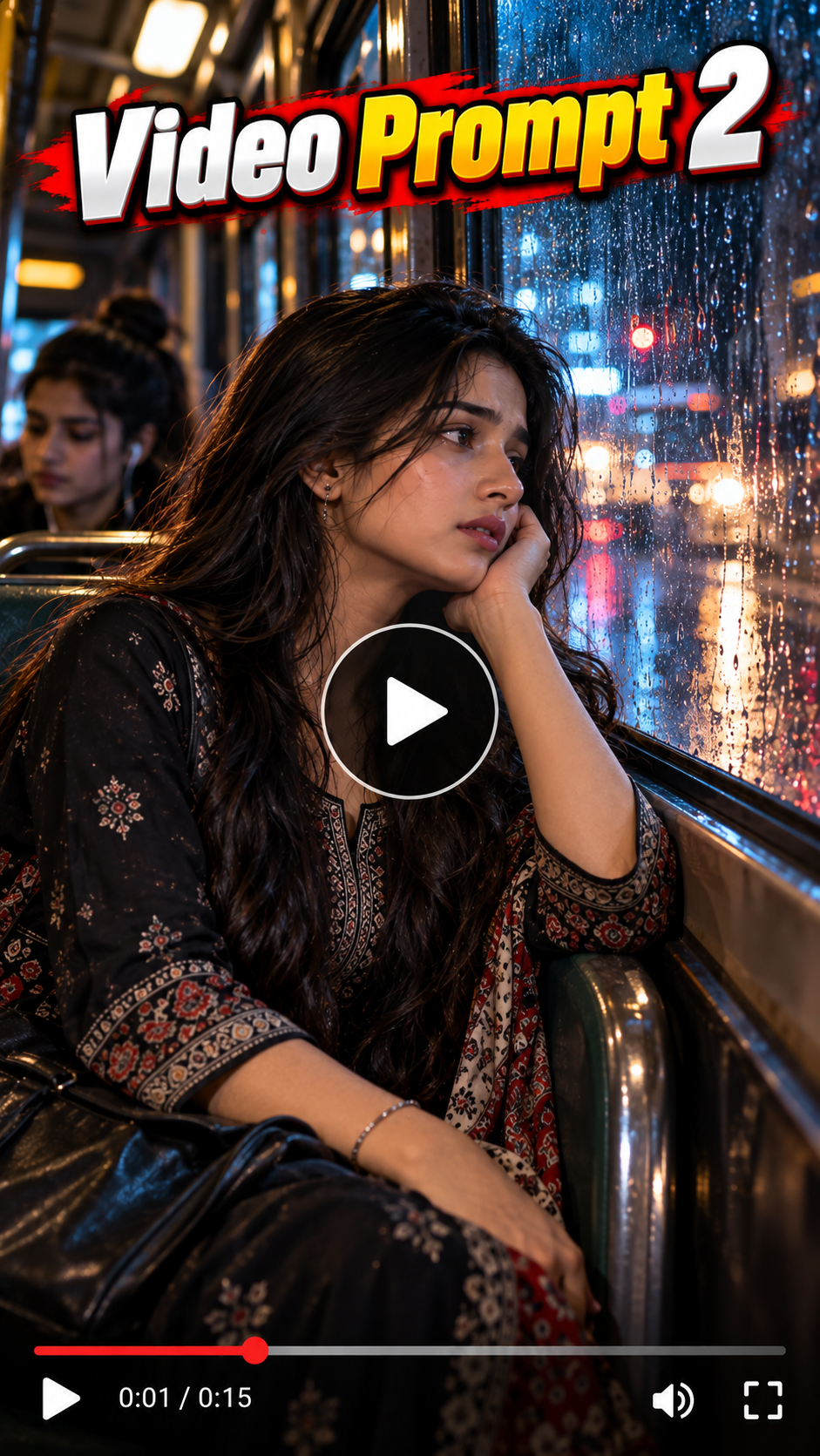
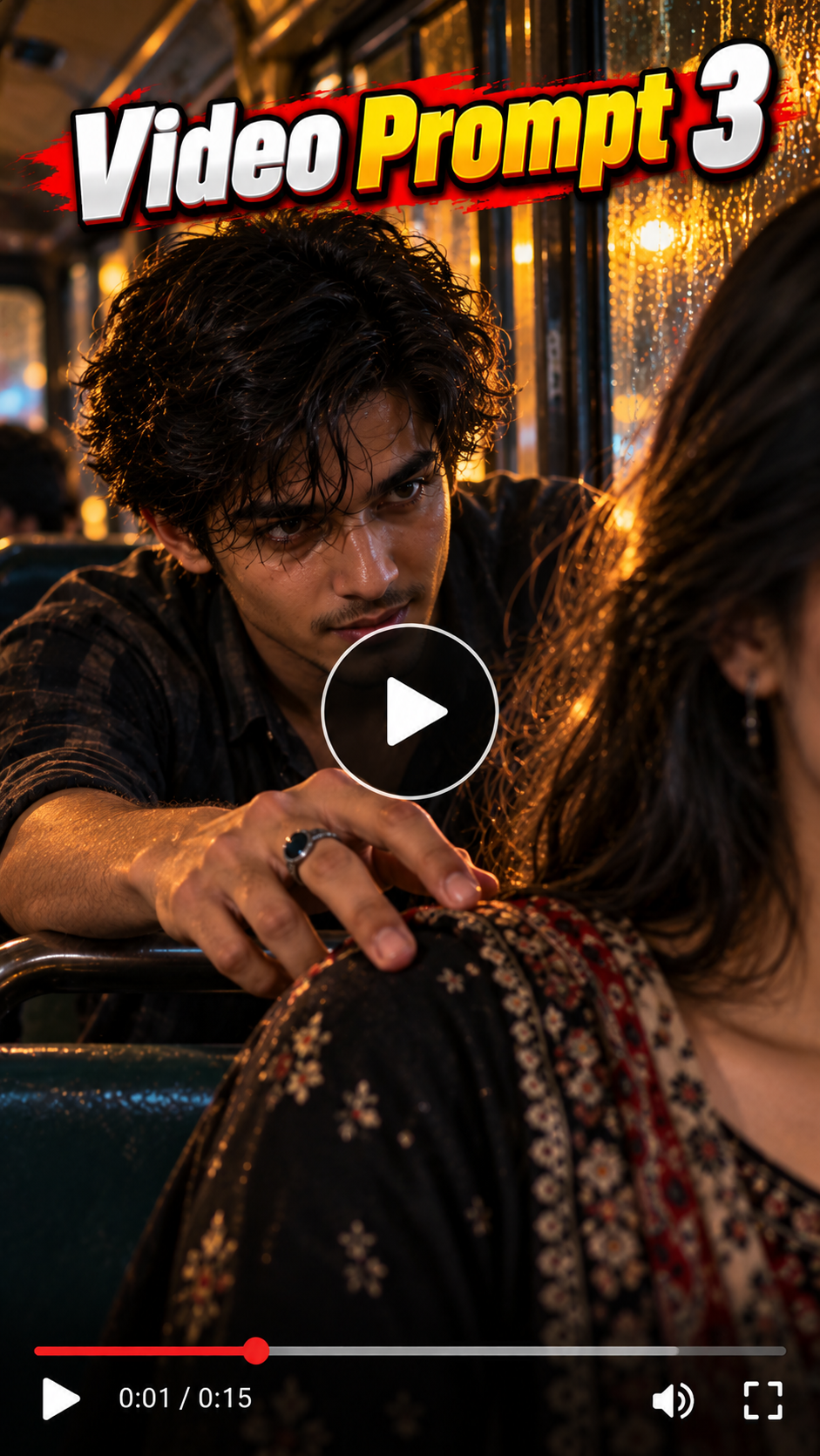
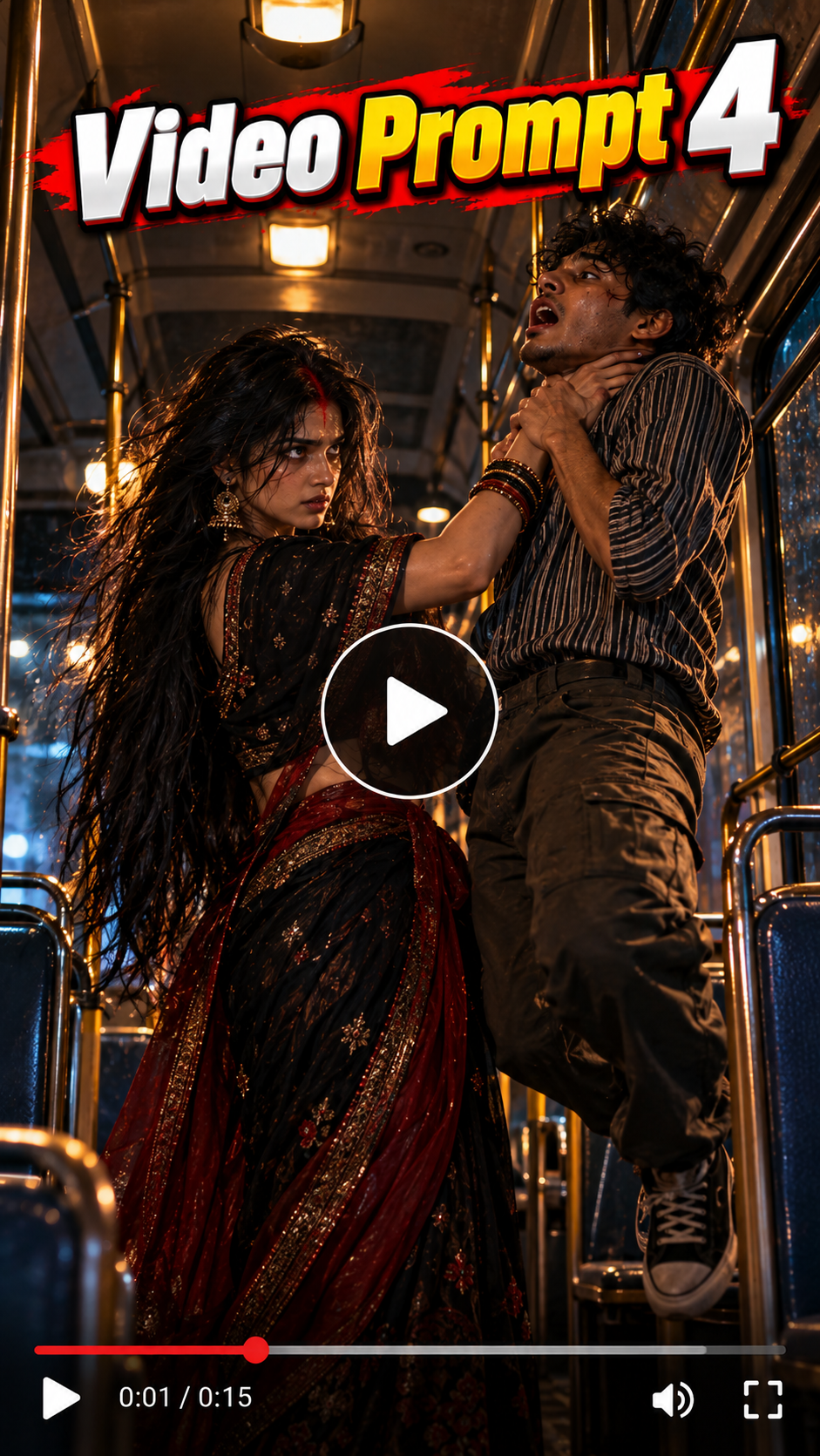
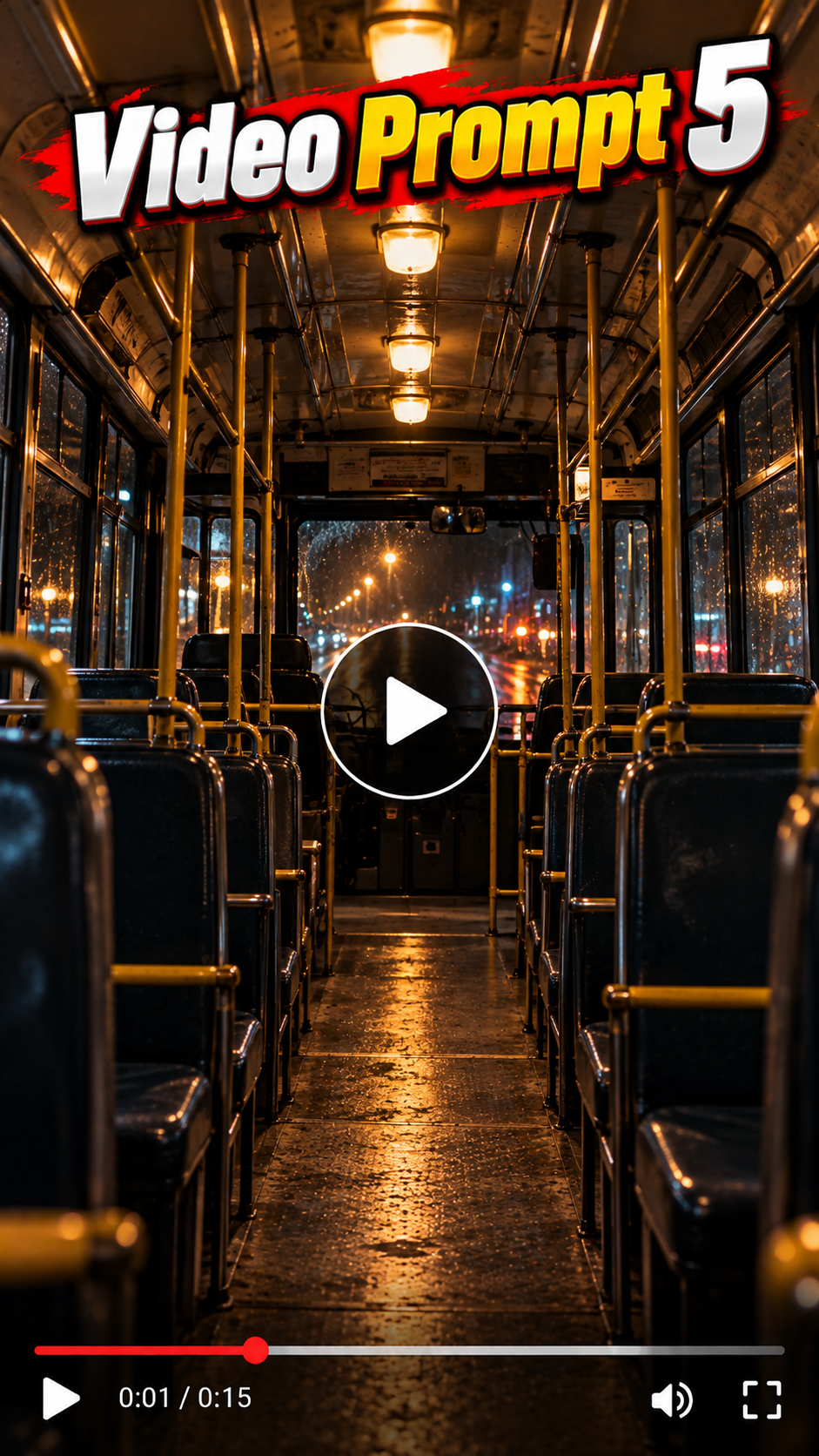
🛠️ How to Create Trending AI Images Using ChatGPT 🔥
1: Open the Suraj Space website. 2: Find the post featuring the AI image you want to create and open it. 3: Copy the Image Prompt from that post. 4: Open ChatGPT and upload your clear photo. 5: Paste the copied prompt into ChatGPT along with your uploaded photo. 6: Click on Generate. 7: Within a few seconds, your AI image will be generated using your photo. 8: If you don't understand any part of the process, search “Suraj Space” on Instagram and watch the tutorial video for the complete process.
🎨 Durga Avatar Photo Editing Ideas
Turn your normal photo into a powerful Durga-inspired cinematic avatar, create a traditional Durga look with red saree, jewellery, sindoor and dramatic makeup, add intense eyes and realistic facial details, create a divine warrior-style portrait with cinematic lighting, transform the character into a powerful devotional avatar while keeping the original face recognizable, create dramatic temple and festival backgrounds, add glowing fire and atmospheric effects, create realistic close-up shots with powerful expressions, and design multiple cinematic scenes that can later be converted into a complete AI video.
💡 How to Create Better, More Accurate, Highly Detailed & Realistic AI Images
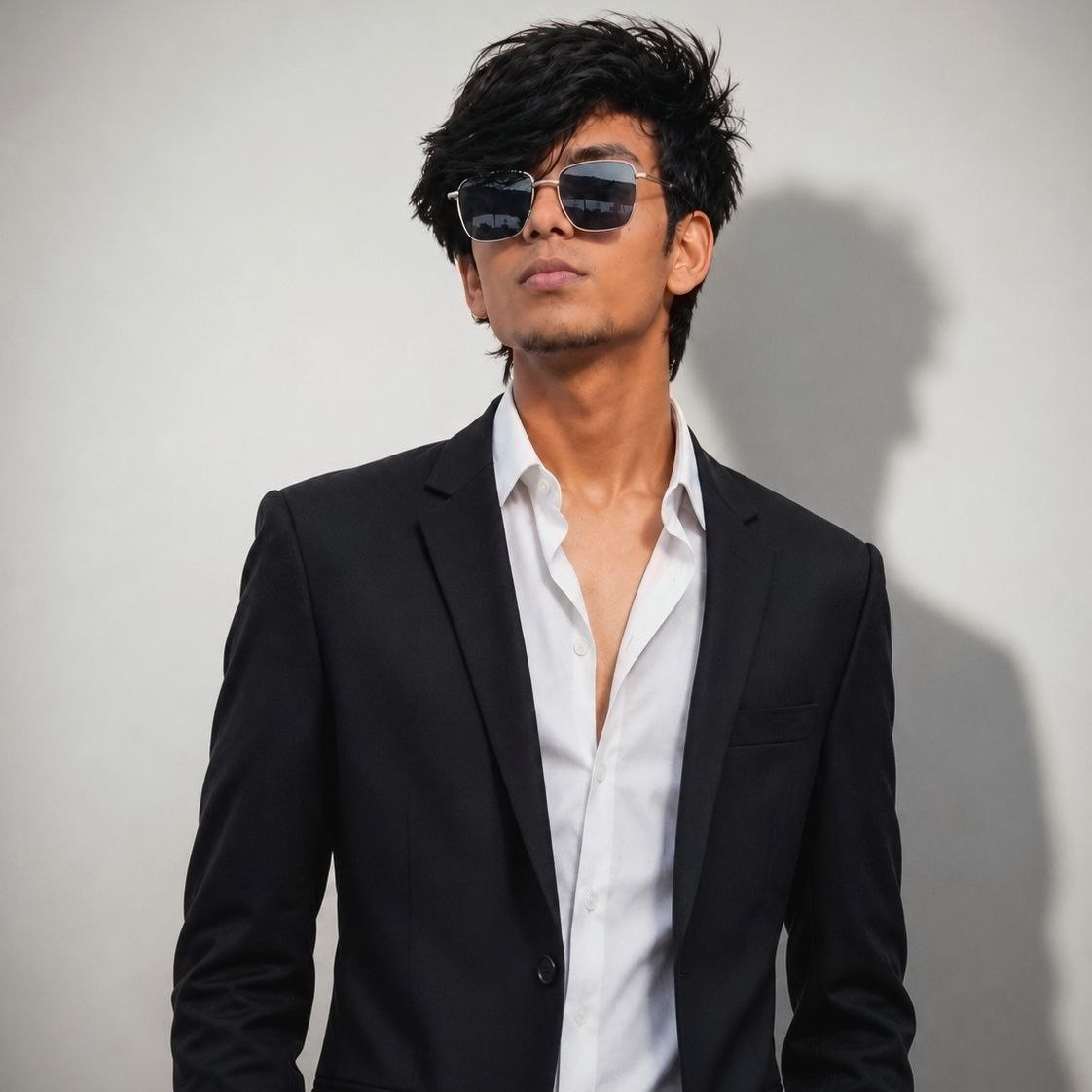
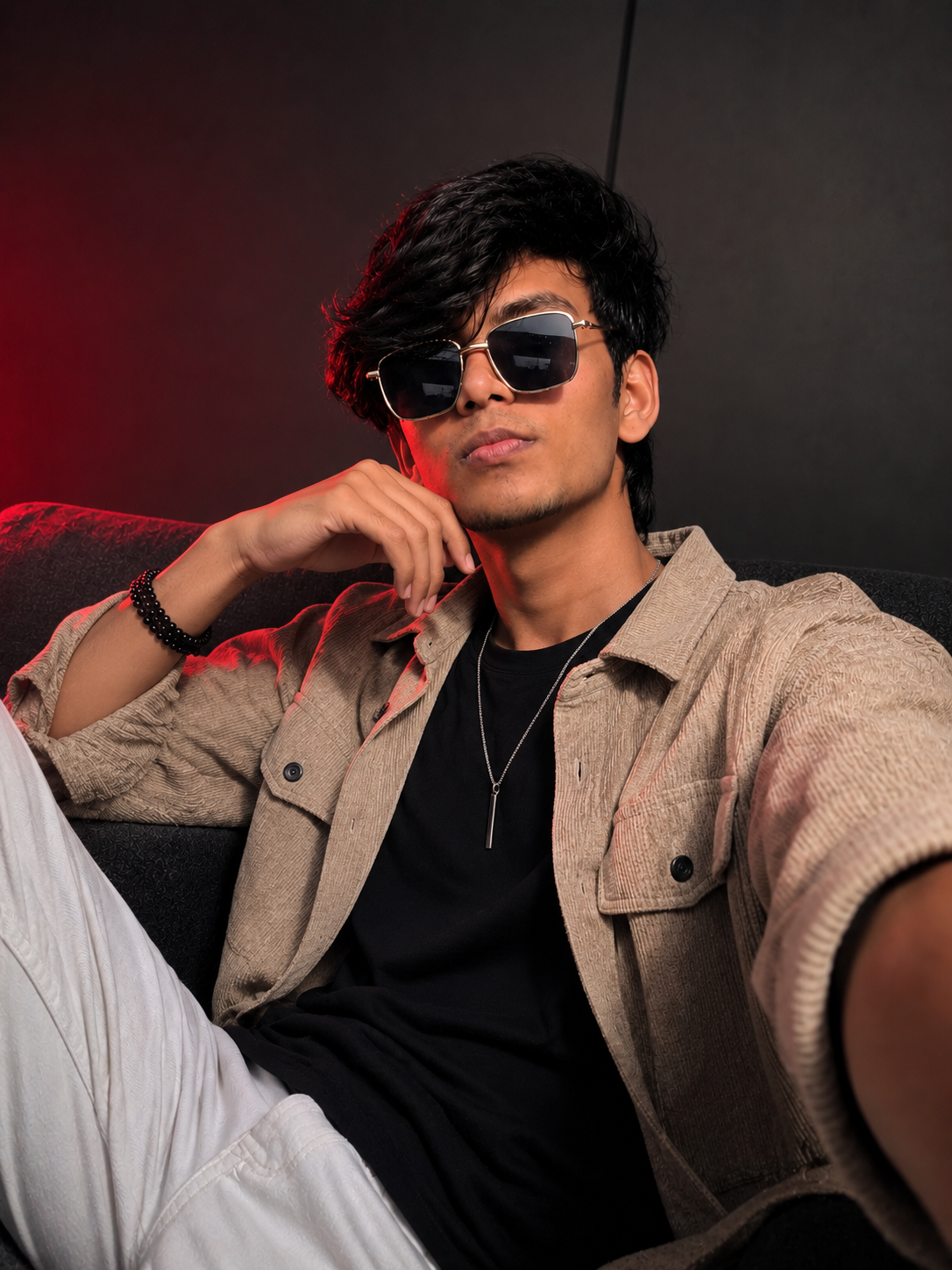
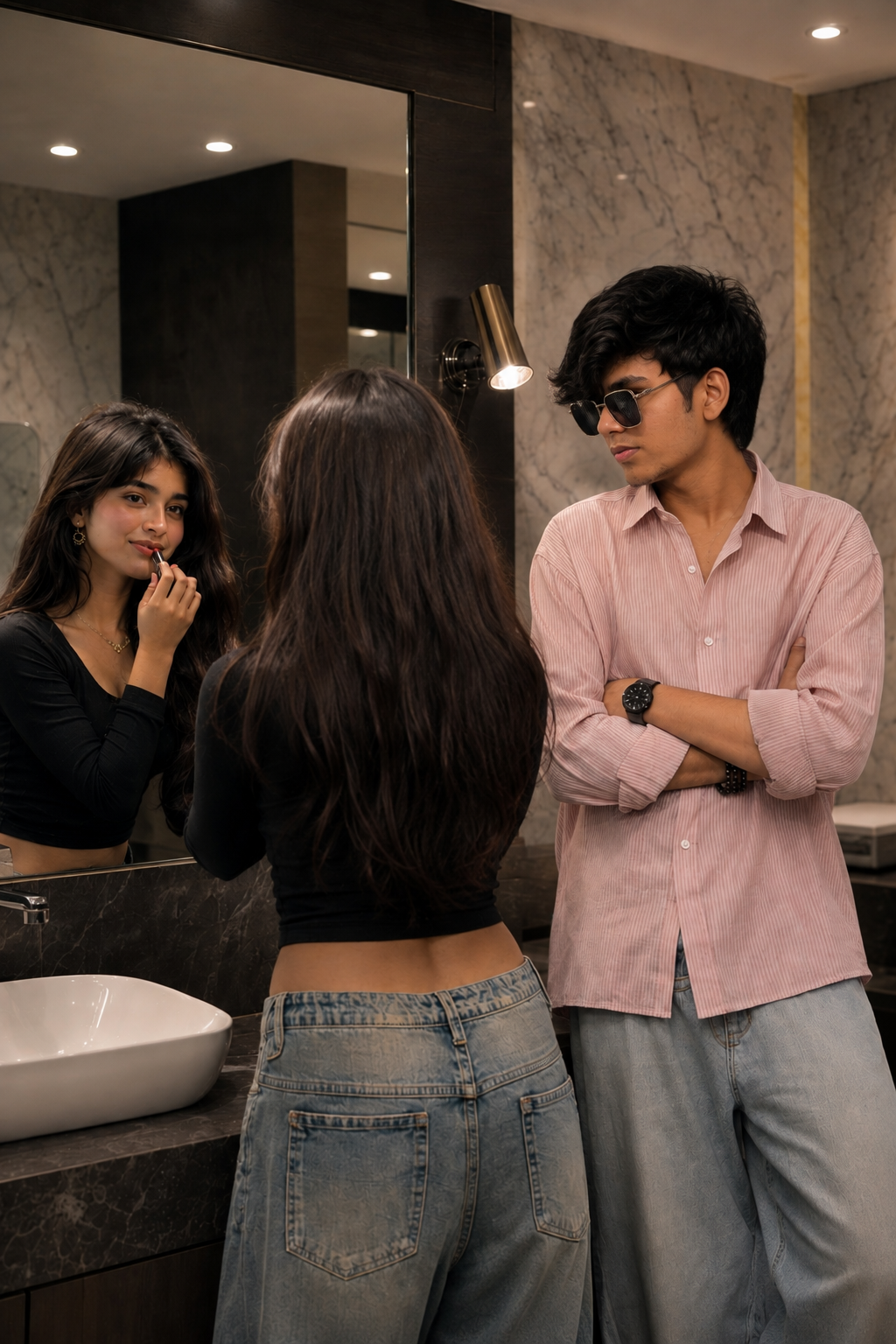
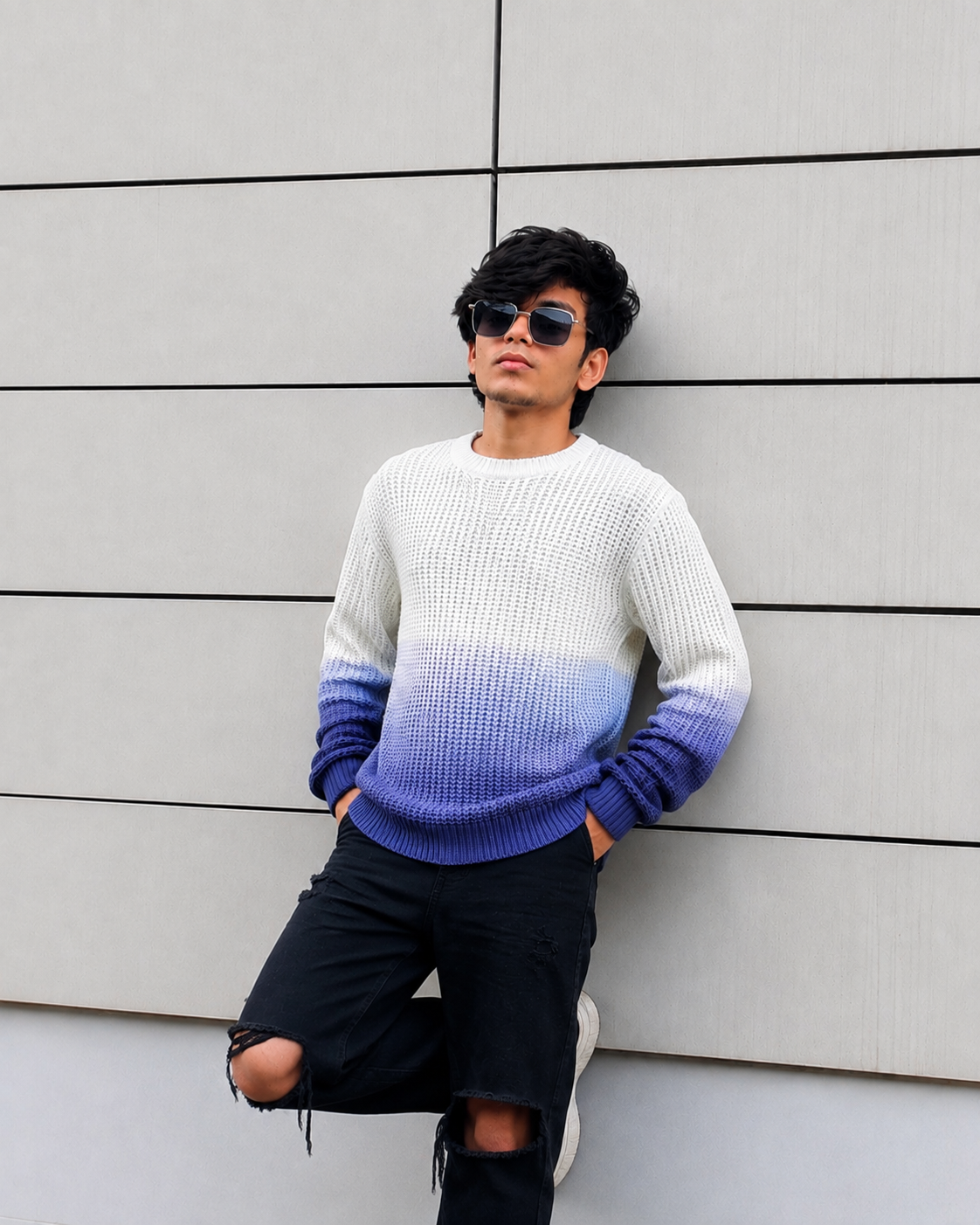
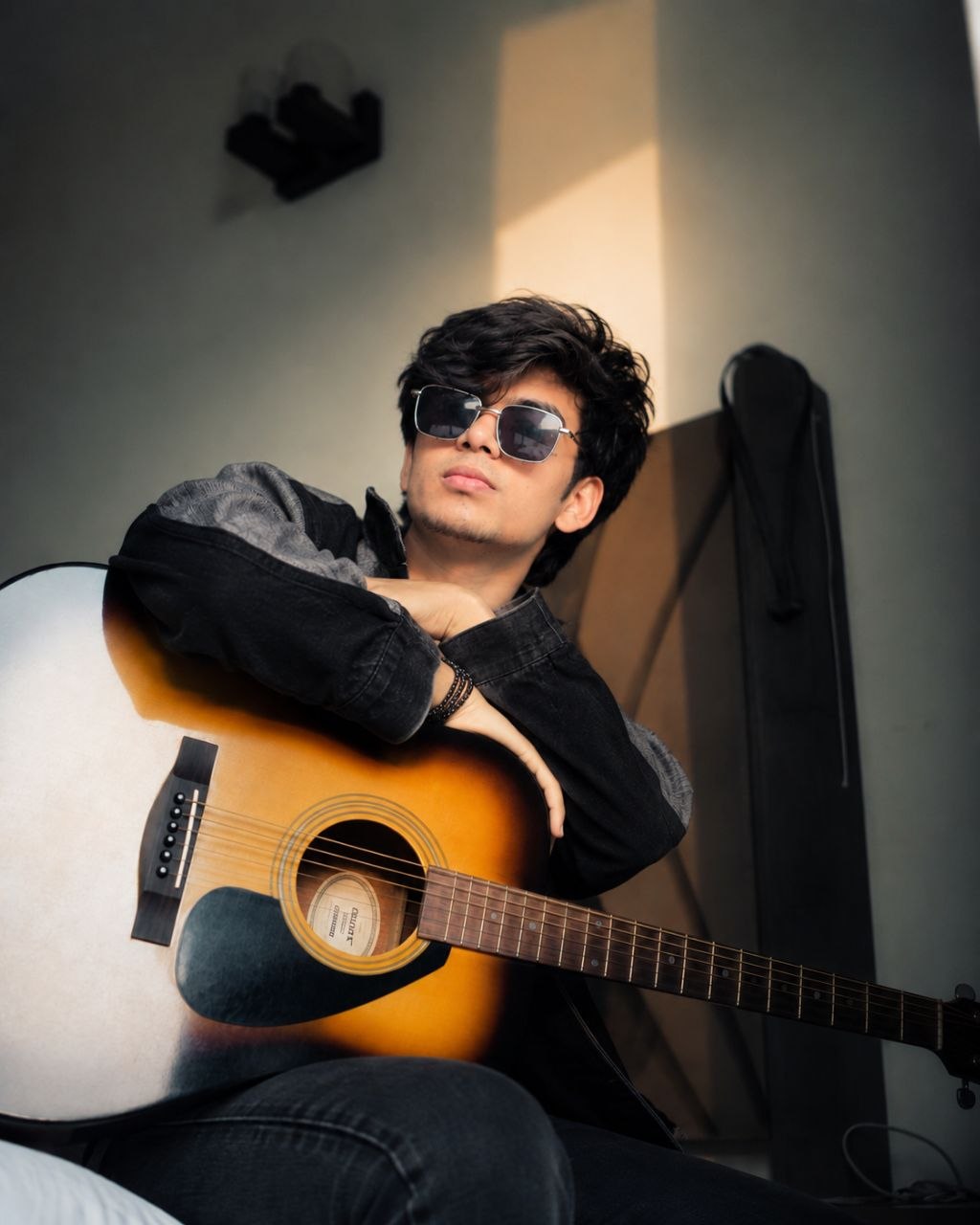
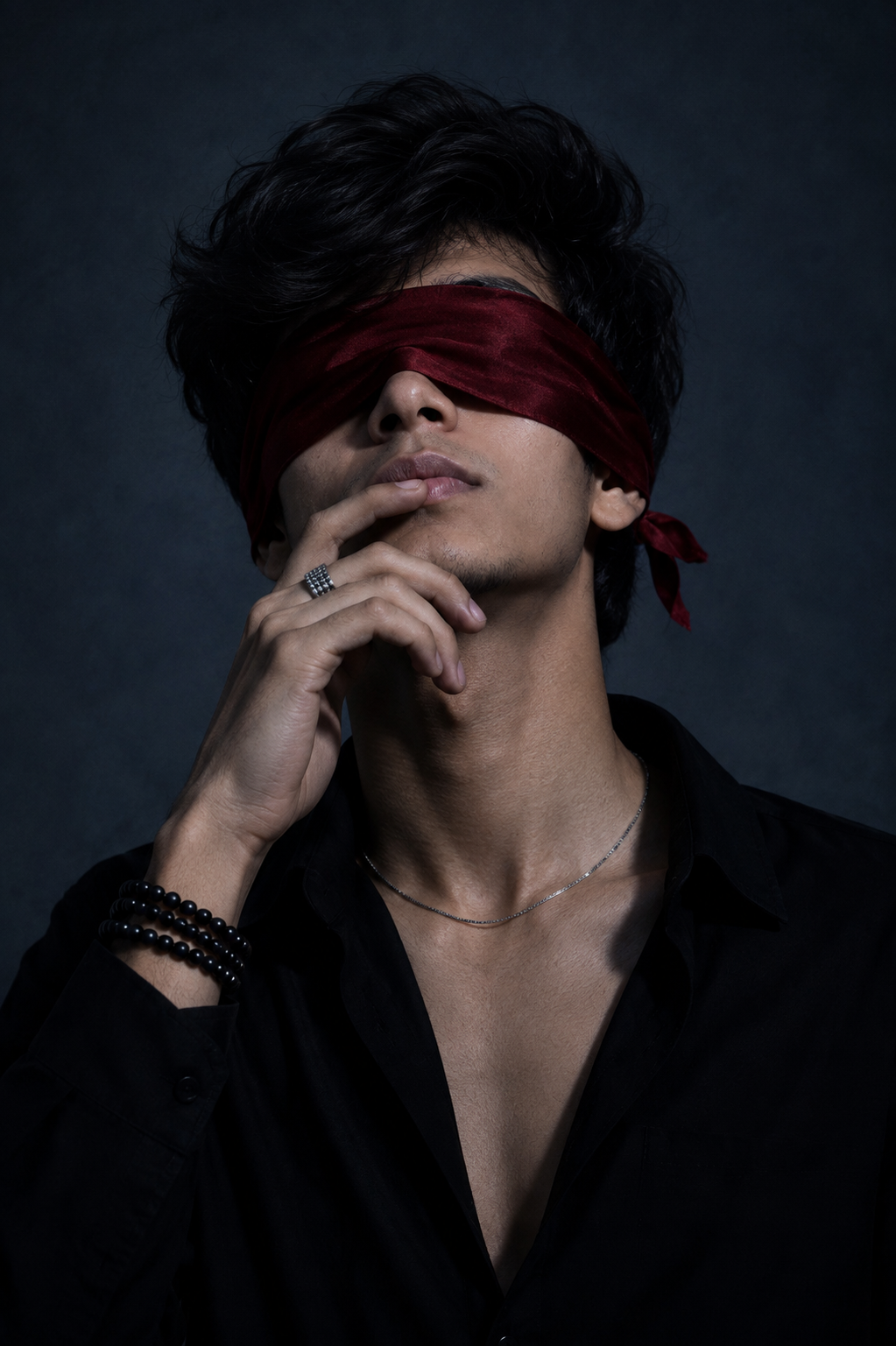
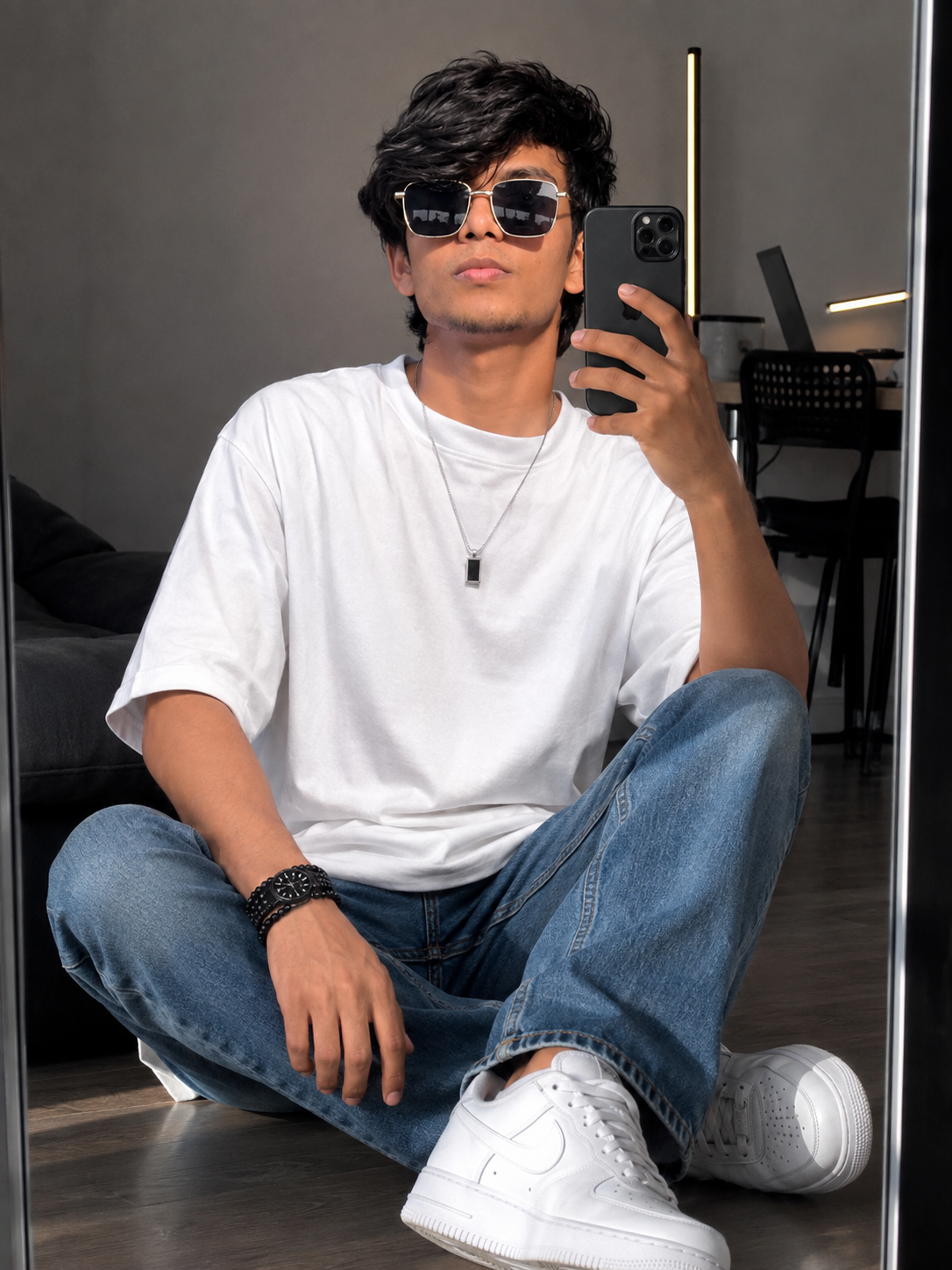
To achieve the best possible results when generating AI images, always begin with a clear, high-quality, natural reference photo of yourself. The quality of the reference image plays an important role in helping the AI understand your real appearance and create a more accurate and consistent result.
🙏 Final Words
Use these prompts step by step to create your own trending Durga Avatar AI video with realistic visuals, cinematic scenes and powerful expressions. Keep the character and face consistent across every scene for a professional final result.



💬 Recent Comments