
How to Make Trending Radha Krishna AI Video
👋 About
Discover the Radha Krishna Divine Love Story AI Video Editing Prompt and create beautiful cinematic devotional love story videos using AI. This viral AI video editing concept is perfect for creating emotional Radha Krishna moments, divine love scenes, and stunning cinematic visuals with your own creative ideas.
This Radha Krishna AI Video Prompt helps you create beautiful cinematic devotional love story videos with stunning visuals, emotional moments, and divine romantic scenes. It is perfect for AI video creators, Instagram Reels, YouTube Shorts, and anyone who wants to make trending Radha Krishna love story videos using AI tools.
✨ Best Radha Krishna Divine Love Story AI Video Prompt
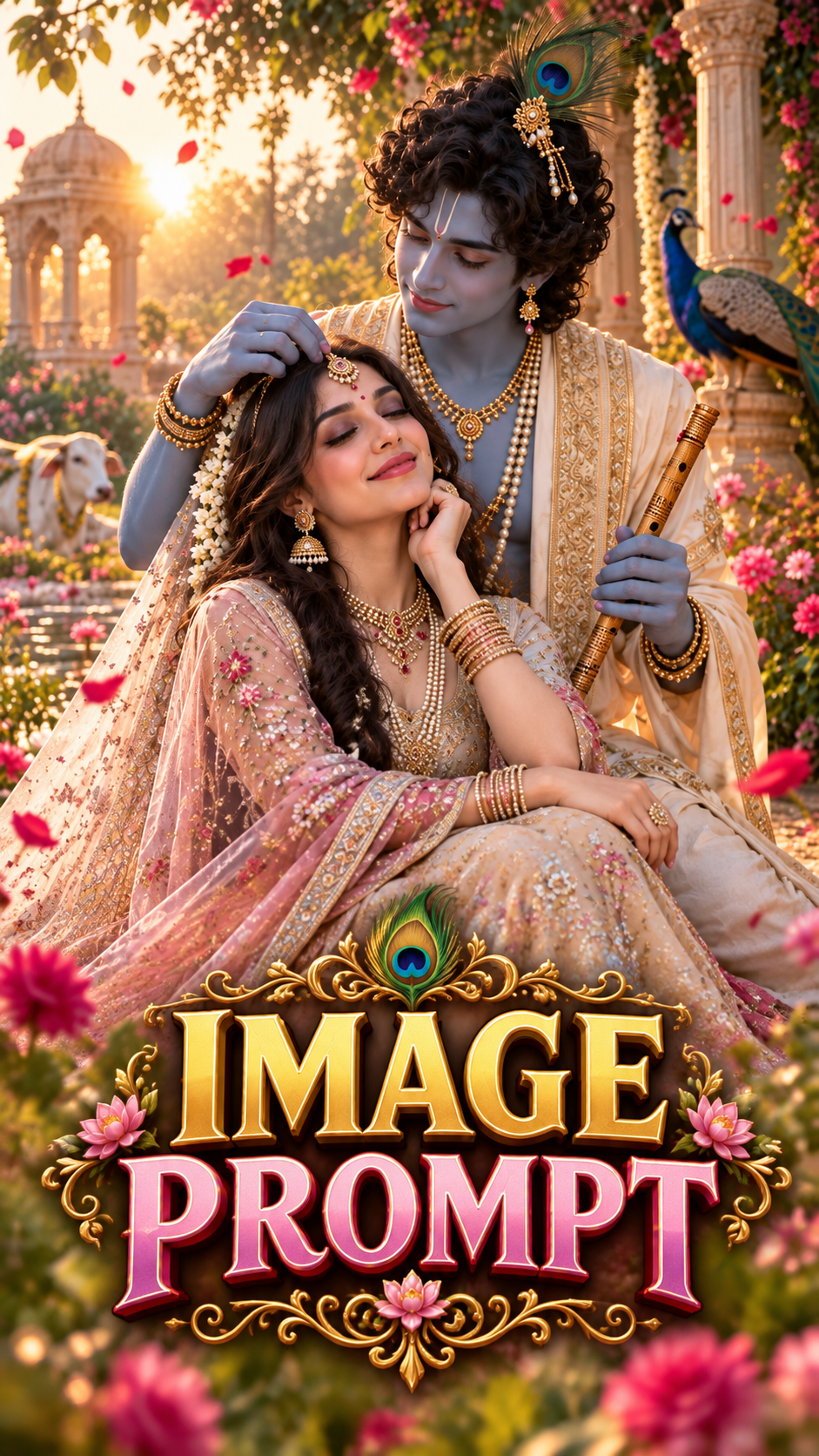
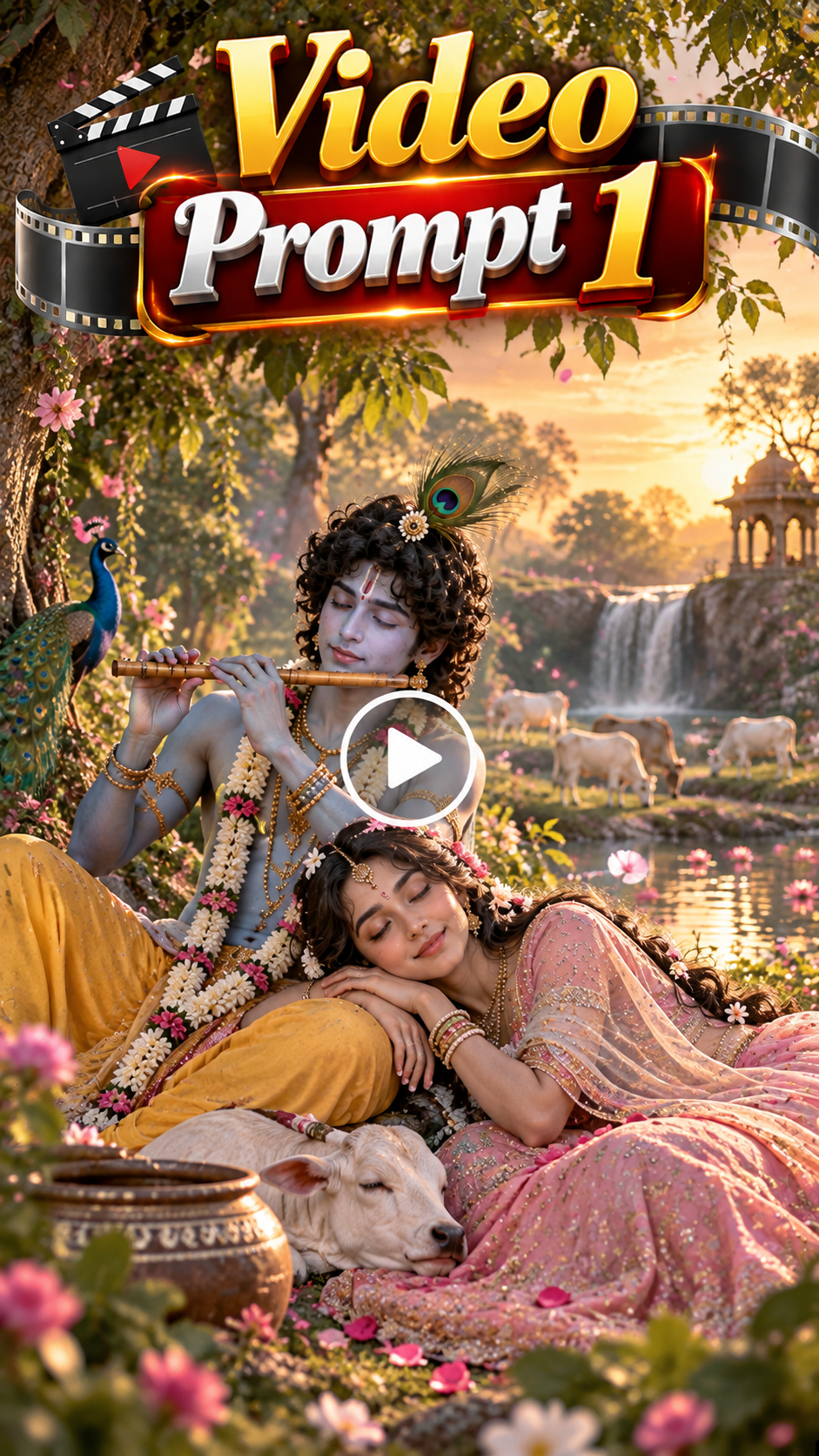
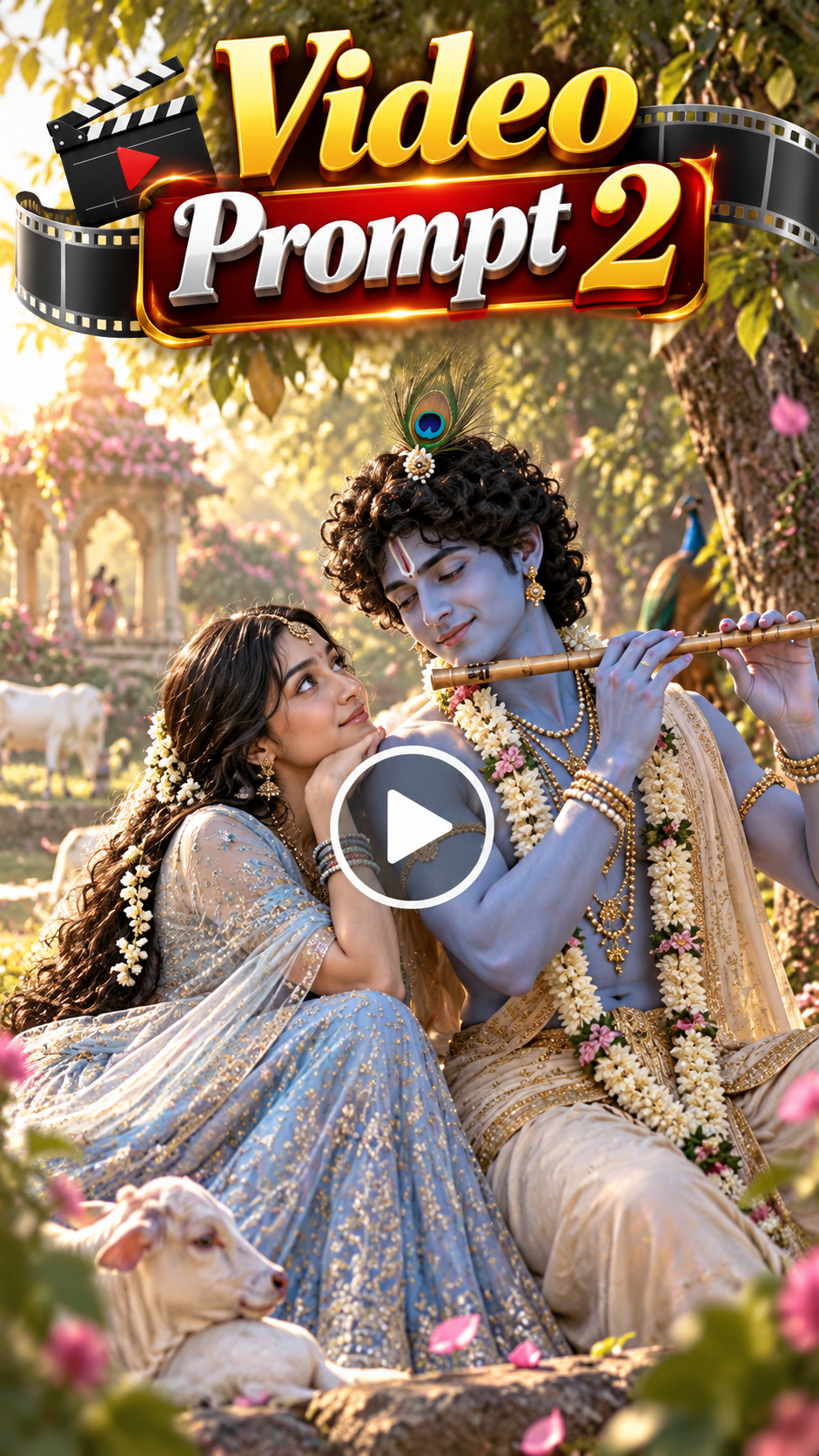
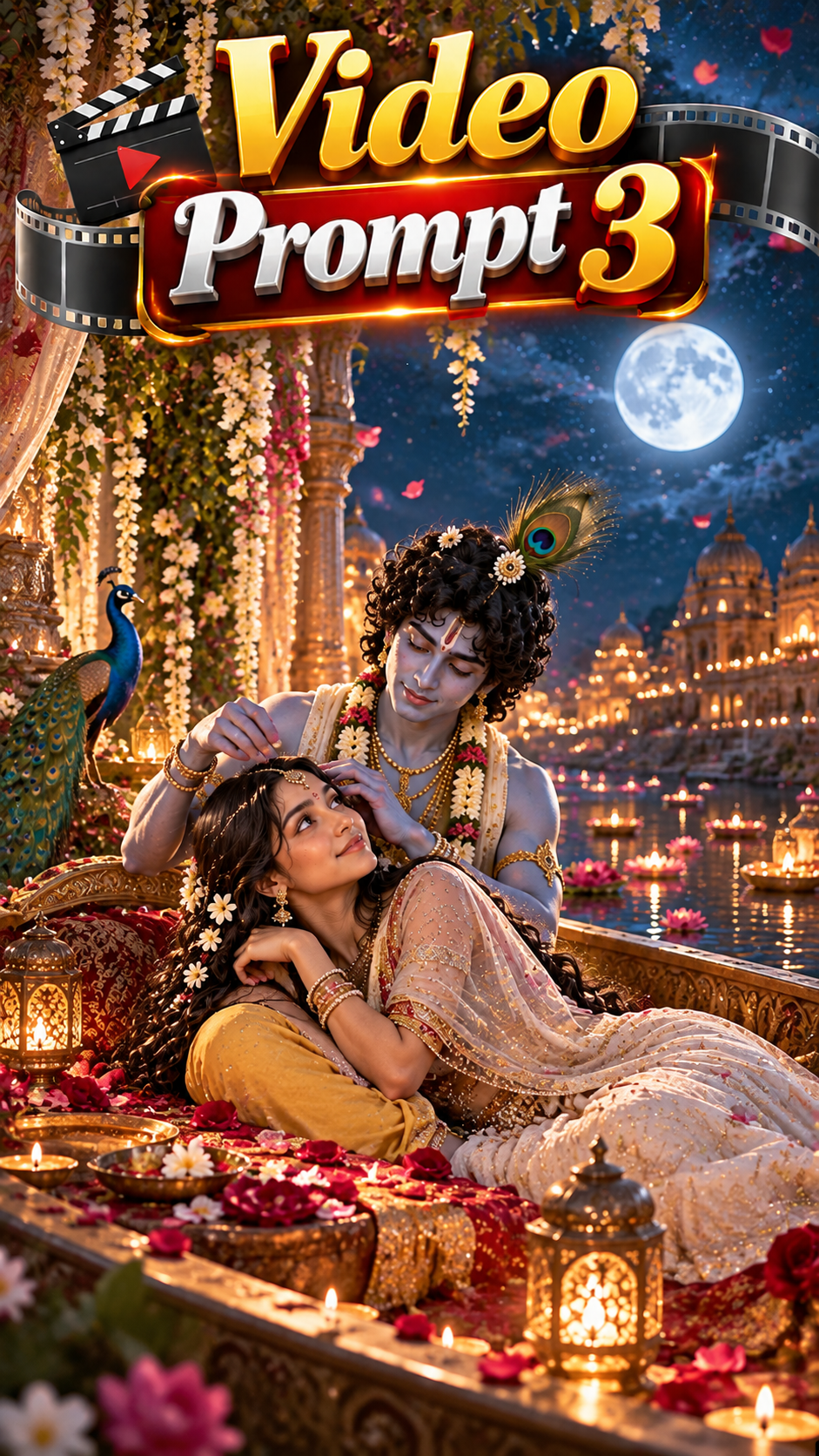
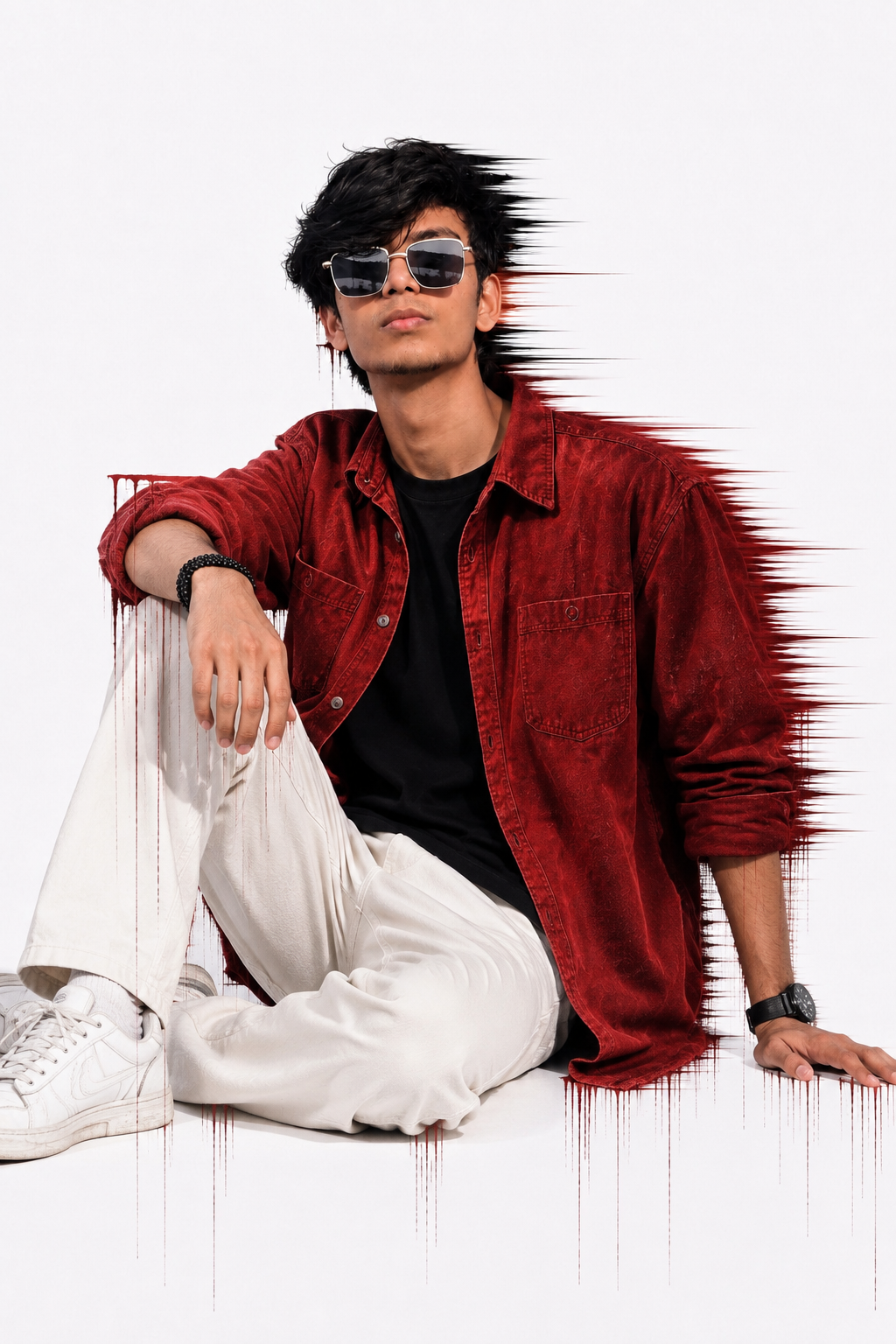
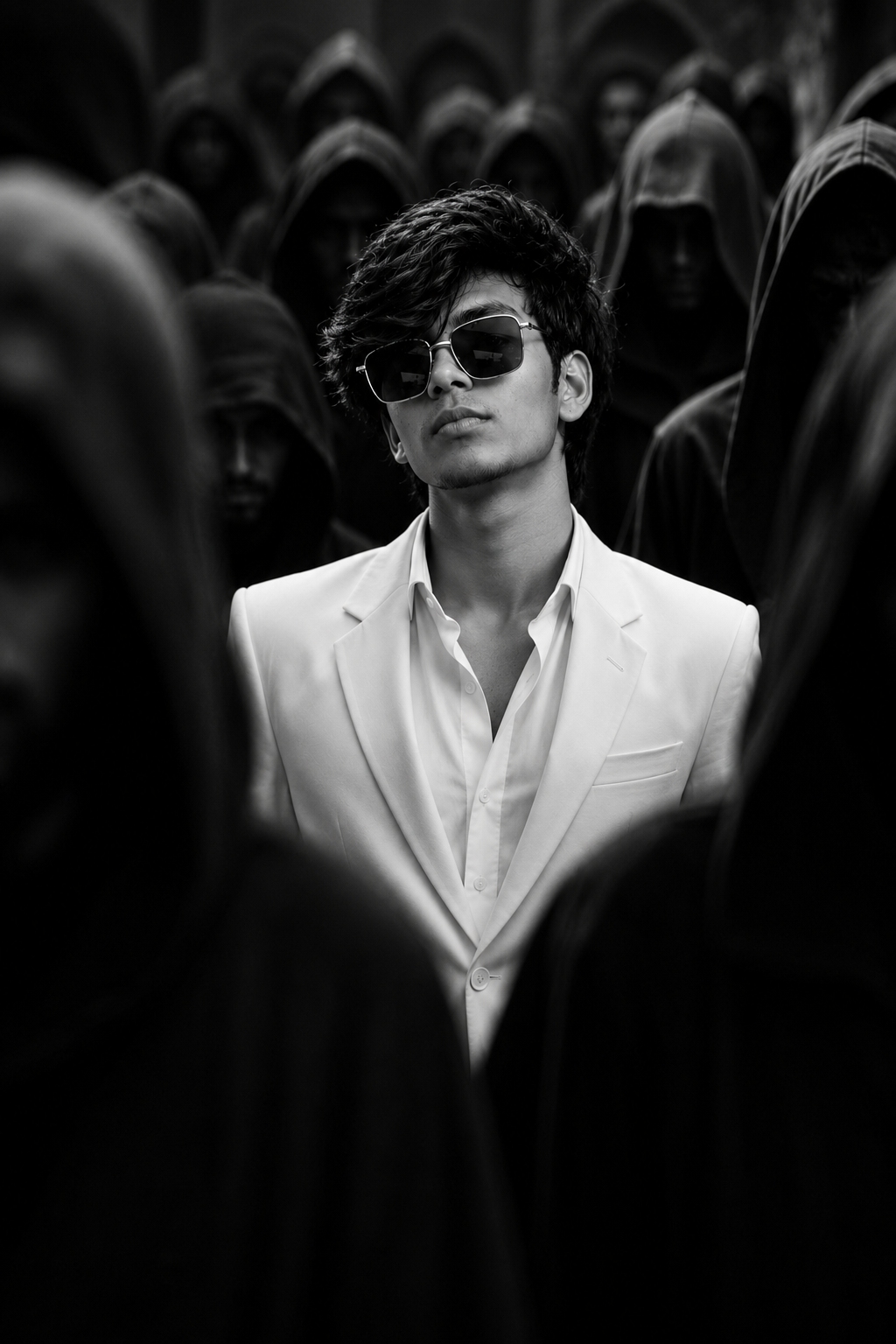
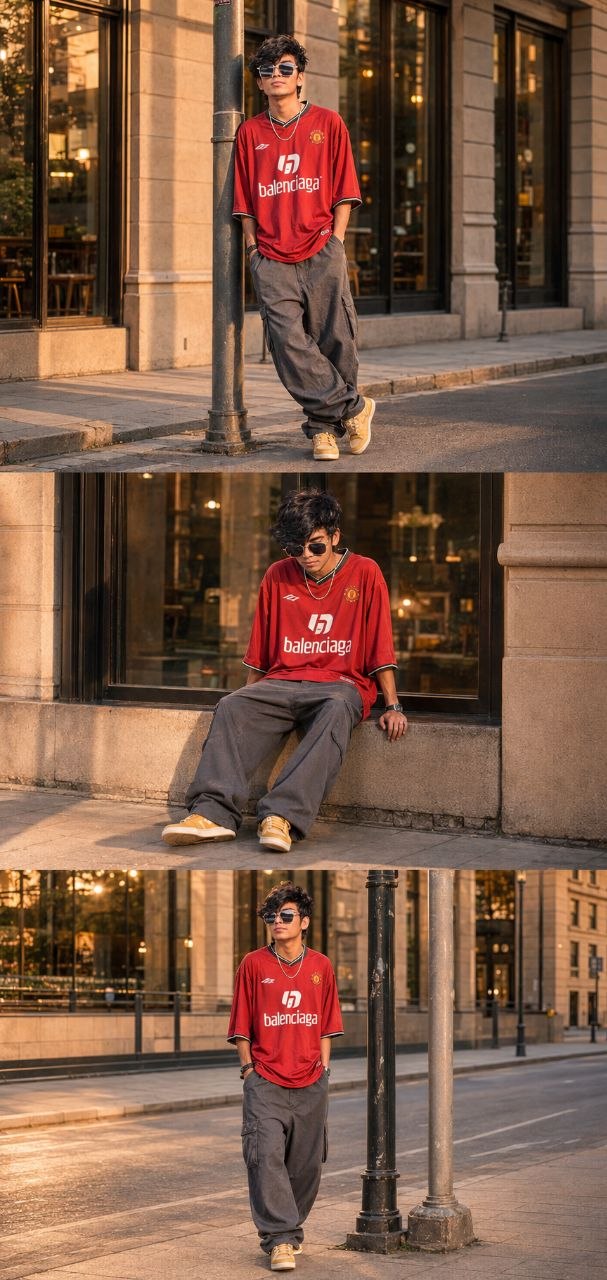
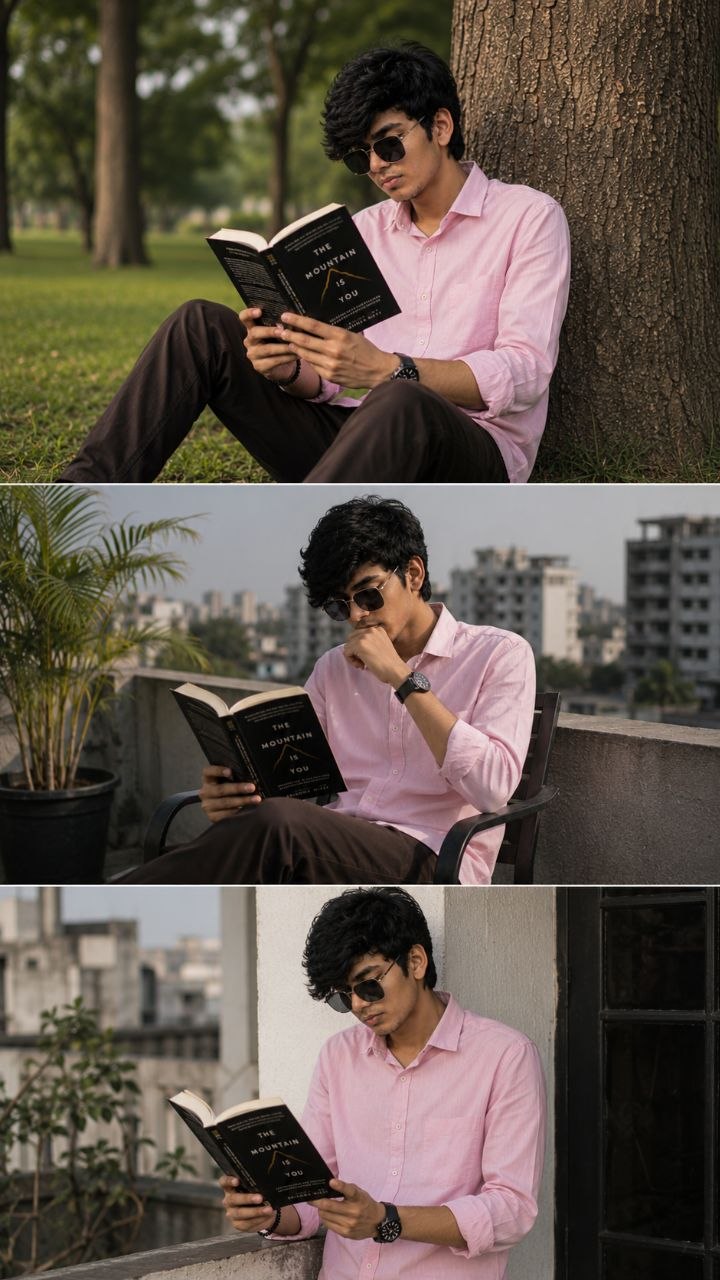
🛠️ How to Create Trending AI Images Using ChatGPT 🔥
1: Open the Suraj Space website. 2: Find the post featuring the AI image you want to create and open it. 3: Copy the Image Prompt from that post. 4: Open ChatGPT and upload your clear photo. 5: Paste the copied prompt into ChatGPT along with your uploaded photo. 6: Click on Generate. 7: Within a few seconds, your AI image will be generated using your photo. 8: If you don't understand any part of the process, search “Suraj Space” on Instagram and watch the tutorial video for the complete process.
🎨 How to Create the Video in Flow AI
Step 1: Prepare the Prompt
First, copy the complete Radha Krishna AI video prompt provided above.
Make sure you copy the entire prompt rather than only the first few lines. The additional details help the AI understand the characters, divine environment, traditional outfits, romantic moments and camera movement.
If you want to create your own version later, you can also modify the clothing, background, lighting, flowers or camera movement.
Step 2: Open Flow AI
Open the Flow AI video creation platform and sign in to your account if required.
After entering the video creation interface, look for the option that allows you to create a new video or generate a scene from a text prompt.
The exact interface can change over time, so the names or positions of buttons may be slightly different.
Step 3: Start a New Video Project
Create a new video project.
Depending on the options available in your version of Flow AI, you may be able to select different video generation modes, aspect ratios or models.
For social media content, a vertical format is usually useful. For YouTube or website presentations, a widescreen format can work better.
Choose the format according to where you plan to publish the final video.
Step 4: Paste the AI Video Prompt
Now find the main prompt or text description box.
Paste the complete Radha Krishna AI video prompt into the box.
Do not add unnecessary instructions that could conflict with the original description. The prompt already explains the main characters, divine environment, traditional outfits, romantic moments, camera movement, lighting and visual quality.
Step 5: Add a Reference Image If Needed
If you want Radha and Krishna to appear with a specific appearance in the video, you can use suitable reference images if your Flow AI setup provides an image-to-video or reference-image feature.
A reference image can help maintain the appearance of the characters across the generated scene.
For a completely AI-generated Radha Krishna scene, you can simply use the text prompt without adding an image.
If you use a person’s photograph, make sure you have permission to use it.
Step 6: Choose the Video Settings
Before generating the video, check the available settings.
For a cinematic Radha Krishna love story, pay particular attention to:
Aspect Ratio: Choose according to your publishing platform.
Duration: A short clip is usually easier to control and can be edited into a longer Reel or Short.
Quality: Select the highest practical quality available to you.
Camera Movement: Smooth cinematic movement works particularly well for divine and emotional Radha Krishna scenes.
Lighting: Soft moonlight, warm divine lighting or beautiful natural lighting can enhance the atmosphere.
You do not need to make every setting complicated. The prompt itself contains detailed instructions for the visual style.
Step 7: Generate the Video
Once everything is ready, start the generation process.
AI video generation can take some time because the system needs to create multiple frames and maintain consistency between them.
When the generation is complete, watch the entire clip carefully.
Do not judge the result only from the first few seconds. Check Radha and Krishna’s appearance, facial consistency, background, camera motion, divine atmosphere and overall visual quality.
💡 How to Create Better, More Accurate, Highly Detailed & Realistic AI Images
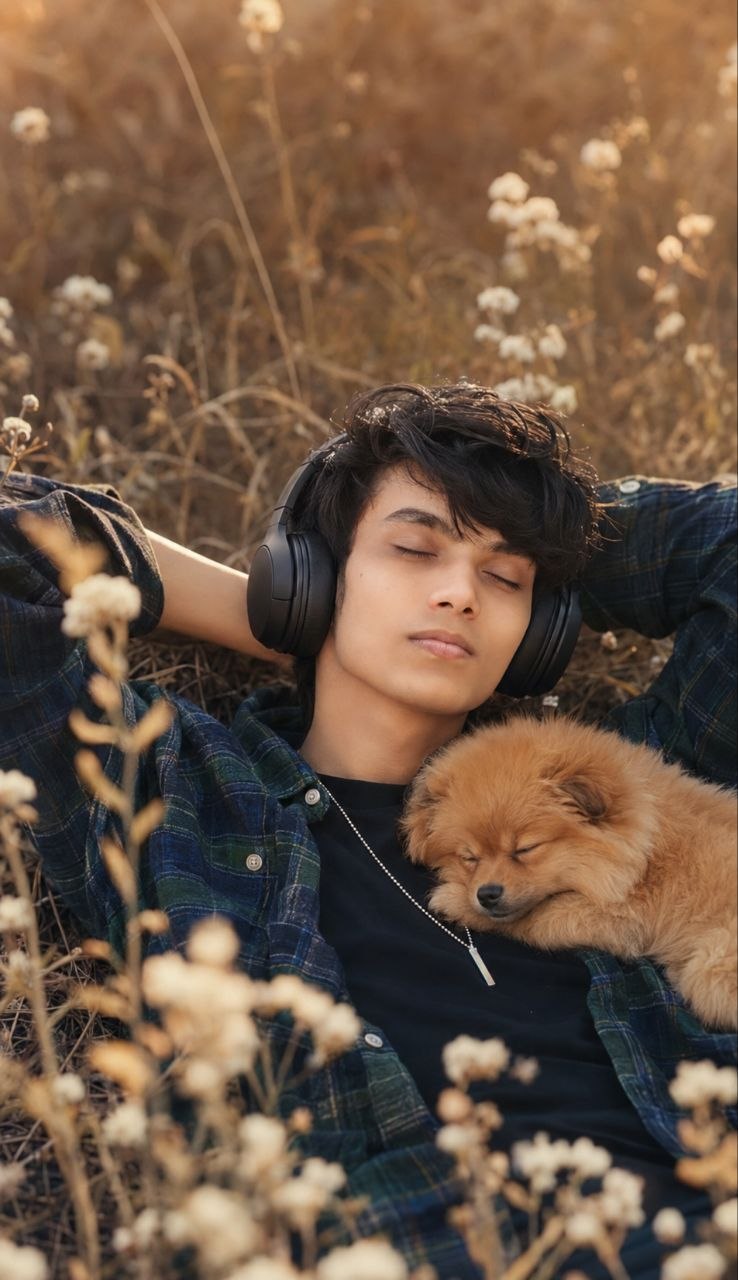
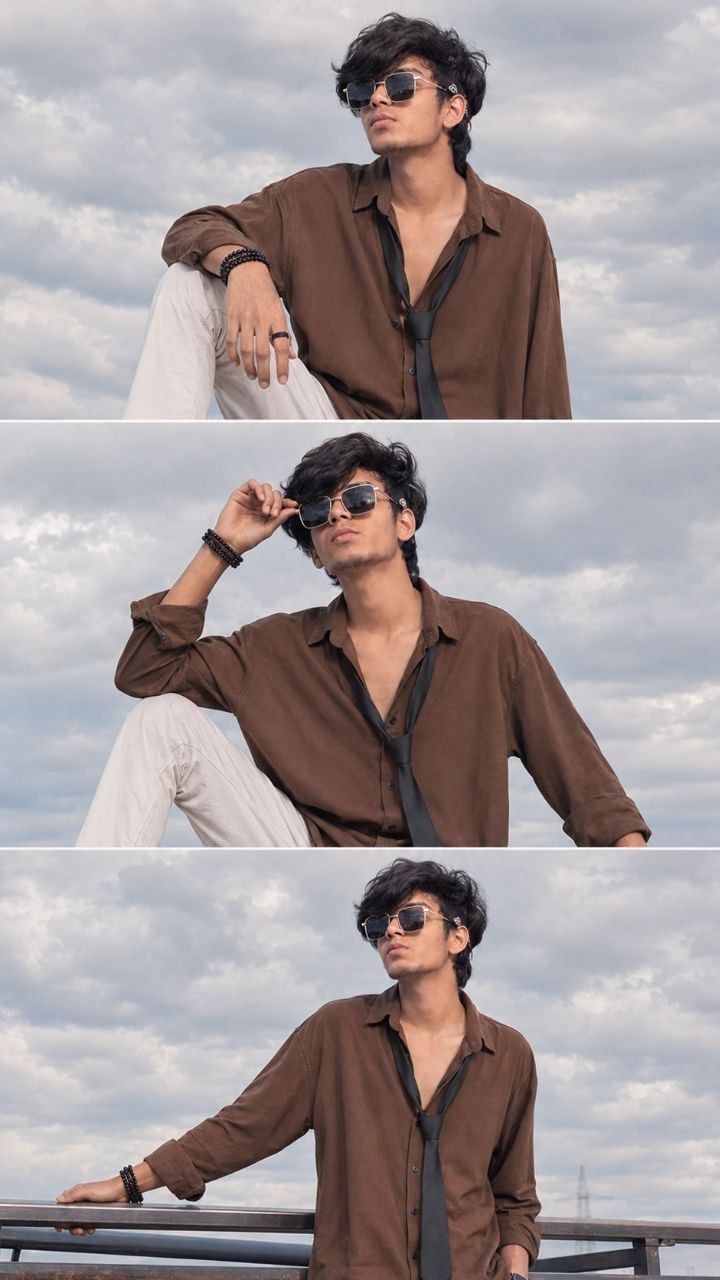
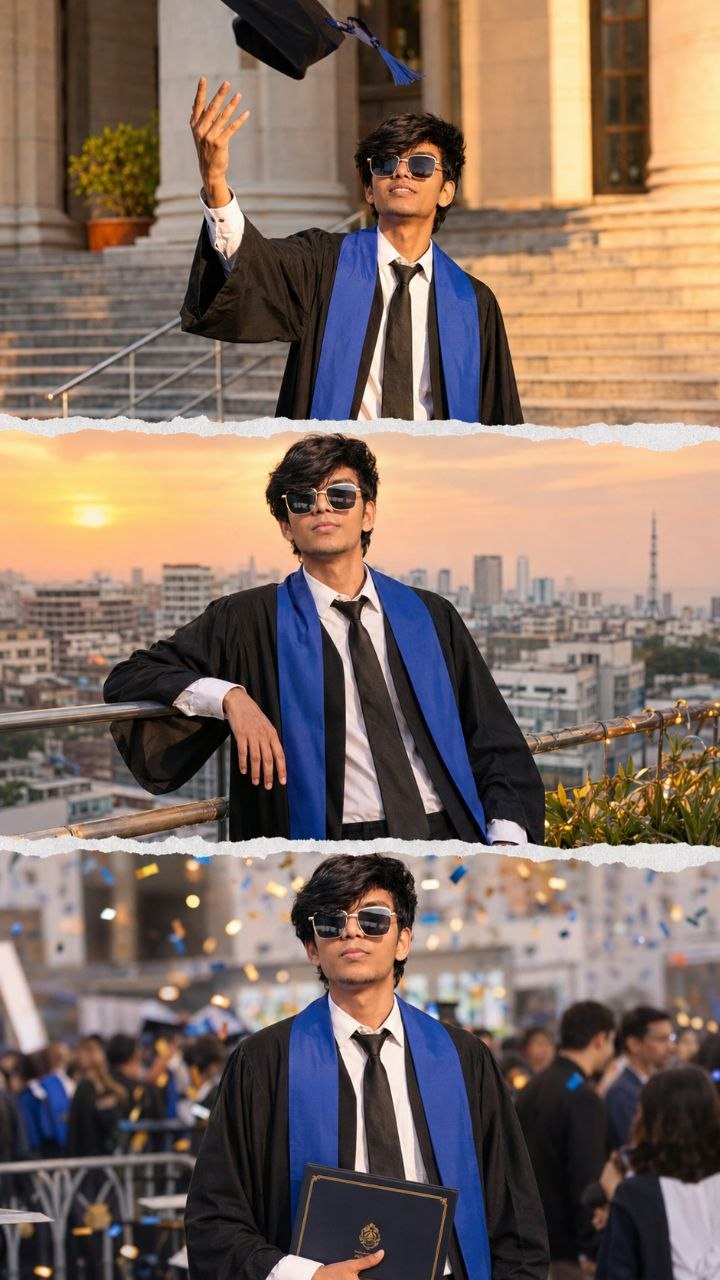
To achieve the best possible results when generating AI images, always begin with a clear, high-quality, natural reference photo of yourself. The quality of the reference image plays an important role in helping the AI understand your real appearance and create a more accurate and consistent result.
🙏 Final Words
Create your own beautiful Radha Krishna Divine Love Story AI Video using this amazing prompt. Turn your creative ideas into cinematic devotional visuals and share your beautiful creations with everyone.
🙏 Radhe Radhe 🙏
❤️ जय श्री कृष्ण ❤️










💬 Recent Comments