 🎬 AI VIDEO
Kling AI
Viral 3D Beat Sync Velocity CapCut Reel Video Prompt & Template
✨ High-Resolution Visual Preview

❓ Why Creators Should Use This Prompt?
Velocity editing requires exact frame timing to match bass-heavy trending audios. This workflow gives creators the optimal keyframe pacing, optical flow speed ramps, and motion blur parameters so that every beat drop triggers a smooth snap zoom without jitter. Videos using this template consistently hit the Instagram audio algorithm explore feed.
📖 Creative Breakdown & Visual Mechanics
Speed-ramped velocity reels dominate the Instagram audio algorithm. This CapCut velocity prompt gives you the exact keyframe timing, motion blur curve, and optical flow parameters required to sync visual transitions precisely with bass-heavy trending tracks. Includes preset XML and one-click template link.
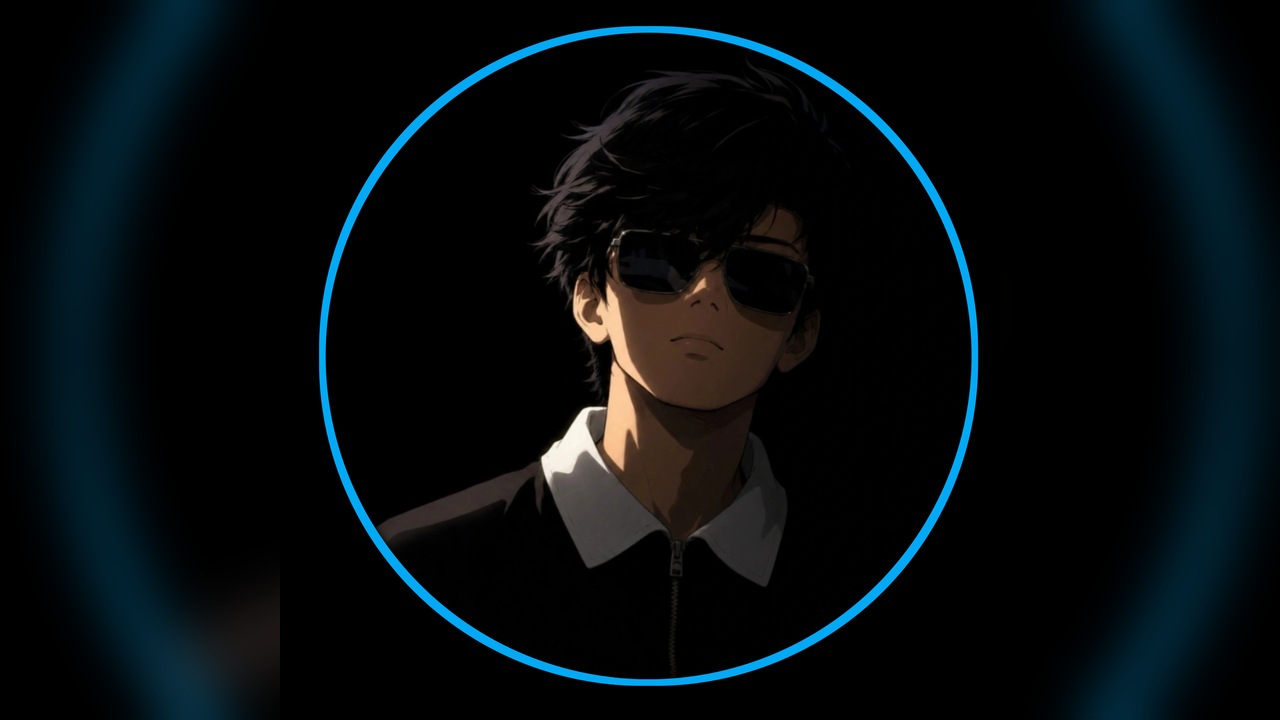
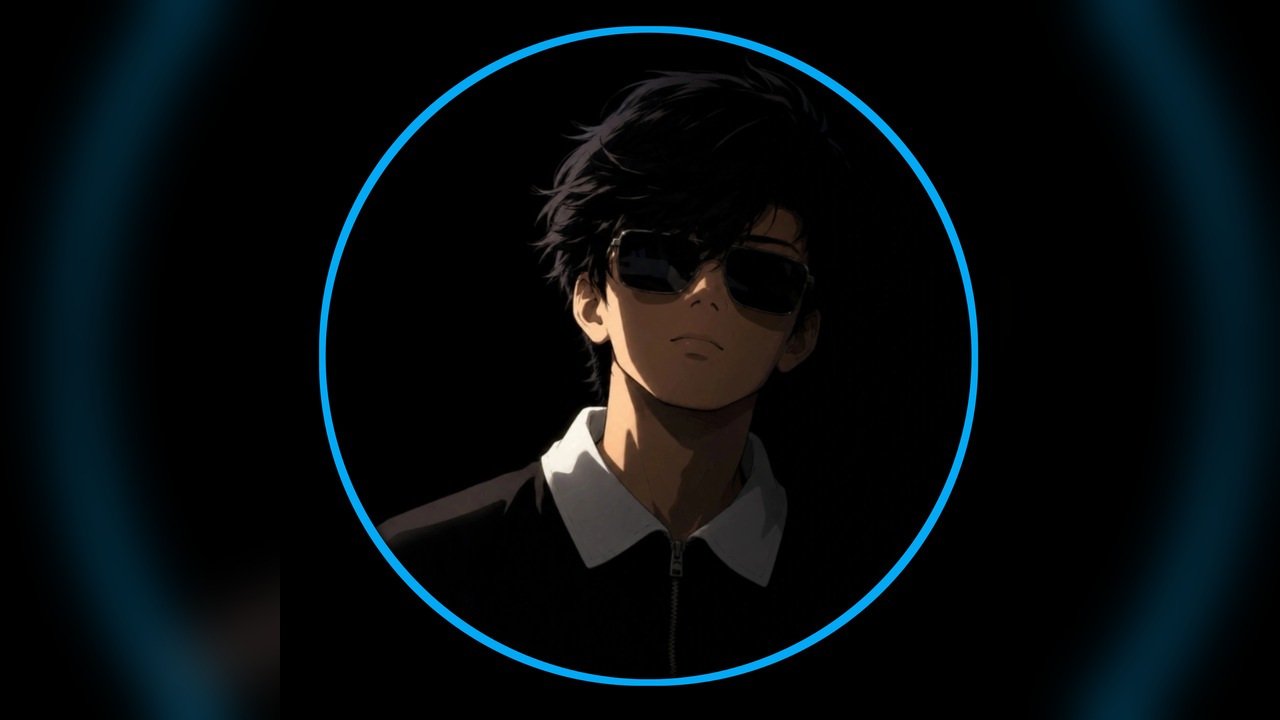
Cinematic portrait of a modern streetwear model posing under vibrant urban street lights, shallow depth of field, dramatic edge highlights, crisp 8k detail.
High-energy velocity beat-drop transition with subtle optical flow zoom, quick flash zoom-in on the beat drop, smooth motion blur curve, seamless speed ramping from 0.5x slow motion to 2.5x fast snap transition, 60fps.
🚀 1-CLICK AI GENERATOR ACCESS
Ready to create this visual in CapCut?
Click below to open the official generator in a new tab and paste your prompt immediately!
⚙️ Recommended AI Generator Parameters
🤖 Primary AI Engine
CapCut Desktop / VN Editor / Luma AI
📐 Recommended Aspect Ratio
9:16 Full HD (1080x1920)
⚡ Motion / Stylize Level
Optical Flow Speed Curve (0.5x to 2.5x snap)
📷 Lens & Lighting Setup
24mm Wide Angle Street, f/1.8 Shutter 1/120
🚫 Recommended Negative Prompt (Avoid Defects):
choppy playback, frame stutter, ghosting artifacts, overexposed flashes, un-synced beat drop, low bitrate compression
🛠️ How to Generate & Customize (Step-by-Step Workflow)
1. Generate your portrait clips using the image prompt.
2. Open CapCut and import the 9:16 video clips.
3. Apply optical flow speed curve: Slow down right before the beat, snap fast on the drop.
4. Add flash overlay and Shake 2 effect at 15% intensity for maximum viral impact.
❓ Frequently Asked Questions (Creator FAQ)
Can I replace the name, character, or background in this prompt?
Yes! In the prompt box above, simply locate quoted names (like "SURAJ") or clothing descriptions and substitute your own custom names, favorite colors, or background settings. The core camera angles and lighting tags will preserve visual quality.
Which AI generator provides the best quality for this style?
For photorealistic portraits and 3D avatars, Midjourney v6.1 and Bing Image Creator (DALL-E 3) deliver top-tier results. For motion and reels, Google Flow, Dreamina, and Luma Dream Machine provide the cleanest 60fps velocity motion.
Are assets generated from this prompt free from copyright claims?
Yes. AI-generated outputs from your prompts are free for commercial use on YouTube, Instagram, and commercial client edits under standard generative AI terms of service.
🎬 AI VIDEO
Kling AI
 📸 AI PHOTO
Midjourney v6
 🎬 AI VIDEO
Luma Dream Machine
✓ Verified Lead Creator
About the Creator
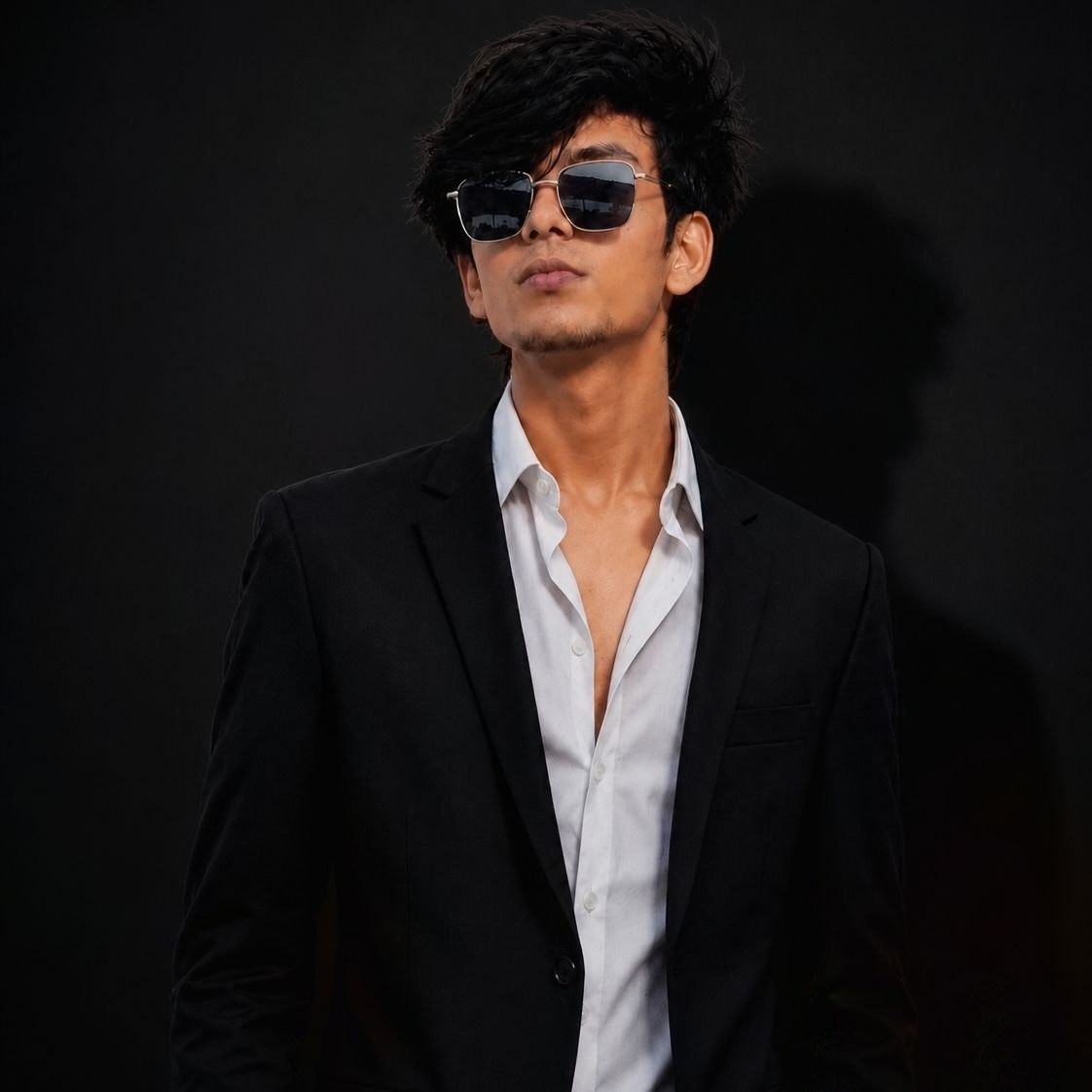
Hey, I'm Suraj Kamble, the creator behind SurajSpace. I test and engineer every AI prompt and CapCut workflow published on this hub so that creators, editors, and influencers can produce viral 9:16 reels and 8K photo art without technical roadblocks.