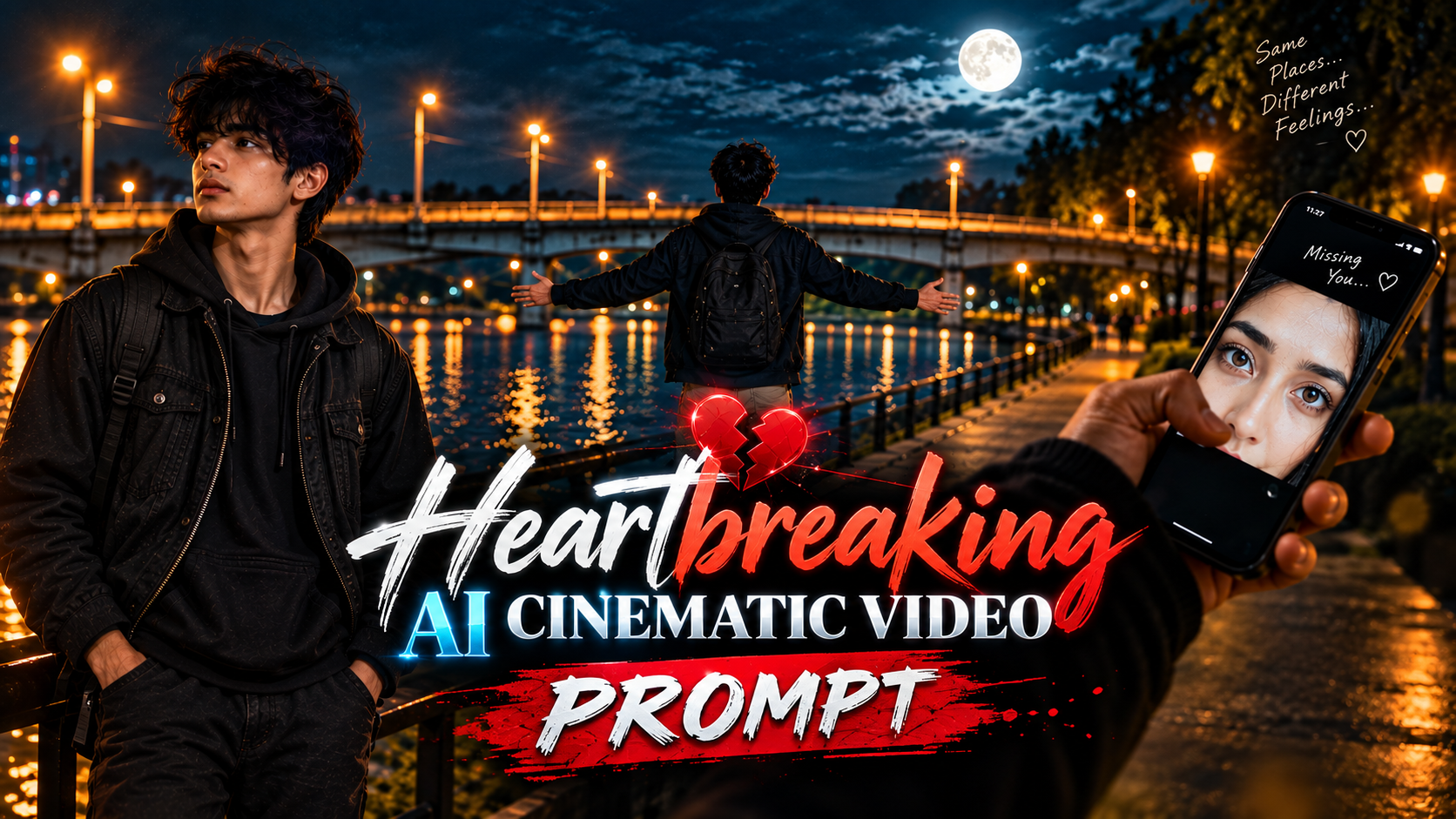
Heartbreaking AI Cinematic Video Prompt
👋 About
Create a heartbreaking AI cinematic video with this emotional night walk video prompt for Google Flow AI. This prompt is designed to create a realistic riverside cinematic video featuring a lonely young man, beautiful night lighting, emotional expressions, a moonlit bridge, and a sad romantic atmosphere. Generate stunning AI videos with cinematic camera movements, realistic visuals, and deep emotional storytelling. Perfect for AI video creators, Instagram Reels, YouTube Shorts, and cinematic storytelling.
This Heartbreaking AI Cinematic Video Prompt helps you create emotional, realistic, and cinematic night walk videos using Google Flow AI. It includes beautiful riverside locations, dramatic night lighting, emotional expressions, smooth camera movements, and a powerful heartbreak atmosphere. You can use this prompt to turn your ideas into cinematic AI videos without complicated editing. Simply copy the prompt, open Google Flow AI, upload your reference image if needed, and generate your own emotional cinematic video.
✨ Heartbreaking AI Cinematic Video Prompt
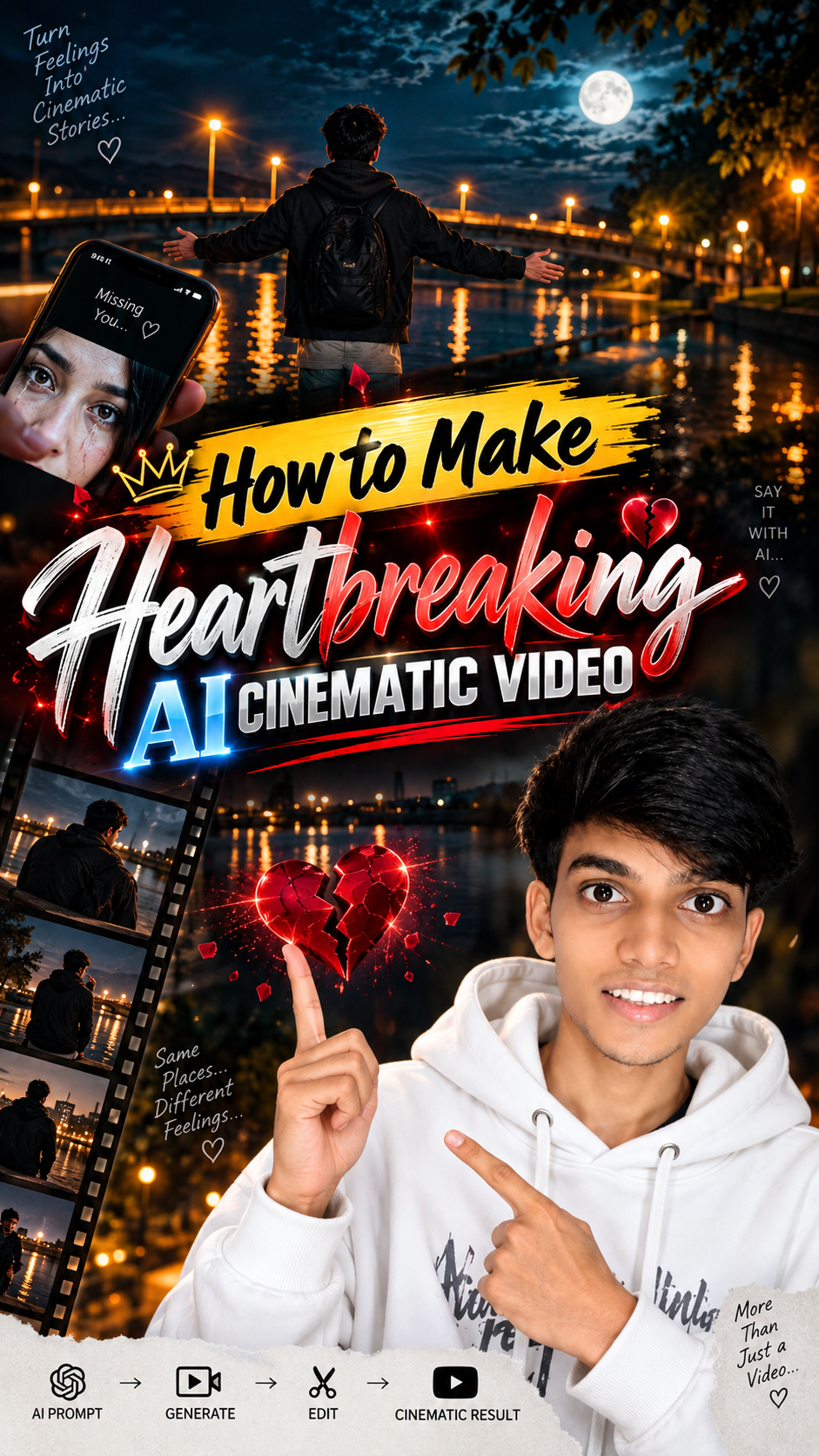
🛠️ How to Create Trending AI Images Using ChatGPT 🔥
1: Open the Suraj Space website. 2: Find the post featuring the AI image you want to create and open it. 3: Copy the Image Prompt from that post. 4: Open ChatGPT and upload your clear photo. 5: Paste the copied prompt into ChatGPT along with your uploaded photo. 6: Click on Generate. 7: Within a few seconds, your AI image will be generated using your photo. 8: If you don't understand any part of the process, search “Suraj Space” on Instagram and watch the tutorial video for the complete process.
🎨 How to Make the Trending Heartbreaking AI Cinematic Video
Step 1: Copy the Video Prompt
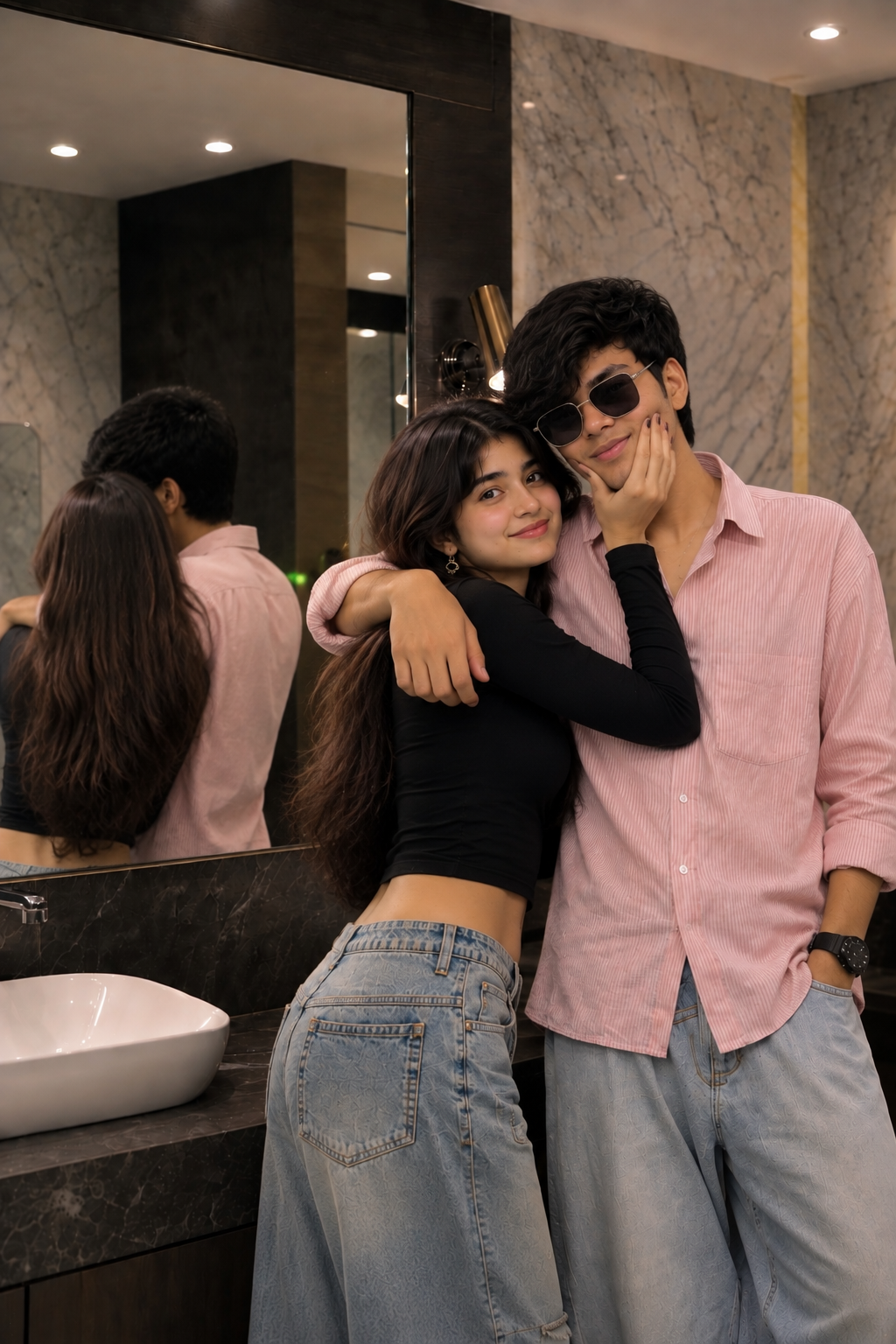
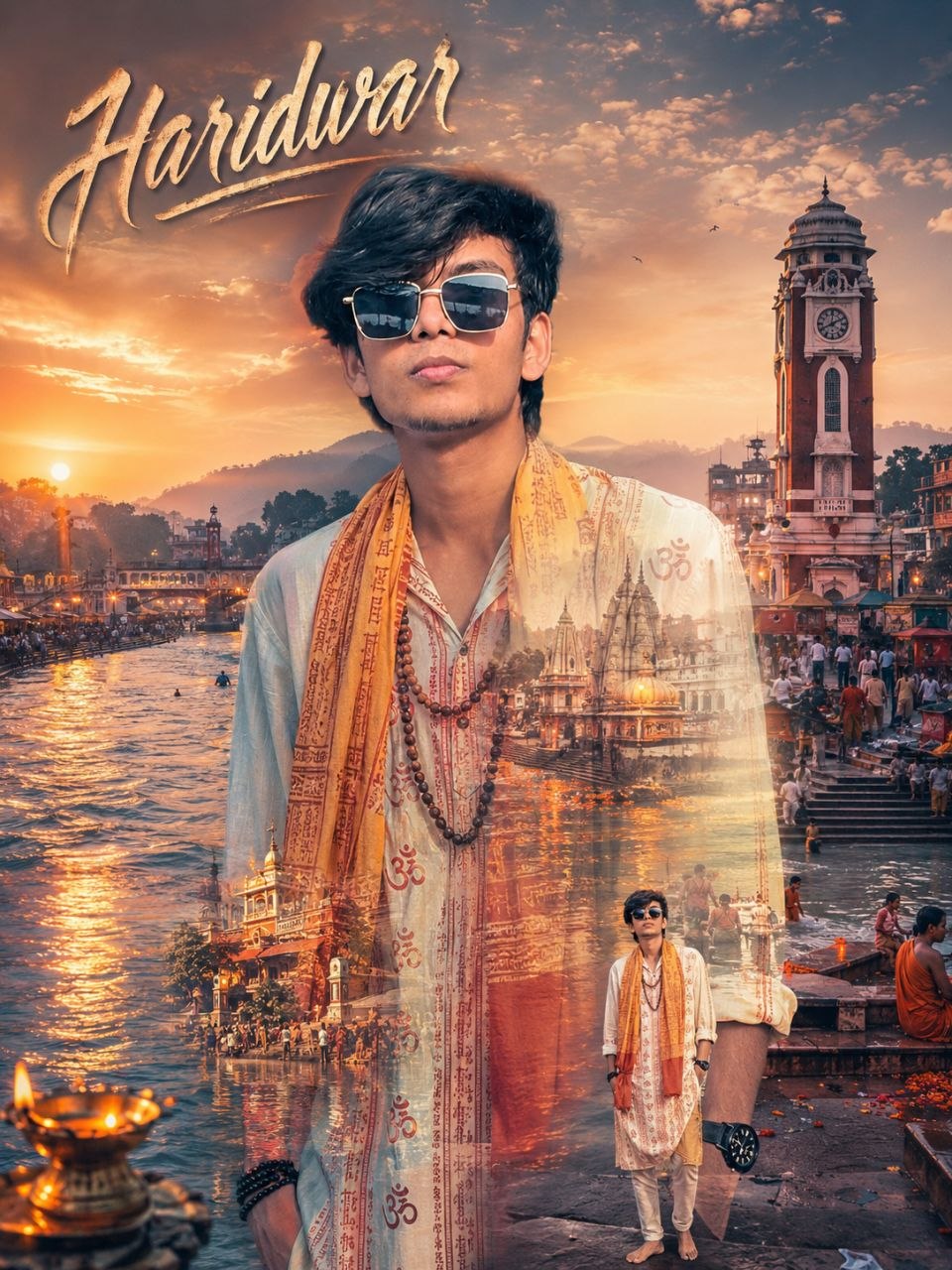
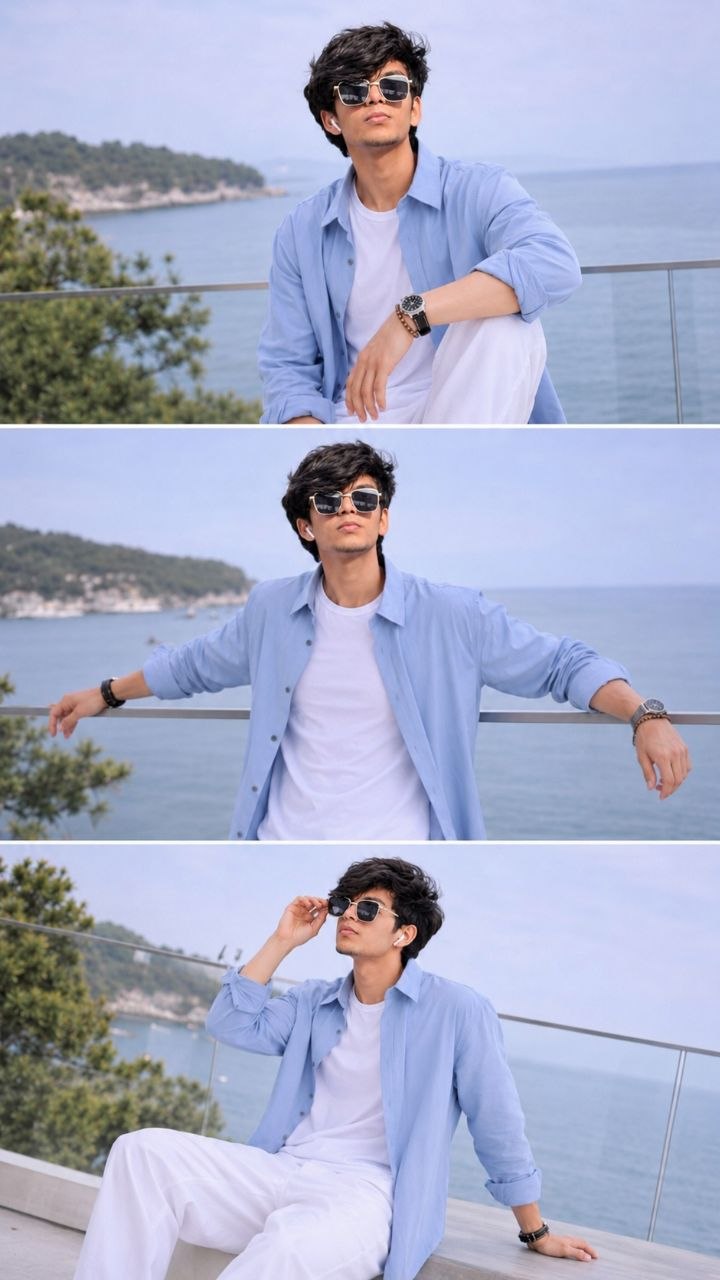
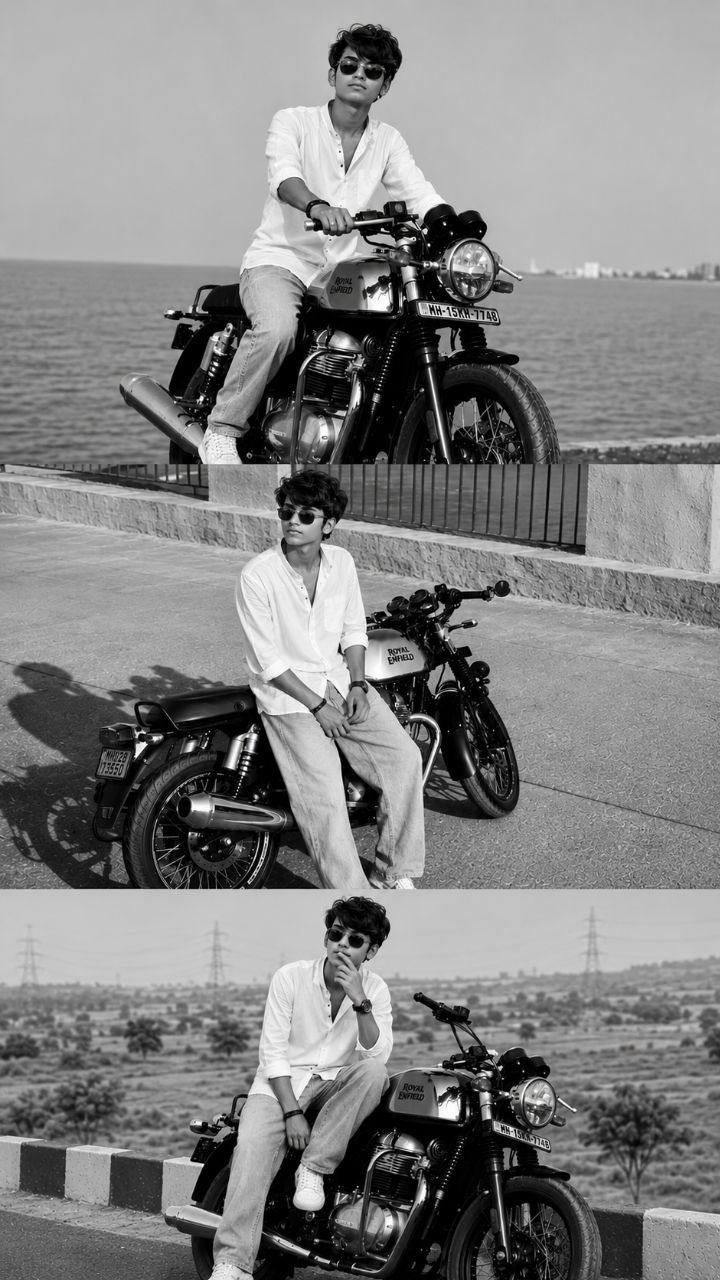
First, look at the image above. Below the image, you will see the Video Prompt. Click on the Copy button to copy the complete video prompt.
Step 2: Open Flow AI
Now open Google Flow AI. You can either use the Flow AI application or visit the Flow AI website.
Step 3: Select Your Image
After opening Flow AI, click on the Plus (+) icon and select your clear photo. Make sure to choose a clear image of yourself for the best result.
Step 4: Select Image to Video
Now select the Image to Video option. Choose your preferred video ratio — 9:16 or 16:9. Then select the quality option as needed.
Step 5: Paste the Master Prompt
Copy the Master Prompt provided above and paste it into the prompt box. After that, click on the Generate button.
Step 6: Generate Your Cinematic AI Video
Within seconds, your Heartbreaking AI Cinematic Video will be ready. You can use this method to create your own trending cinematic AI videos using your photo and the provided prompt.
So what are you waiting for? Copy the prompt now and start creating your own Heartbreaking AI Cinematic Video. ❤️
💡 How to Create Better, More Accurate, Highly Detailed & Realistic AI Images
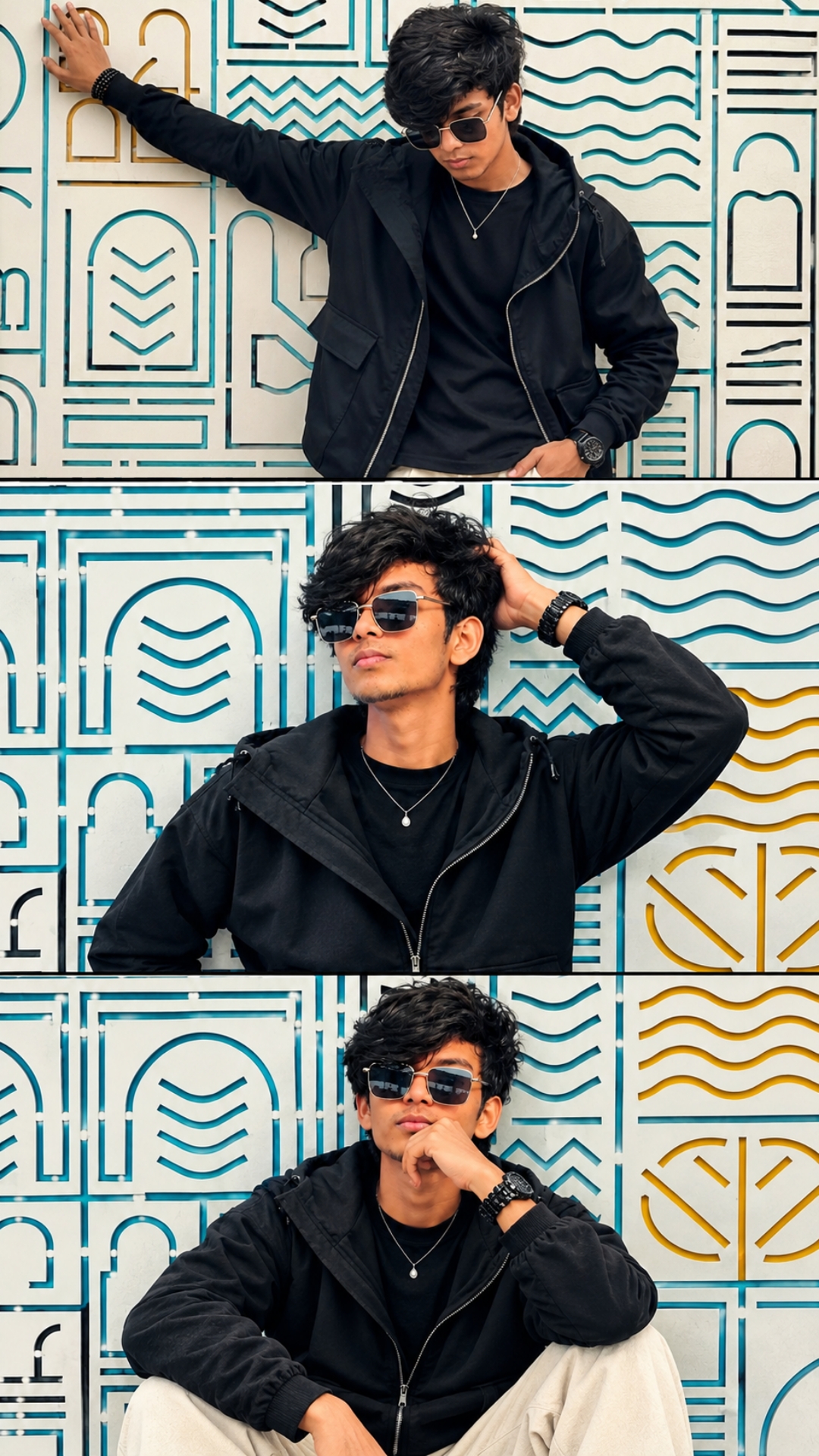
To achieve the best possible results when generating AI images, always begin with a clear, high-quality, natural reference photo of yourself. The quality of the reference image plays an important role in helping the AI understand your real appearance and create a more accurate and consistent result.
🙏 Final Words
So guys, agar aapko bhi aisi Heartbreaking AI Cinematic Video banani hai, toh upar diya gaya prompt copy karo aur Google Flow AI mein use karke apni khud ki emotional cinematic video create karo. Agar aapko ye prompt helpful laga, toh is post ko apne friends ke saath share karo aur aise hi amazing AI video prompts ke liye SurajSpace ko follow karo. ❤️










💬 Recent Comments