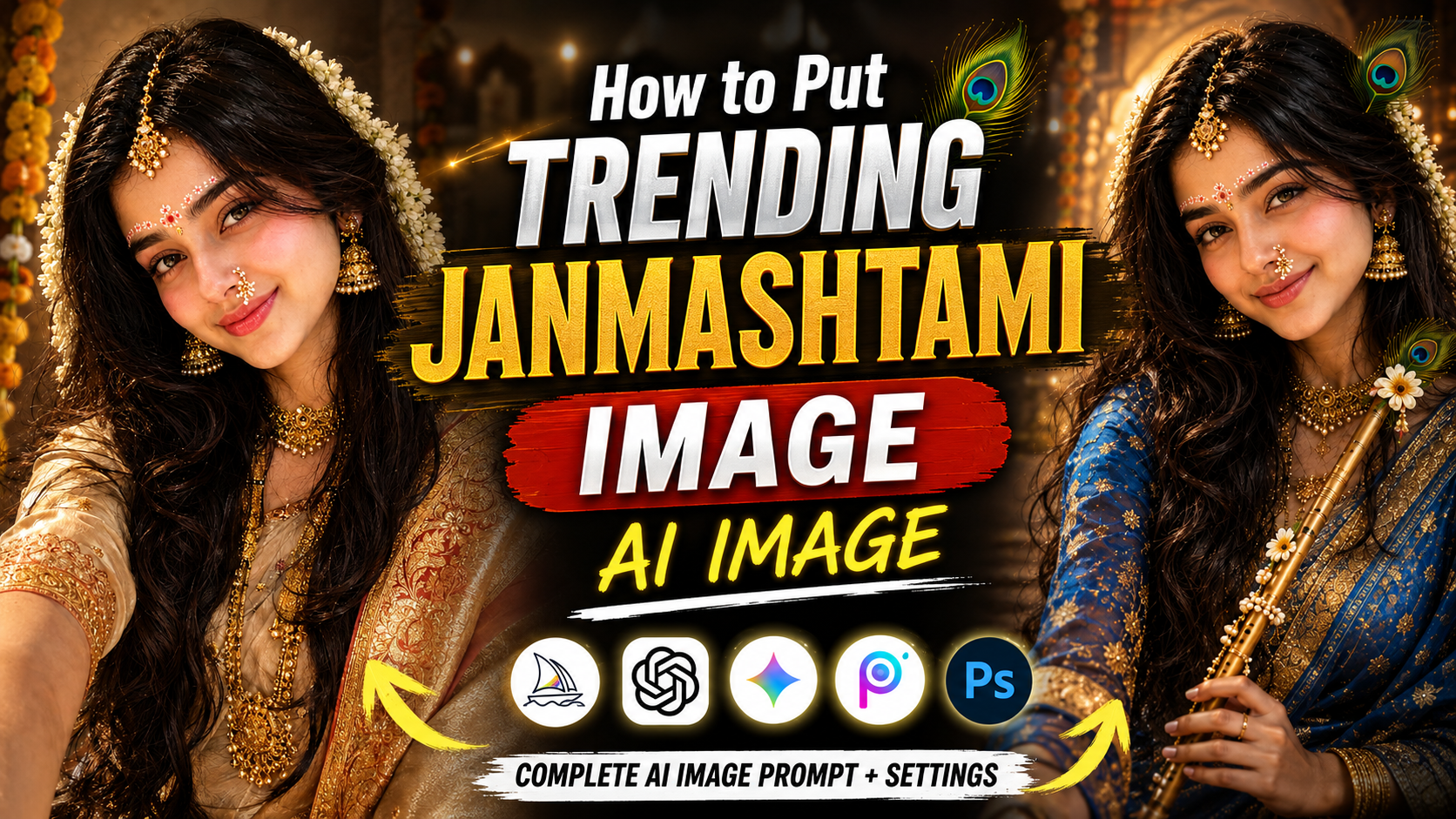
How to Create Trending Janmashtami AI Images 🤯 |
👋 About
Want to create stunning and trending Janmashtami AI images using your own photo? This complete AI image prompt is designed to help you transform a normal portrait into a beautiful, realistic and cinematic Janmashtami-inspired Indian festive image.
With this prompt, you can create a premium traditional look featuring elegant Indian outfits, beautiful gold jewelry, peacock feathers, Krishna-inspired styling, traditional festive decorations, glowing diyas, temple-inspired backgrounds, warm cinematic lighting and realistic photography details.
The prompt is specially written to maintain the natural identity of the person in the reference photo. It instructs the AI to preserve important facial features such as the eyes, eyebrows, nose, lips, jawline, forehead, hairline, skin tone, natural skin texture and overall recognizable appearance while changing the outfit, styling, environment and festive atmosphere.
You can use this Janmashtami AI image prompt with compatible AI image-generation tools to create eye-catching images for Instagram posts, Instagram Reels, YouTube Shorts thumbnails, Facebook posts, WhatsApp status, profile pictures and other social media content.
The goal is to create a realistic human portrait rather than a cartoon or fantasy character. The final image should look like a professionally photographed Indian festive portrait with realistic skin, detailed hair, natural facial expressions, premium traditional clothing, realistic jewelry and cinematic lighting.
For the best results, upload a clear and high-quality reference photograph where the face is clearly visible. You can experiment with different traditional outfits, poses, backgrounds, jewelry styles and Krishna-inspired elements while keeping the main facial identity consistent.
Use the complete prompt below, upload your reference image, generate the image and create your own trending Janmashtami AI portrait.
This Janmashtami AI image prompt is useful because it combines realistic facial identity preservation, traditional Indian festive styling, Krishna-inspired visual elements and cinematic photography into one detailed prompt.
Normally, when an AI image generator changes a person's outfit or environment, it may also unintentionally change the face, facial proportions, skin tone, hairstyle or overall appearance. This prompt specifically gives the AI detailed instructions to treat the uploaded reference image as the primary source of facial identity and to preserve the person's natural recognizable features.
The prompt also provides detailed instructions for the complete visual environment. Instead of simply asking the AI to create a Janmashtami image, it describes the traditional outfit, gold jewelry, peacock feather, flute, festive decorations, temple-inspired setting, diyas, flowers, background bokeh, lighting, camera perspective and realistic photography quality.
Another major benefit is that the prompt focuses on a realistic human appearance. The generated image is intended to look like an actual professional photograph rather than an illustration, cartoon or overly artificial AI creation. Details such as natural skin texture, realistic hair strands, fabric texture, jewelry reflections, realistic shadows and professional portrait photography help create a more believable result.
This makes the prompt especially useful for creators who want to create trending festive AI content for social media during Janmashtami. You can use your own reference photograph and generate a personalized Krishna-inspired festive look without manually designing the entire scene.
You can also modify individual elements of the prompt according to your preference. For example, you can change the saree or traditional outfit, background, jewelry, pose, lighting style, color palette or Krishna-inspired decorations while keeping the identity-preservation instructions intact.
In short, this prompt saves time, provides detailed creative direction to the AI and helps you create a polished, realistic and visually attractive Janmashtami AI image suitable for social media content.
✨ Best Trending Janmashtami AI Image Prompt – Create Viral Krishna-Inspired Portraits
🛠️ How to Create Trending AI Images Using ChatGPT 🔥
1: Open the Suraj Space website. 2: Find the post featuring the AI image you want to create and open it. 3: Copy the Image Prompt from that post. 4: Open ChatGPT and upload your clear photo. 5: Paste the copied prompt into ChatGPT along with your uploaded photo. 6: Click on Generate. 7: Within a few seconds, your AI image will be generated using your photo. 8: If you don't understand any part of the process, search “Suraj Space” on Instagram and watch the tutorial video for the complete process.
🎨 Photo Editing Ideas
Create a stunning and realistic Janmashtami AI image using your own reference photograph with the detailed prompt provided below.
The concept is designed around the current trend of personalized AI portraits, where a normal photograph is transformed into a premium traditional Indian festive portrait. The final result combines a realistic human appearance with beautiful Krishna-inspired Janmashtami styling.
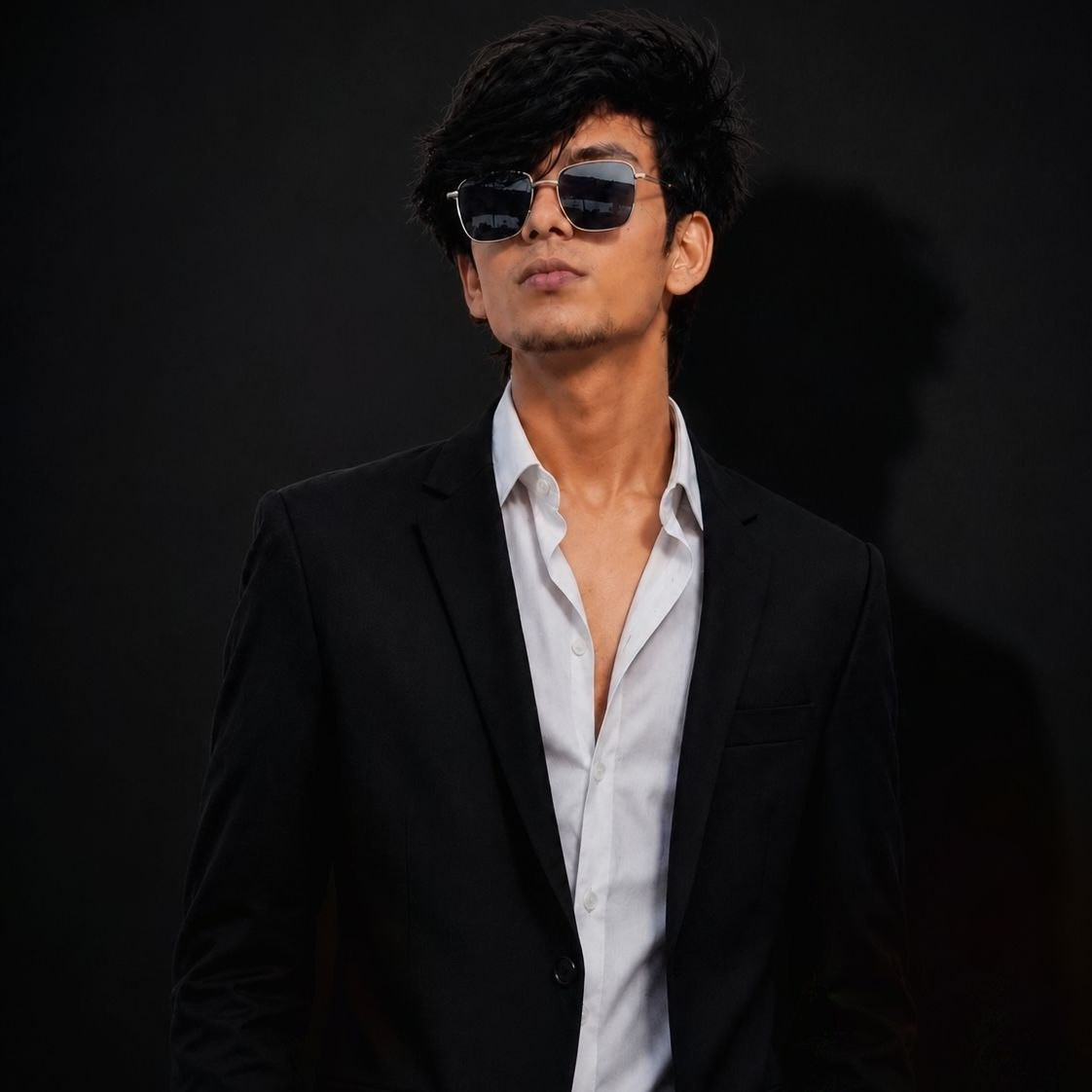
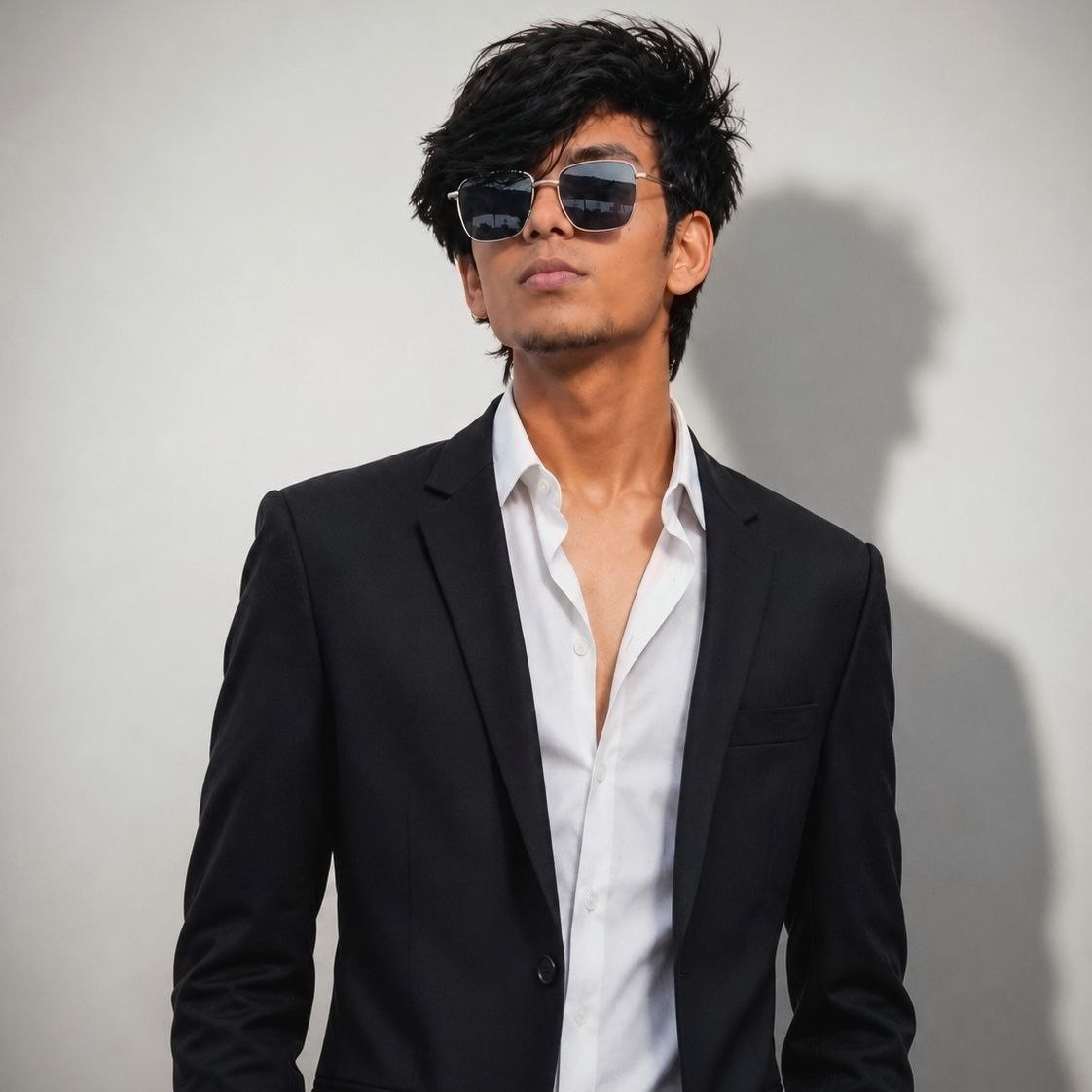
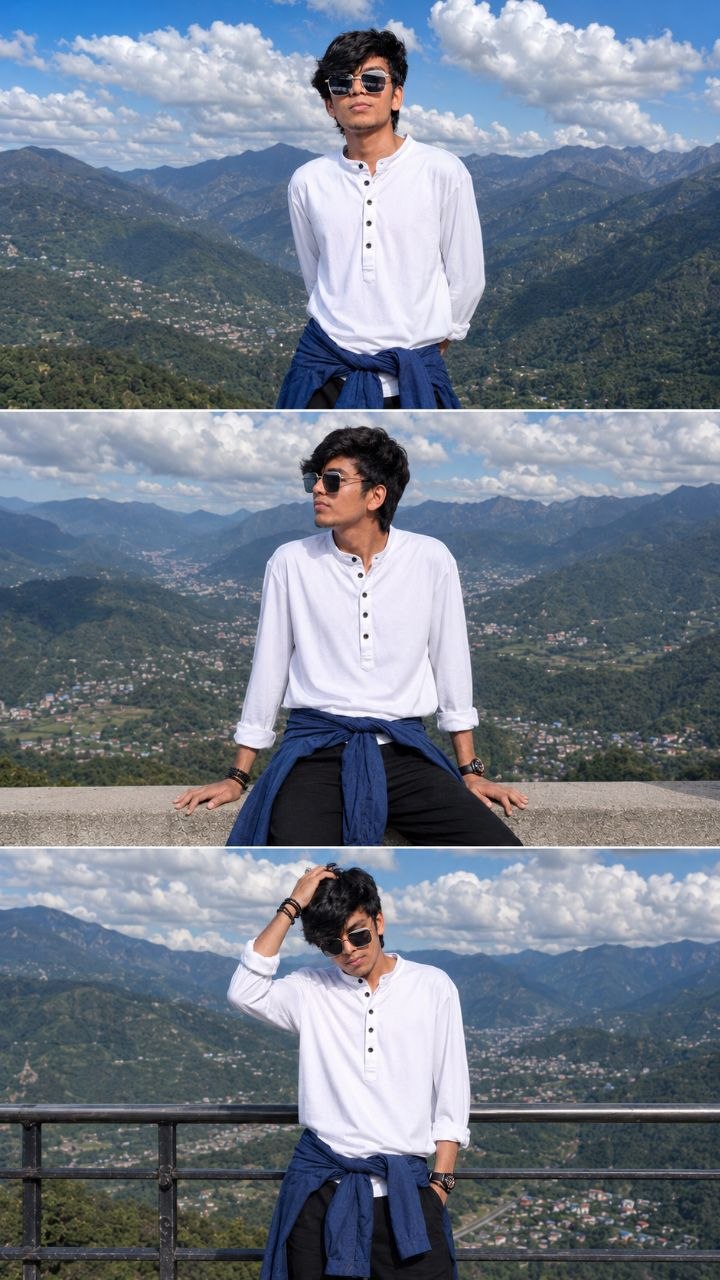
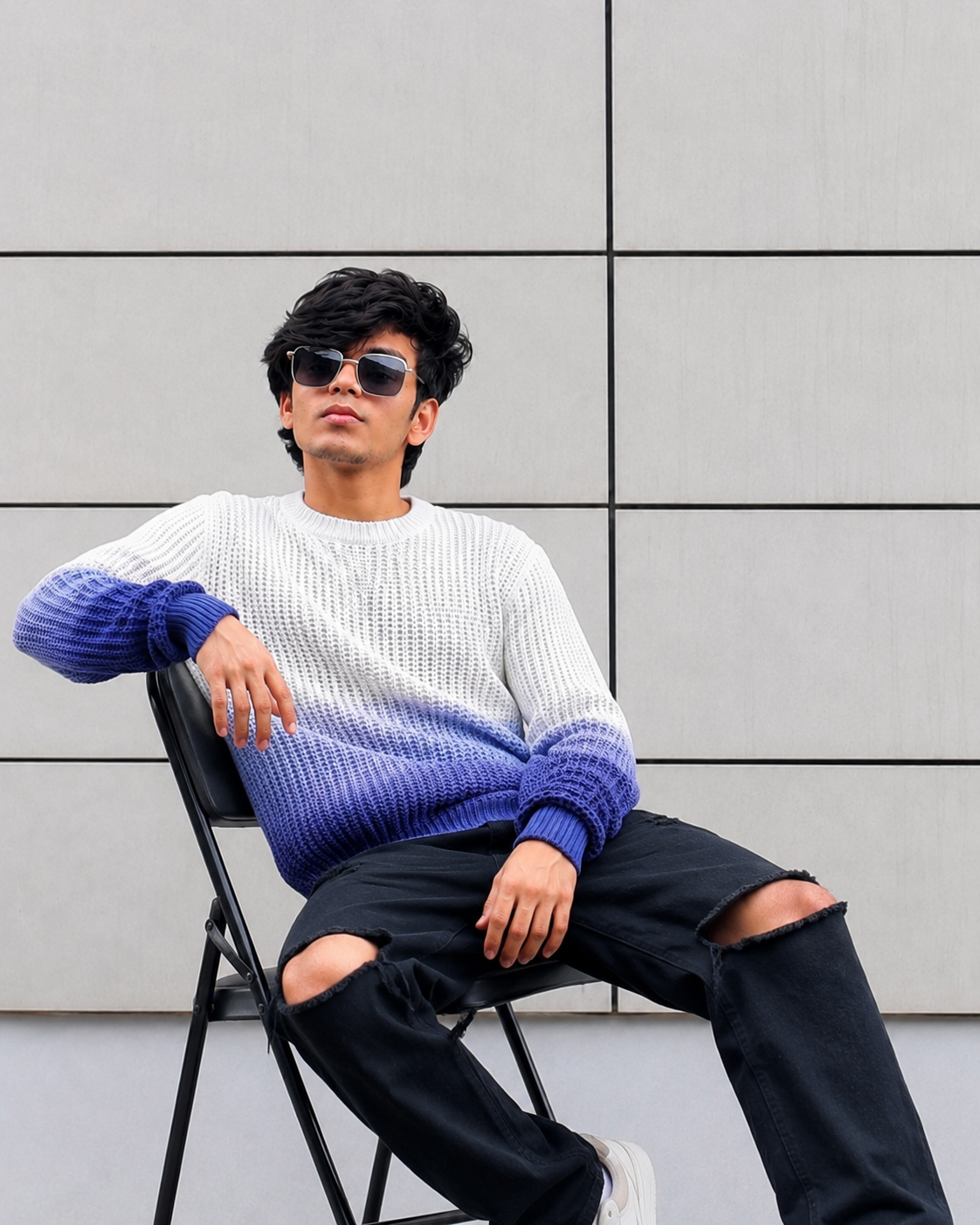
For the best result, start with a clear, high-resolution photograph. Make sure the face is properly visible and is not heavily covered by sunglasses, masks, extreme shadows or other objects. A clean reference image generally gives the AI more information to maintain the person's facial identity.
After uploading your reference image, use the complete prompt below. The prompt instructs the AI to preserve the original facial identity while creating the Janmashtami-inspired styling, clothing, accessories, environment and lighting.
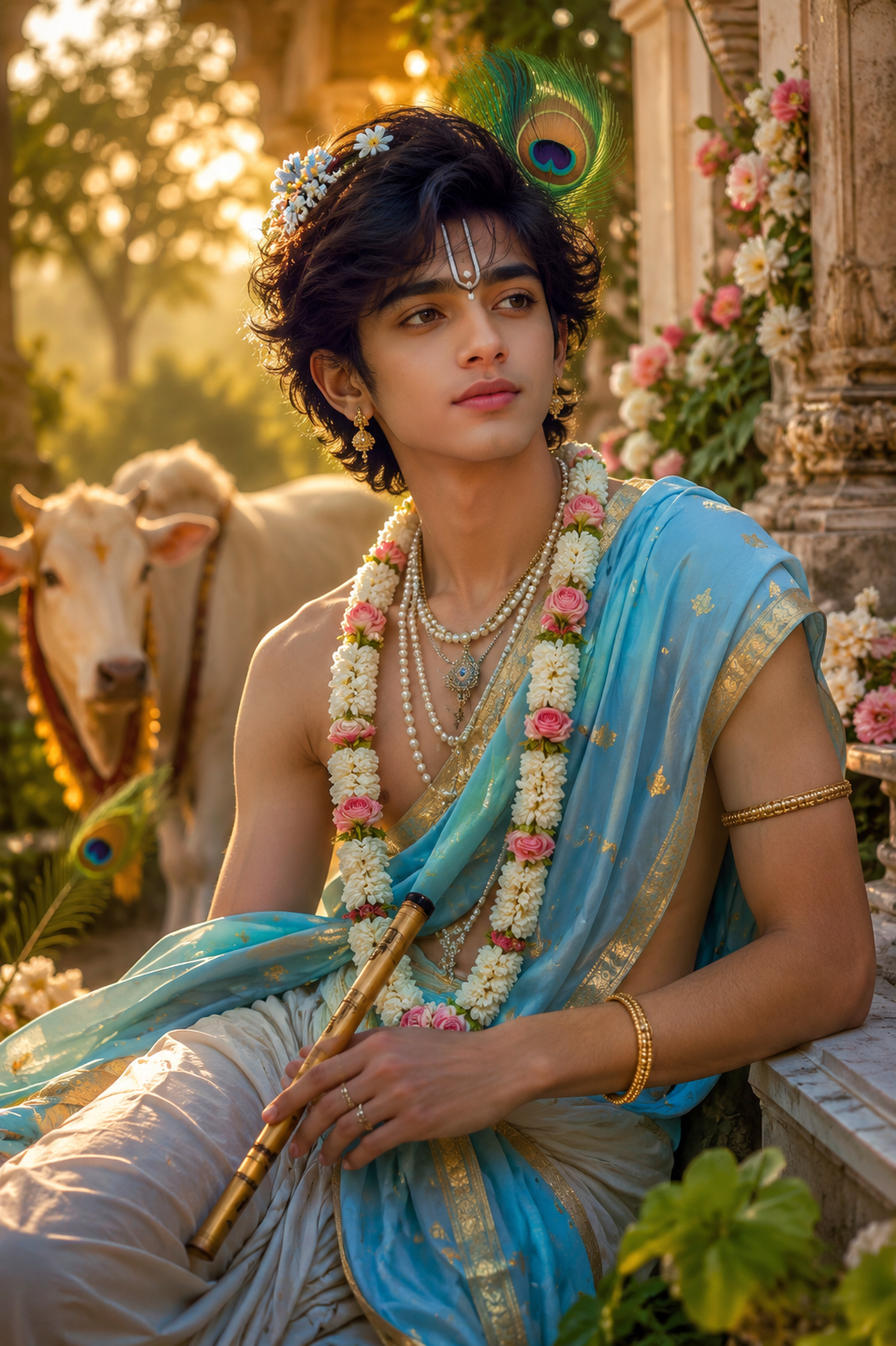
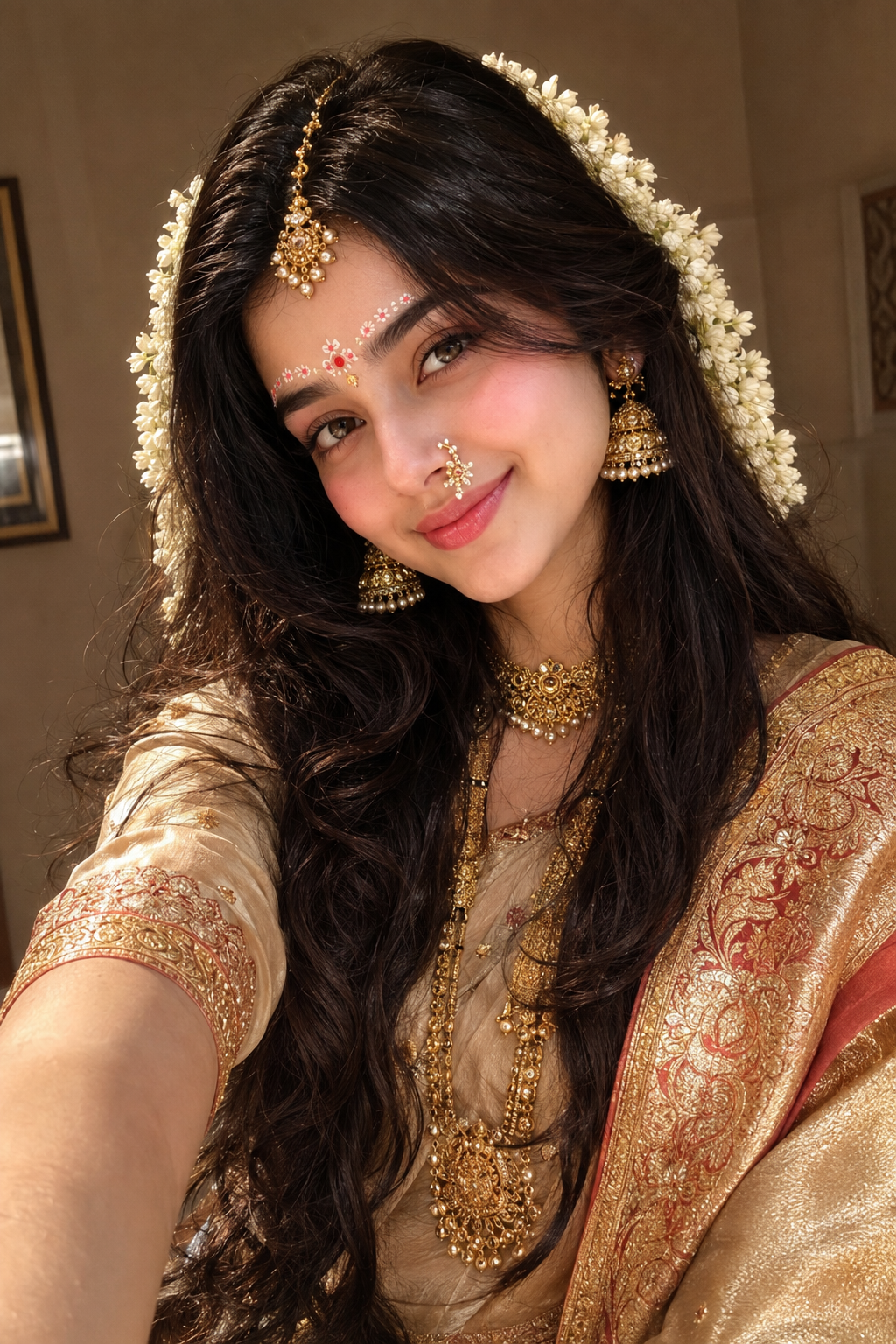
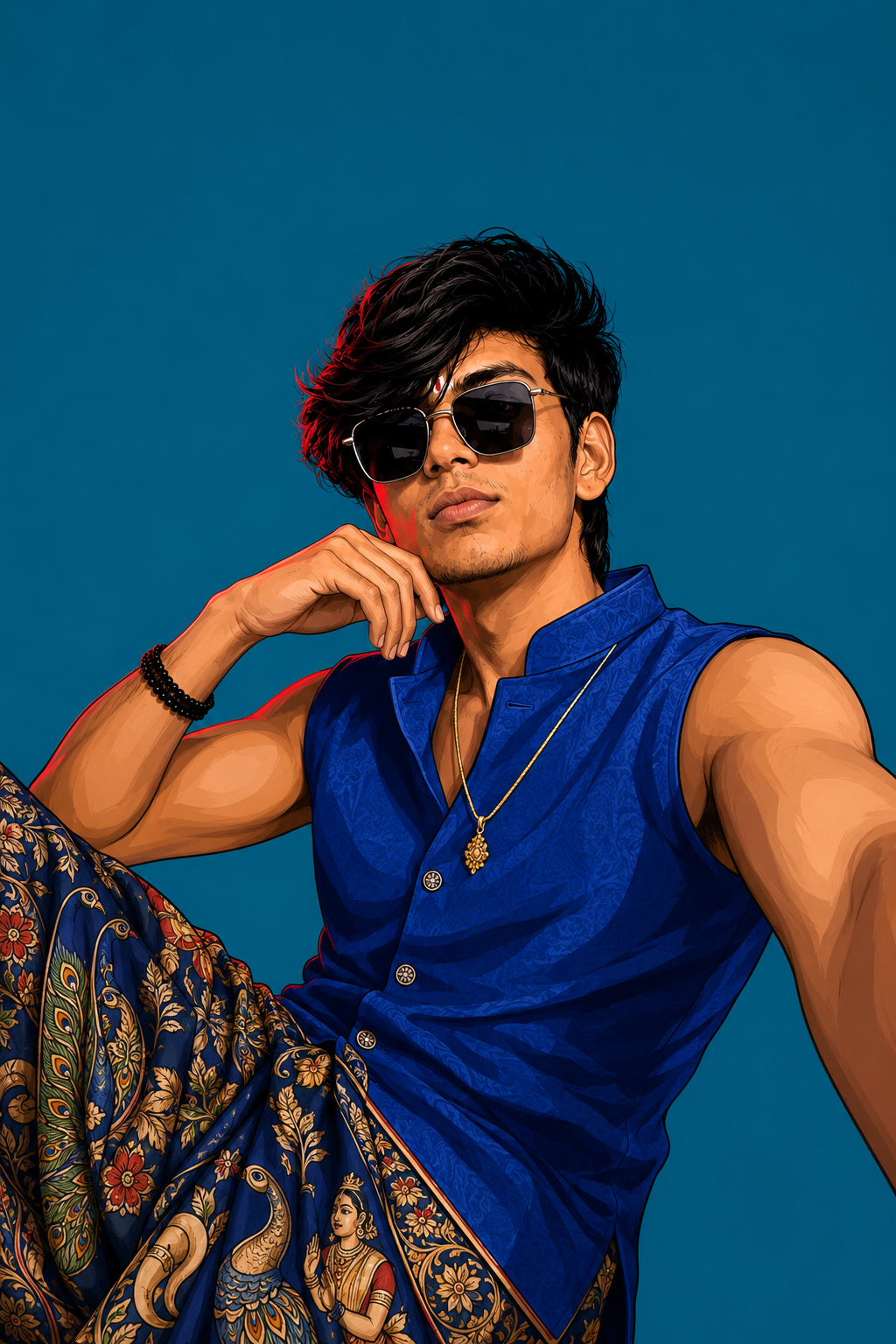
The generated portrait can include elegant traditional Indian clothing, detailed embroidery, luxurious gold jewelry, jasmine flowers, a peacock feather, a decorated bansuri, traditional tilak and other subtle Krishna-inspired festive elements.
The background can feature a beautiful Indian temple-inspired environment with warm glowing diyas, marigold flower decorations, traditional architecture, soft golden lights and cinematic background bokeh.
The photography instructions are also important. The prompt asks for realistic skin texture, detailed hair strands, natural shadows, realistic fabric, accurate jewelry reflections, shallow depth of field and professional portrait photography so that the final image looks like a real photograph.
You can generate multiple variations by changing the outfit color, pose, background, jewelry style or lighting while keeping the identity-preservation section unchanged.
For a stronger social-media look, choose a vertical 9:16 composition. This format works particularly well for Instagram Reels, YouTube Shorts, Facebook Reels and WhatsApp status content.
IMPORTANT:
Do not remove the identity-preservation instructions if you want the generated face to remain close to your reference photograph. Avoid adding unnecessary beauty filters or instructions that could cause the AI to completely redesign the face.
You can also experiment with different Krishna-inspired color combinations such as royal blue and gold, cream and red, saffron and gold, or deep blue with traditional golden embroidery.
The goal is to create a realistic, elegant, festive and cinematic Janmashtami portrait that looks premium and visually engaging while still maintaining the natural identity of the person in the reference image.
💡 How to Create Better, More Accurate, Highly Detailed & Realistic AI Images
To achieve the best possible results when generating AI images, always begin with a clear, high-quality, natural reference photo of yourself. The quality of the reference image plays an important role in helping the AI understand your real appearance and create a more accurate and consistent result.
🙏 Final Words
Your trending Janmashtami AI image is now ready to create! 🦚✨
Use a clear reference photograph and paste the complete AI prompt without removing the facial identity instructions. These instructions are important for maintaining a natural and recognizable appearance while allowing the AI to transform the outfit, environment and festive styling.
You can create multiple versions by changing the traditional outfit, color combination, jewelry, pose, background and lighting. Try royal blue and gold for a strong Krishna-inspired appearance, cream and red for a traditional festive look, or saffron and gold for a more devotional aesthetic.
For social media, the 9:16 vertical format is recommended because it works perfectly for Instagram Reels, YouTube Shorts, Facebook Reels and WhatsApp Status.
Remember that different AI image generators may produce slightly different results. If the first generation does not look perfect, try generating another variation while keeping the main identity-preservation instructions unchanged.
Create your own personalized Janmashtami AI portrait, experiment with different styles and share your favorite result with your friends and followers.
🦚✨ Create. Edit. Share. Celebrate Janmashtami with AI! ✨🦚


💬 Recent Comments