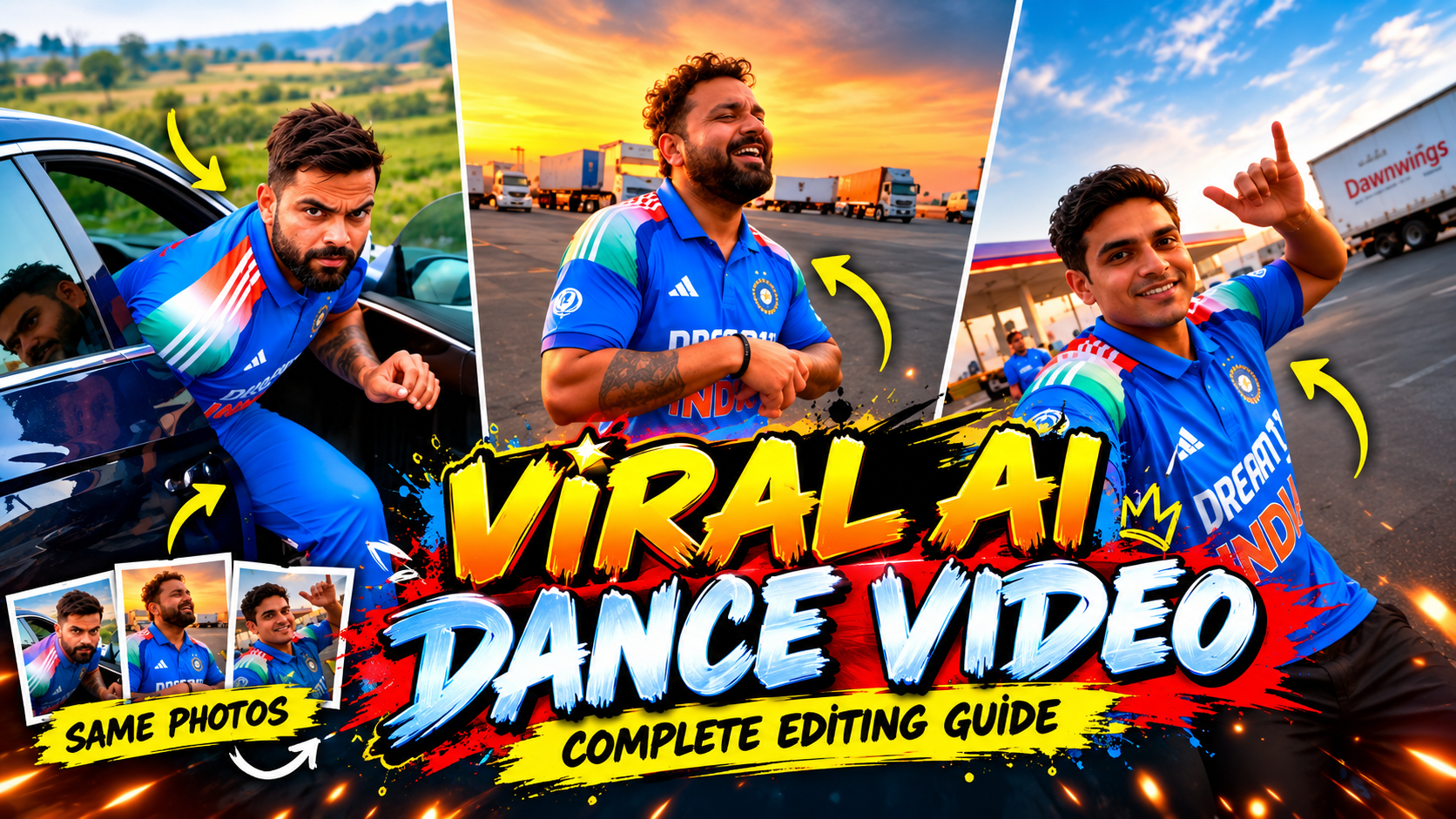
Viral AI Dance Video
👋 About
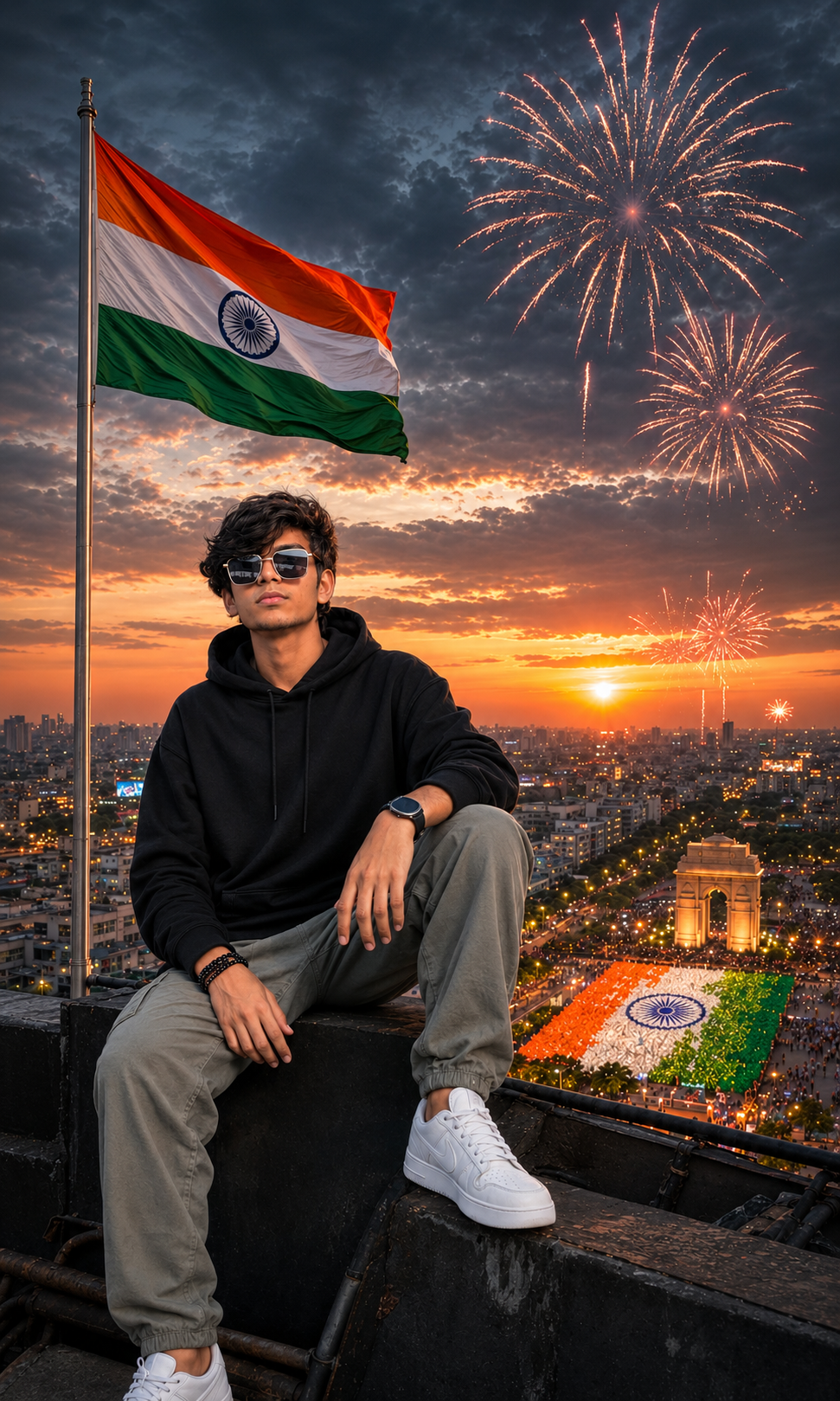
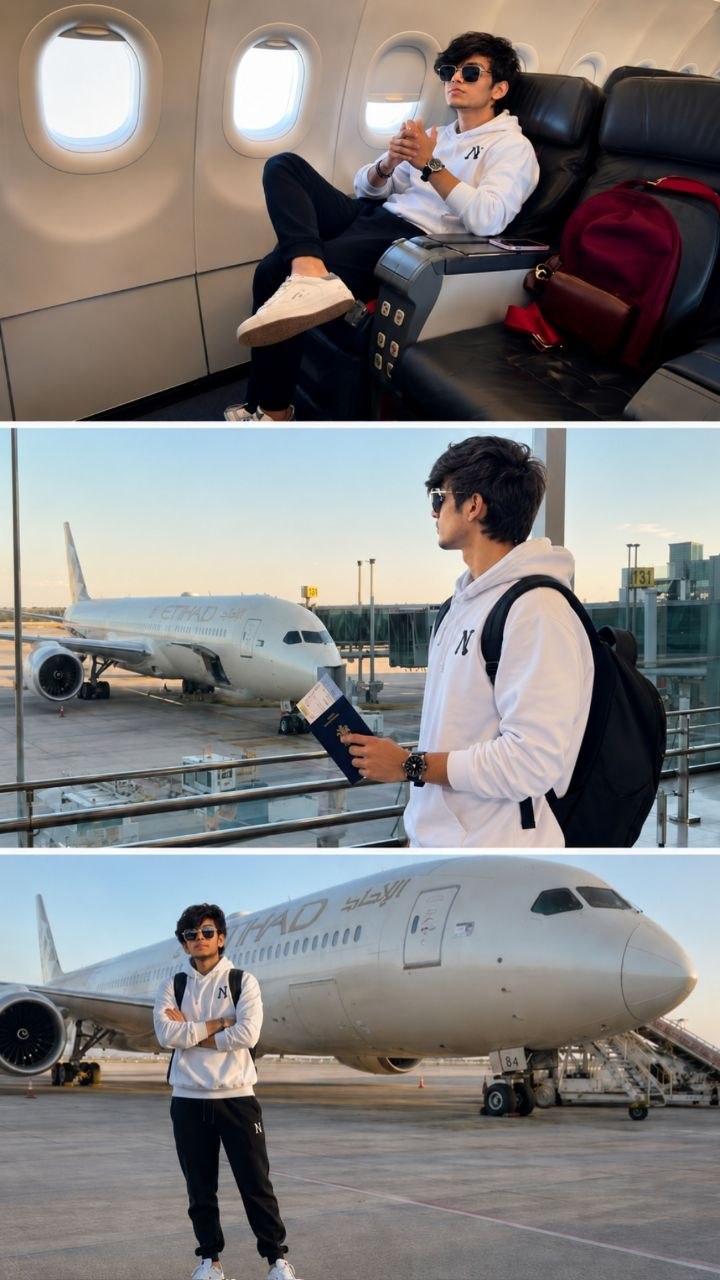
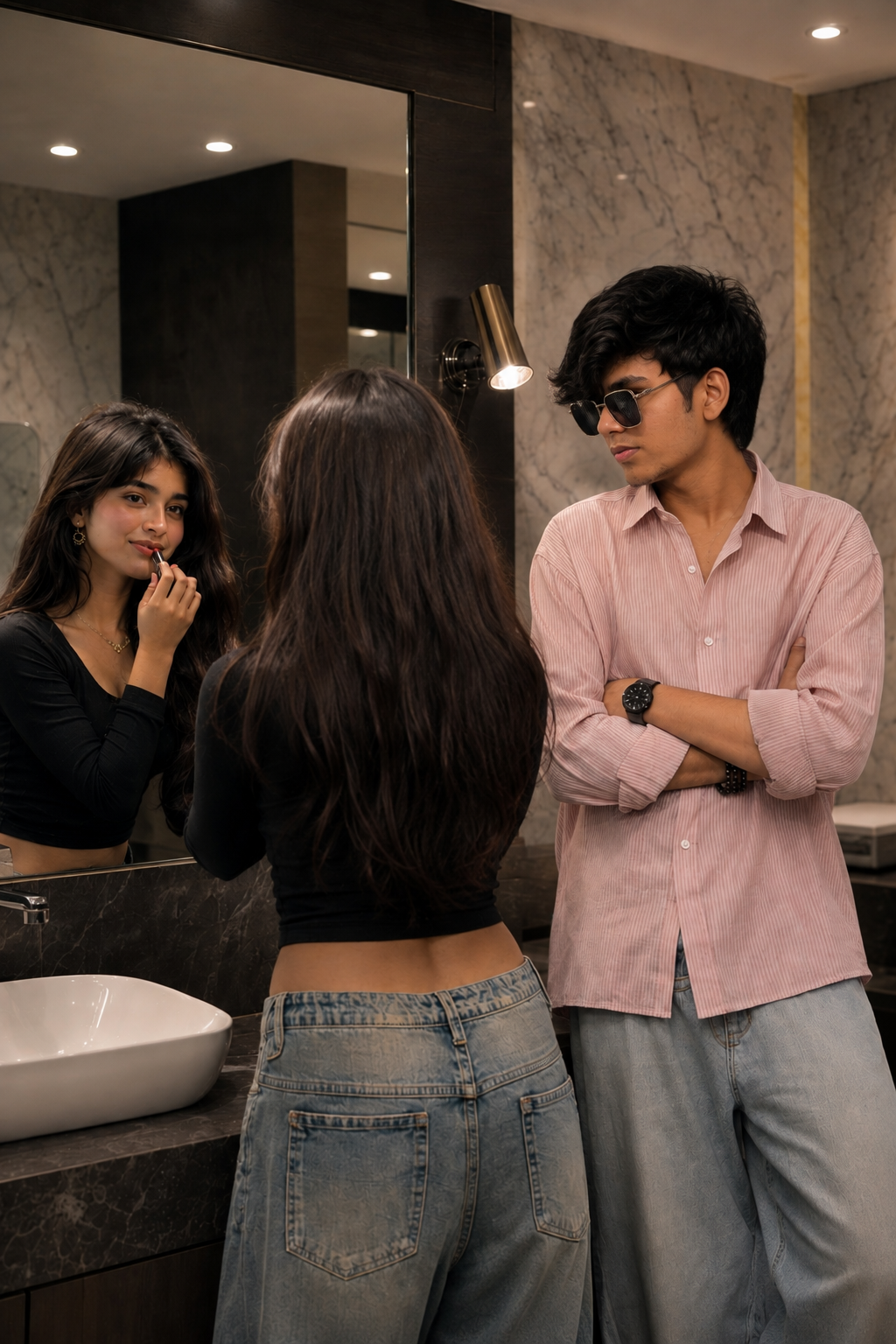
Create viral AI dance videos and eye-catching thumbnails using your own photos with AI. Is category mein aapko same face and same person consistency ke saath AI dance video prompts, thumbnail ideas, photo editing techniques aur complete editing guidance milegi. Apni normal photos ko cinematic, dynamic aur professional viral-style content mein convert karein.
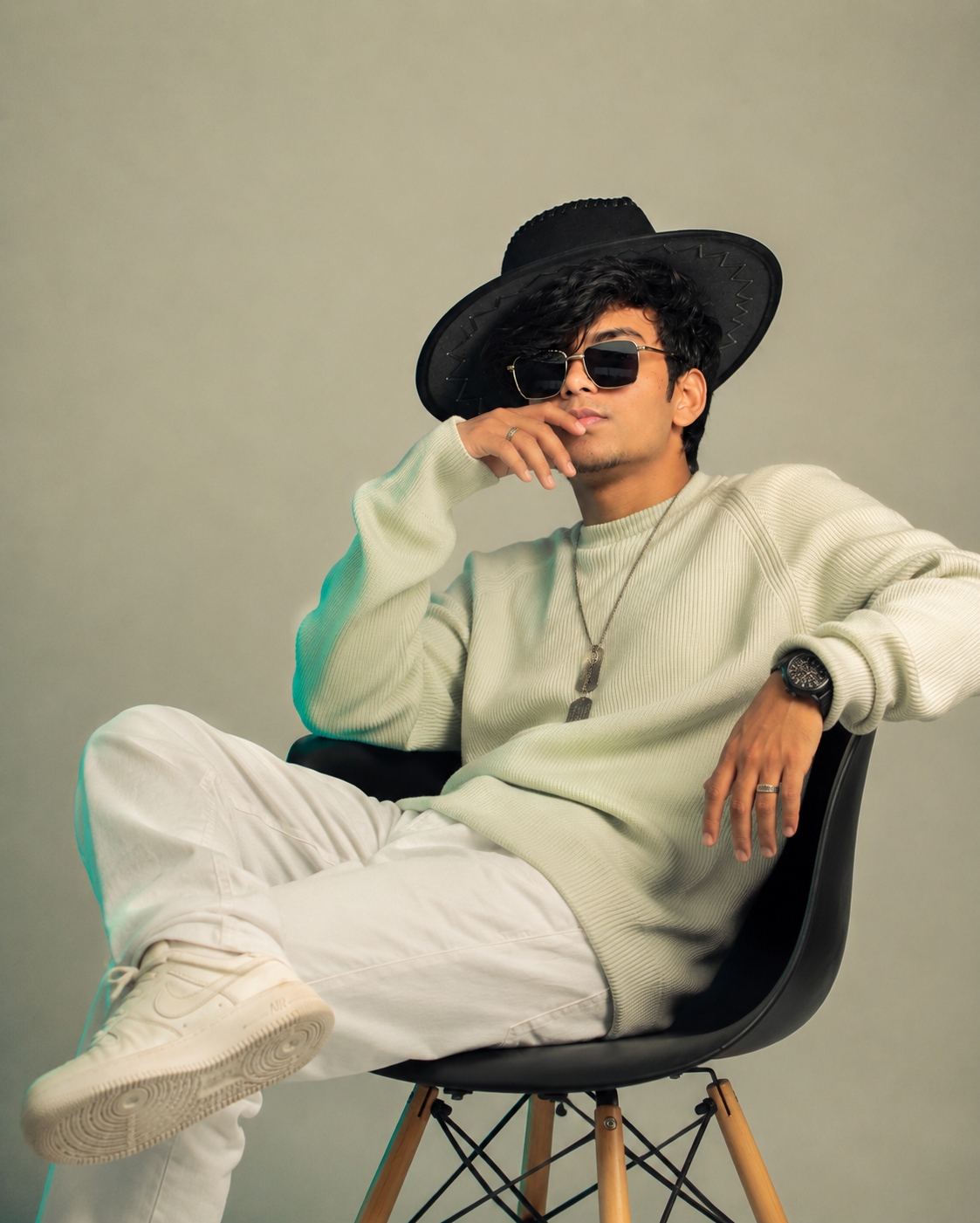
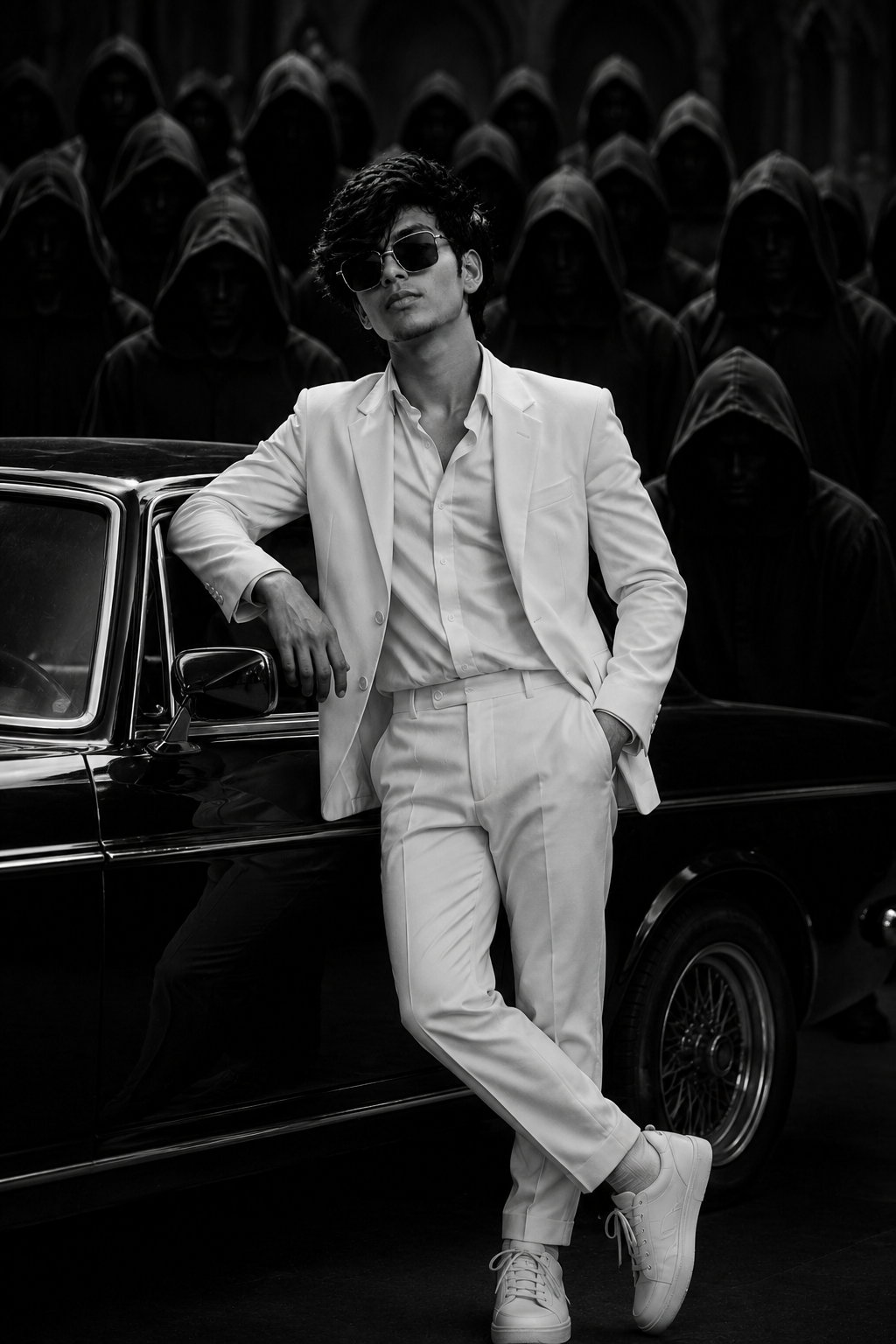
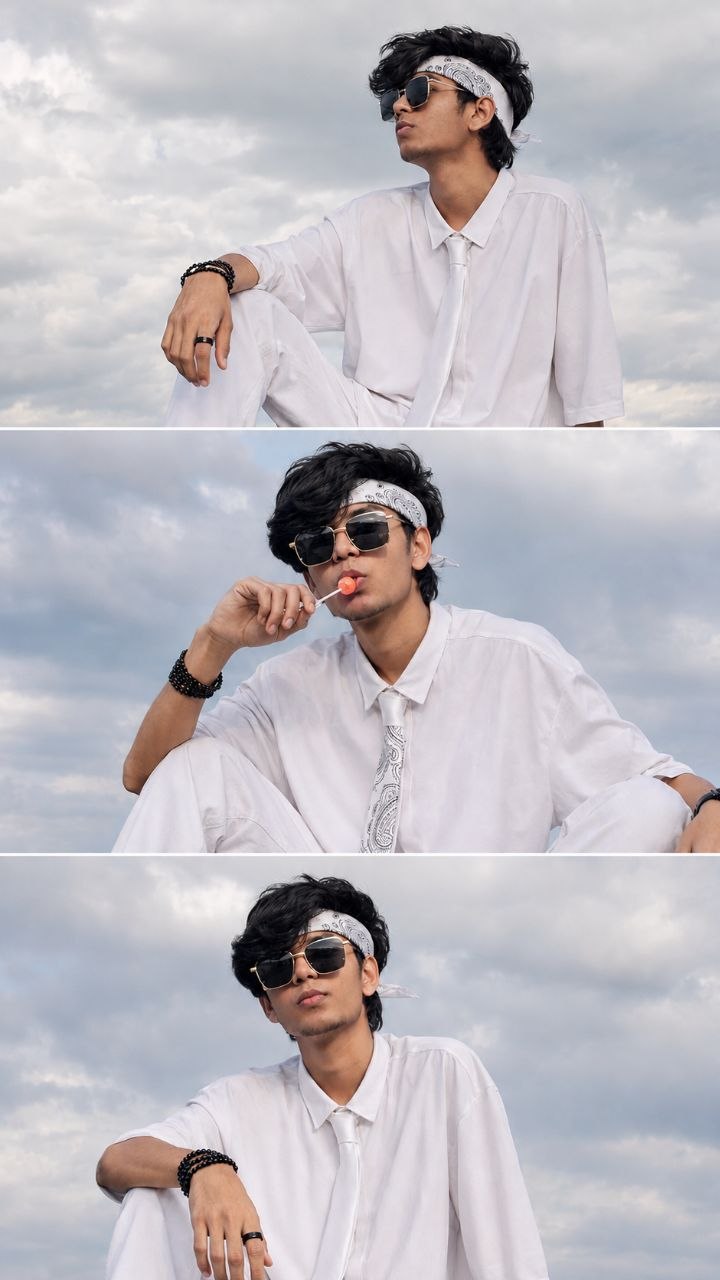
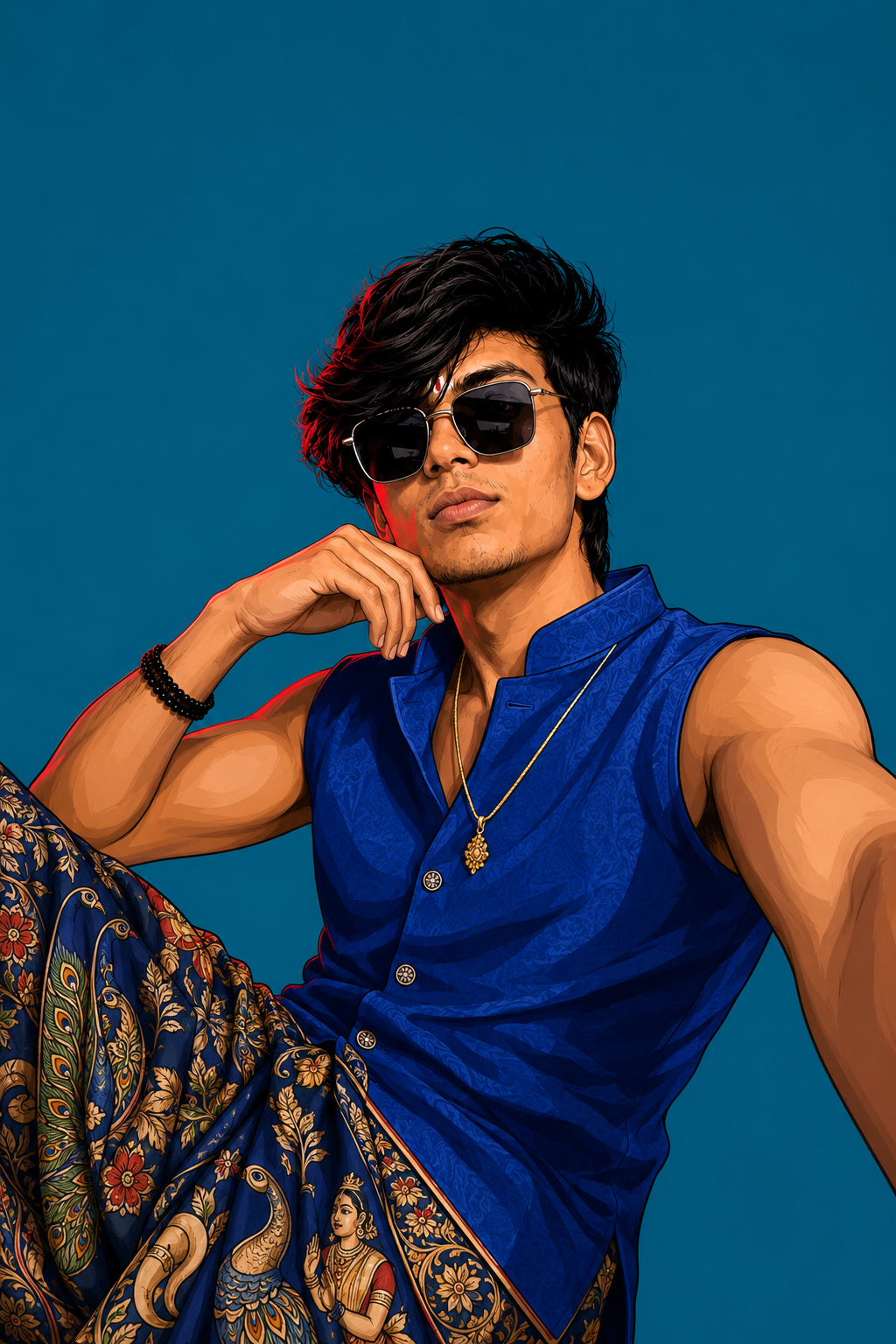
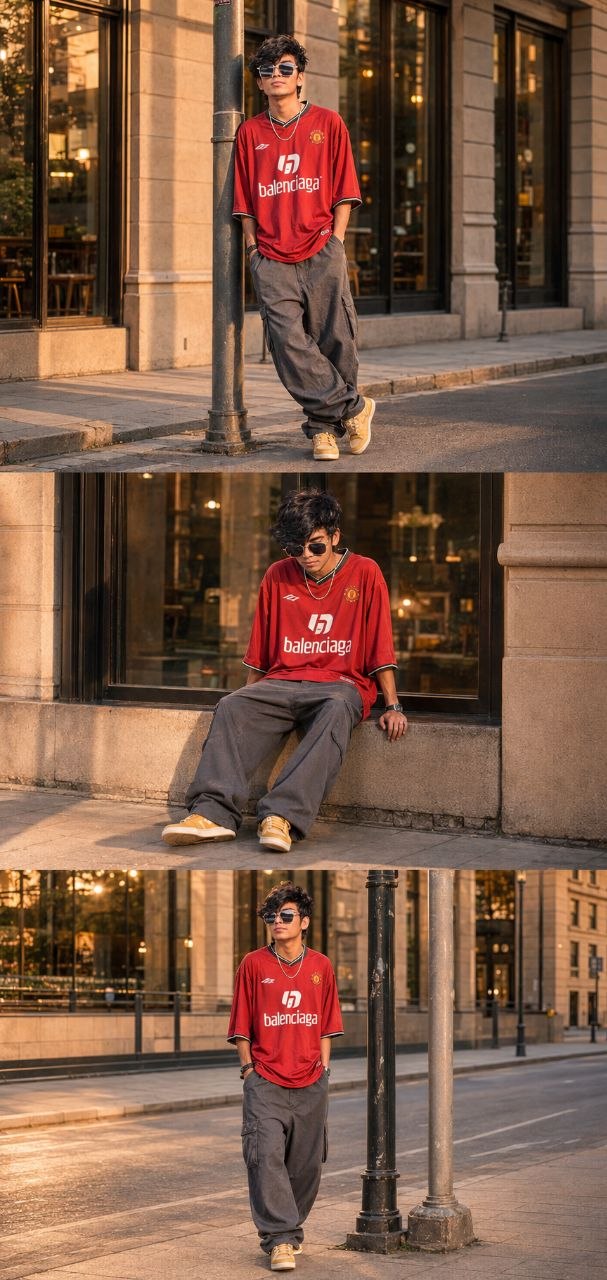
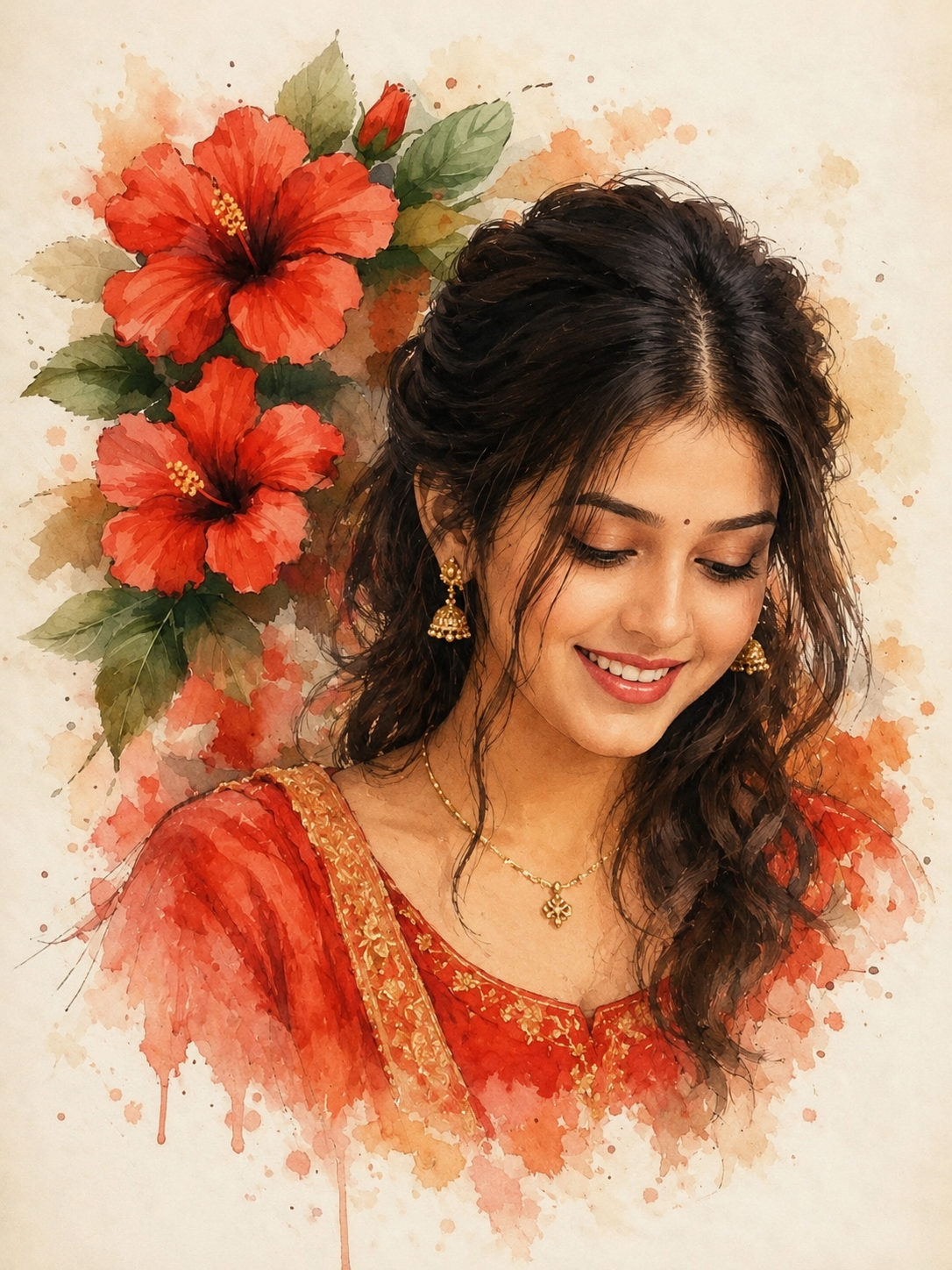
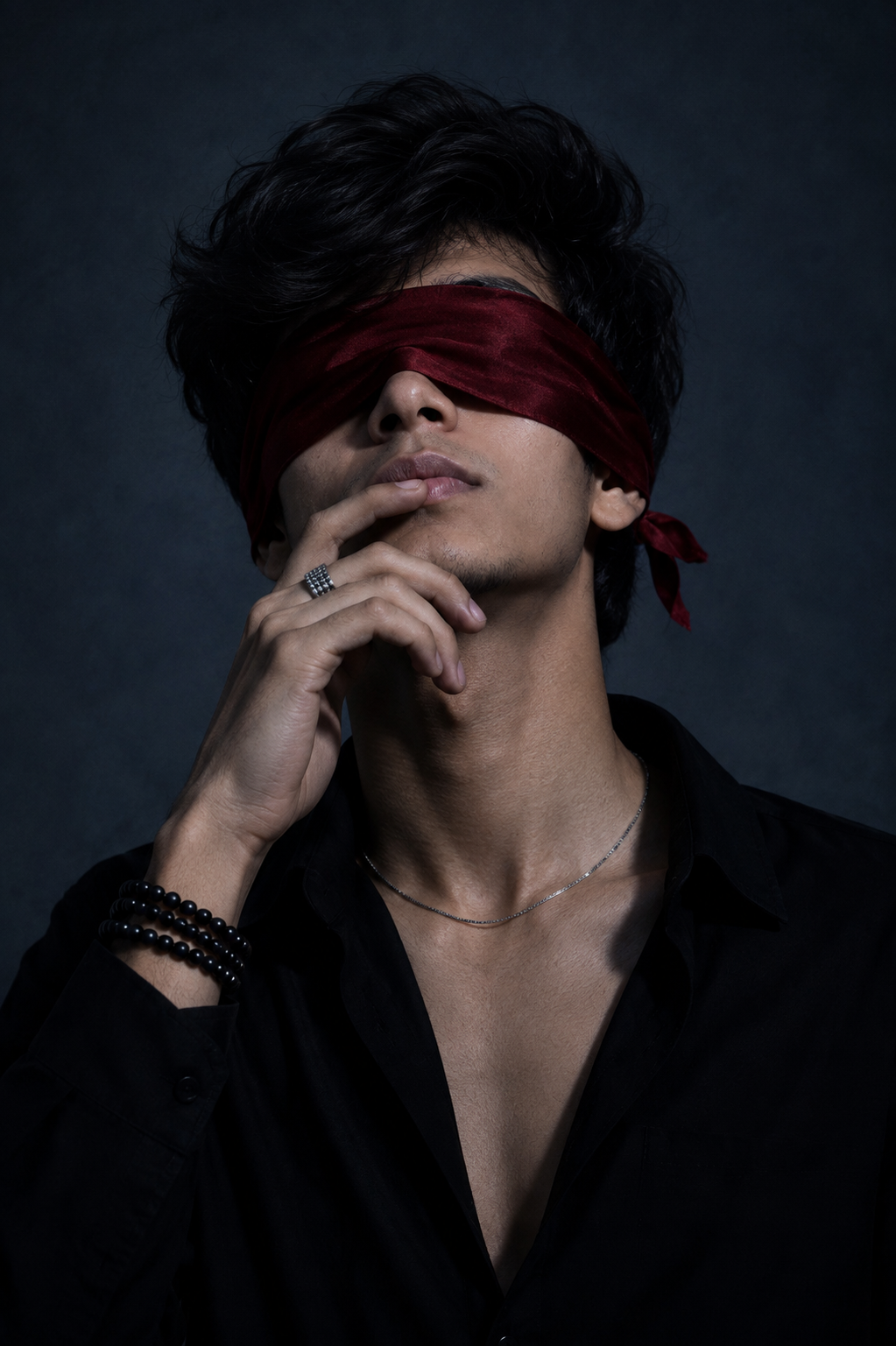
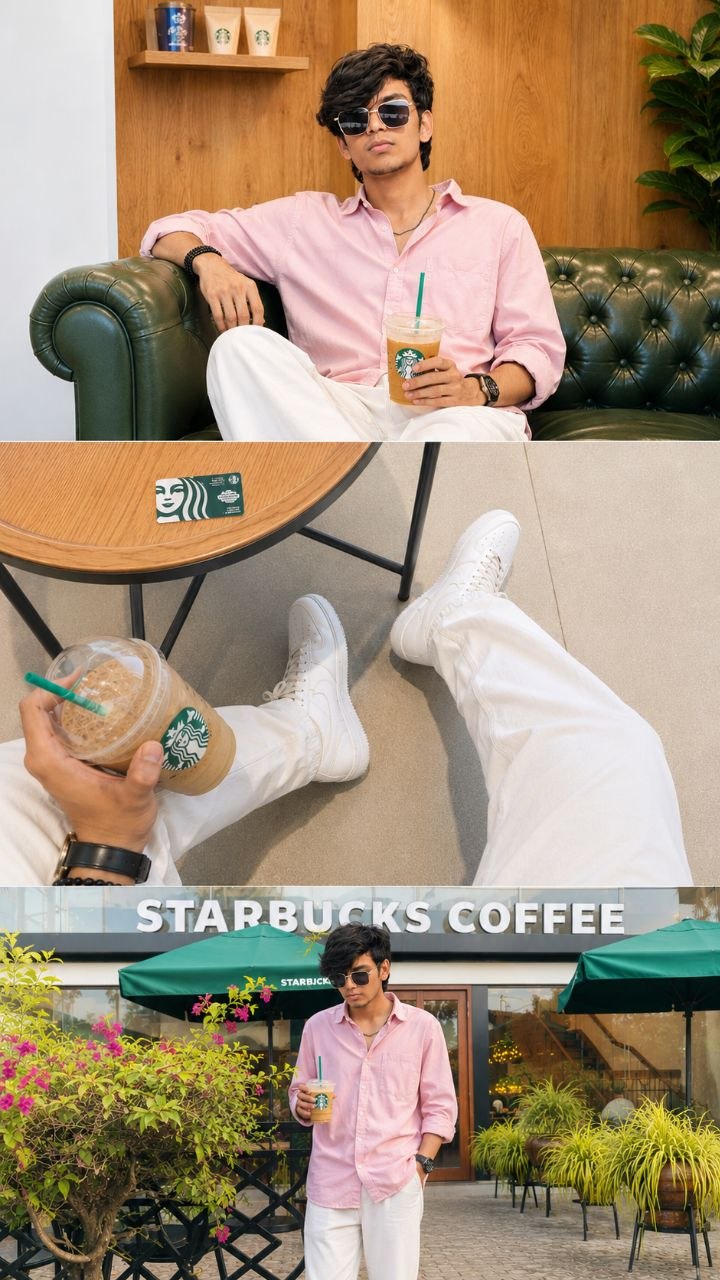
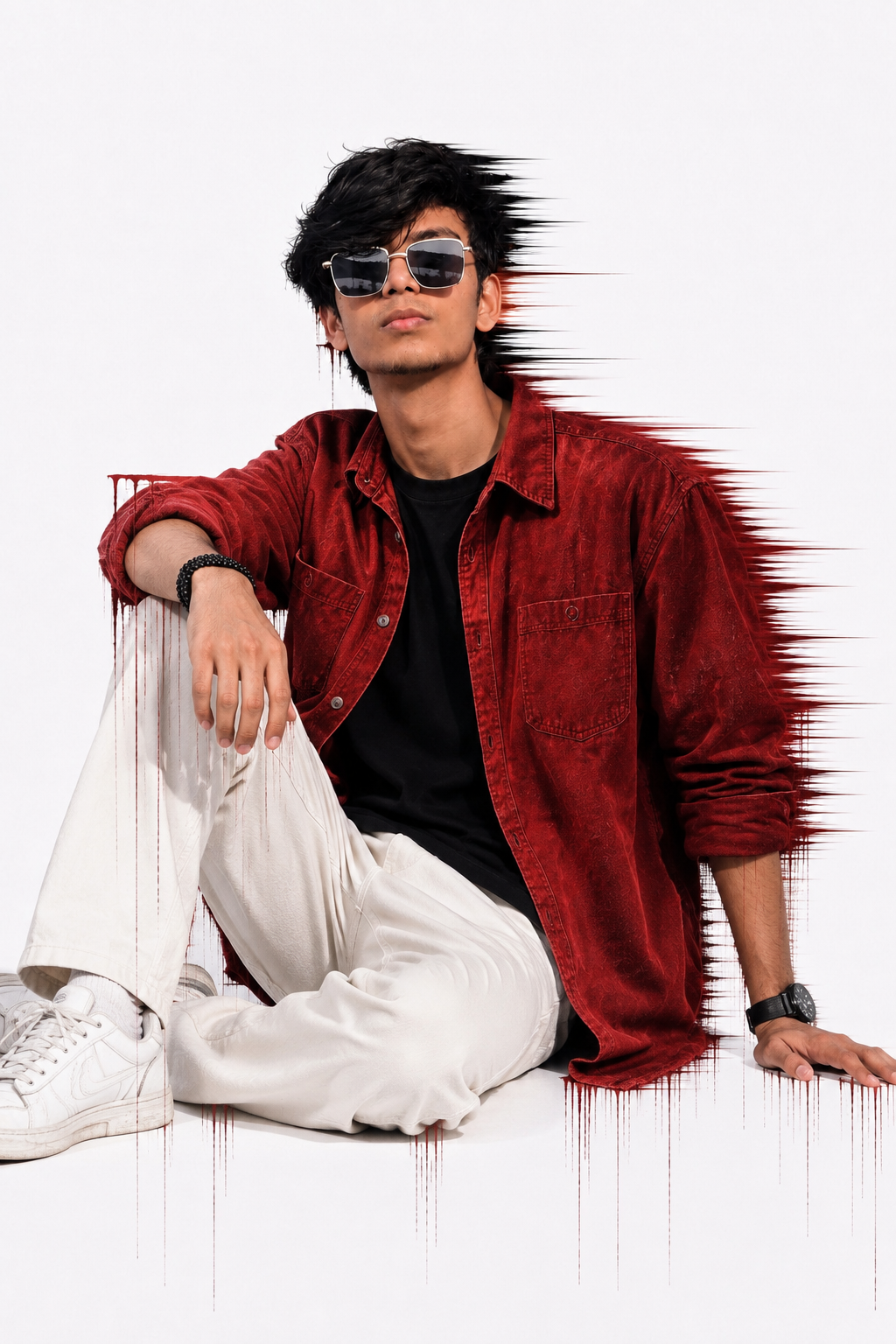
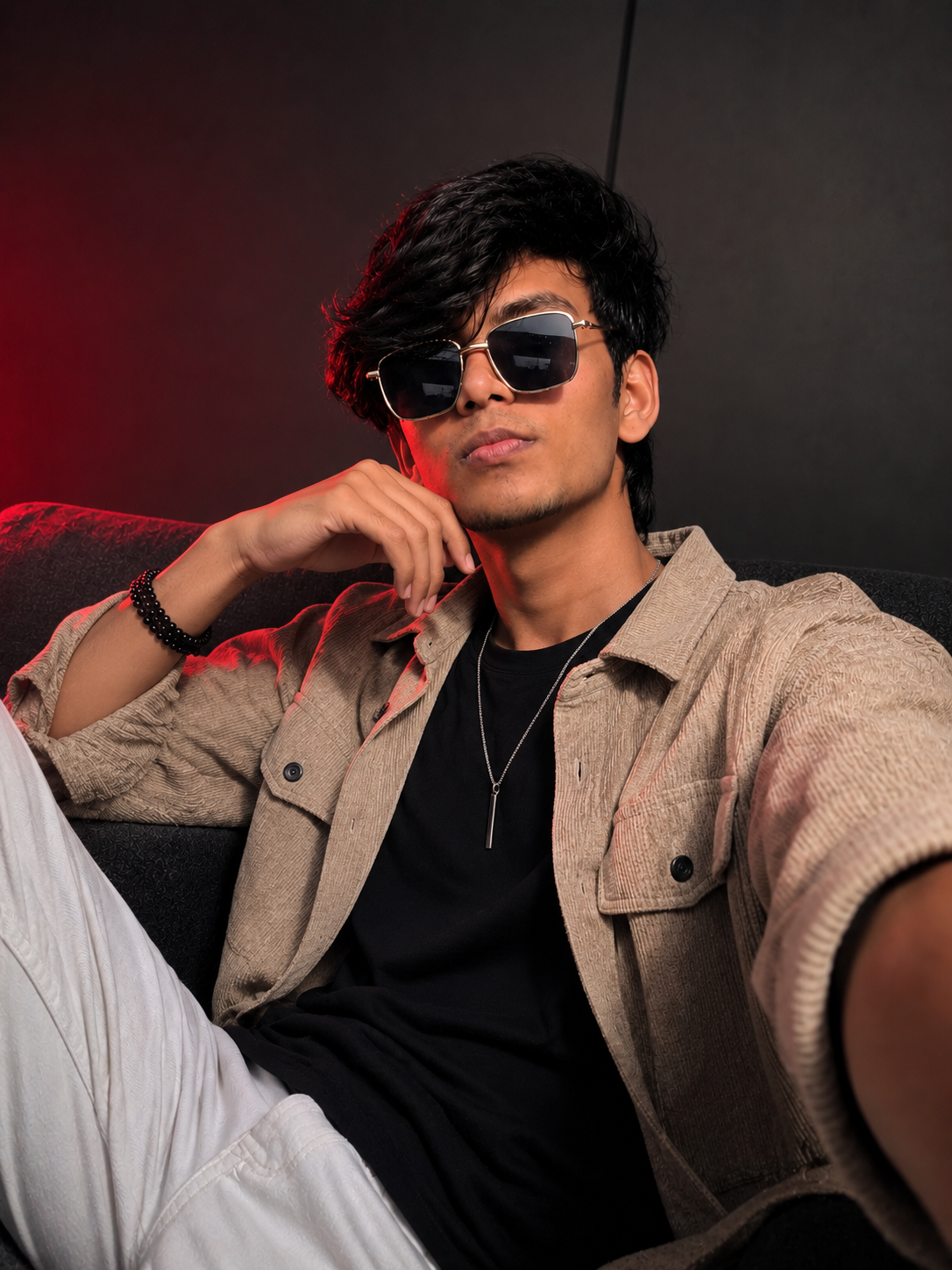
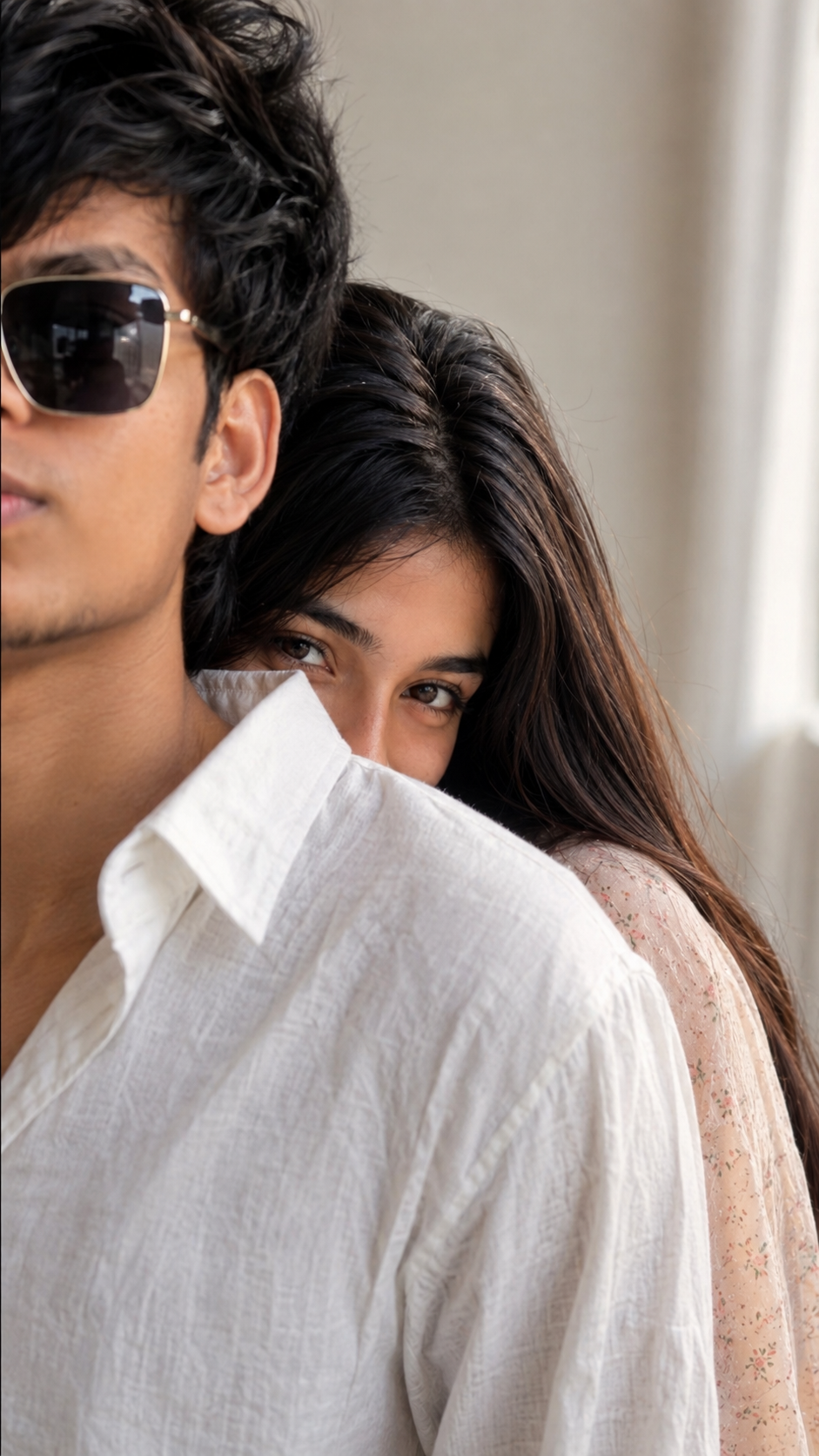
Ye prompt aapki existing photos ko use karke same person, same face aur consistent identity ke saath viral-style AI dance video aur attractive thumbnail create karne mein help karta hai. Aap multiple poses, dynamic camera angles, cinematic lighting, realistic details aur professional YouTube-style editing look easily create kar sakte hain.
✨ Viral AI Dance Video Prompt
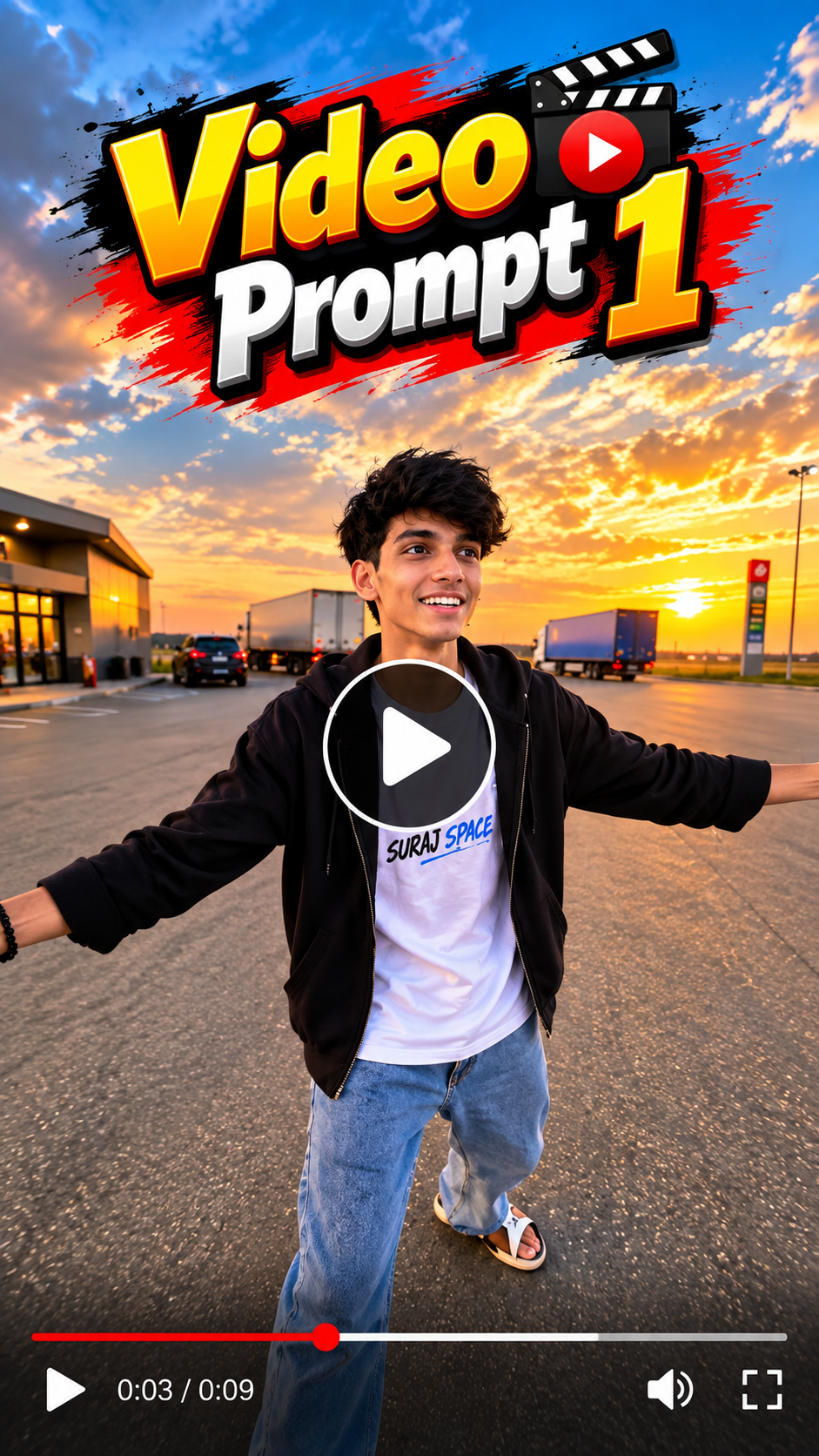
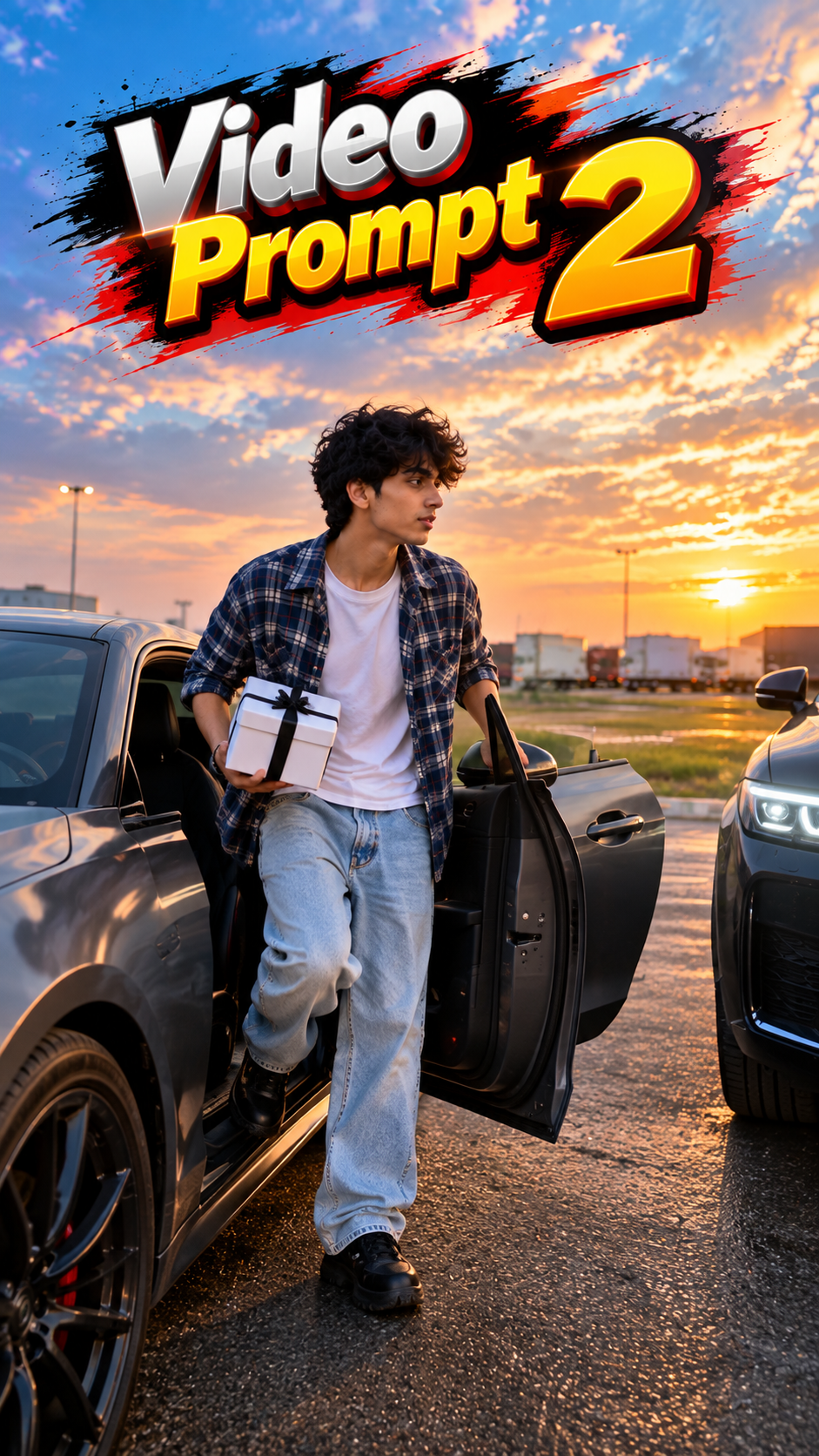
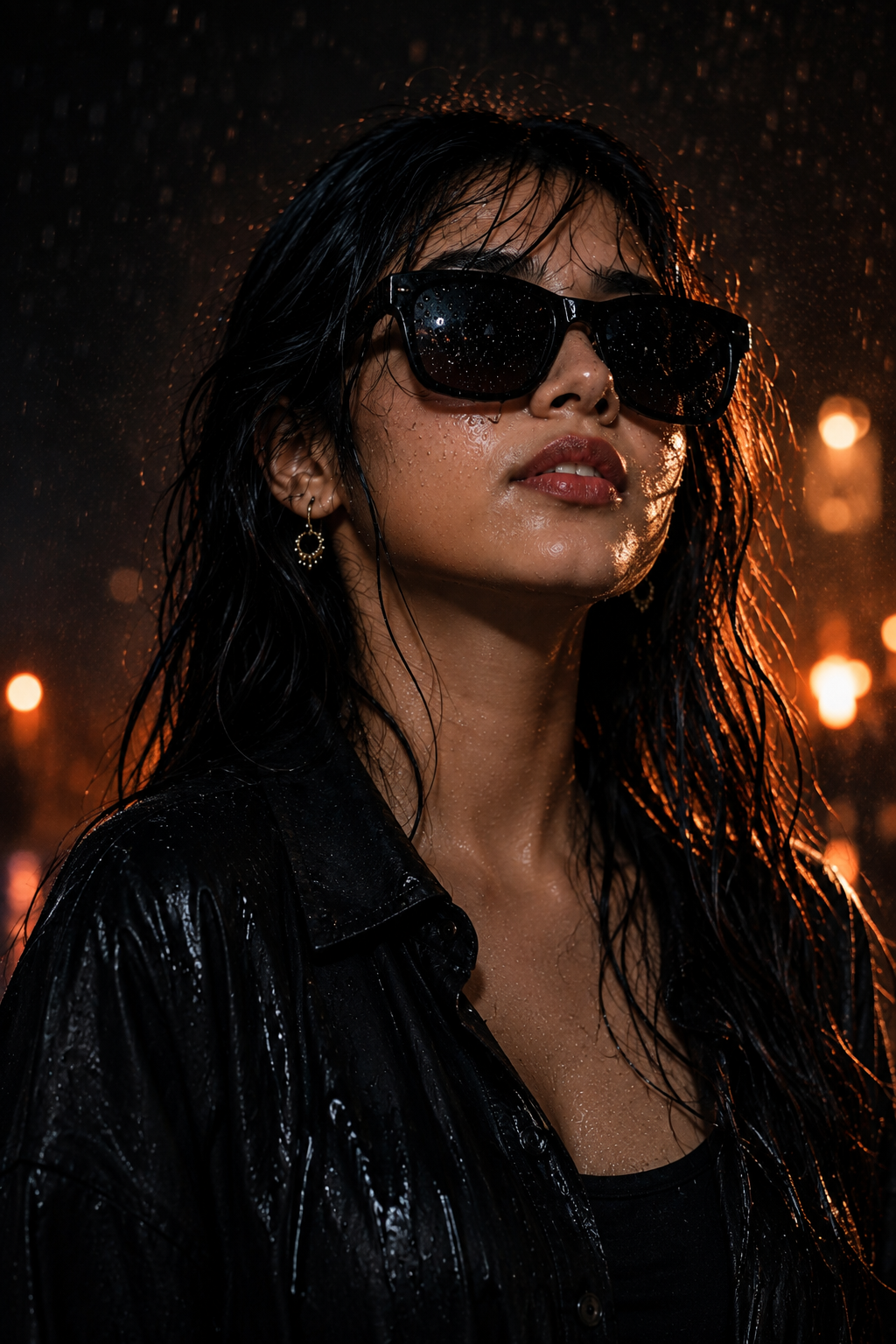
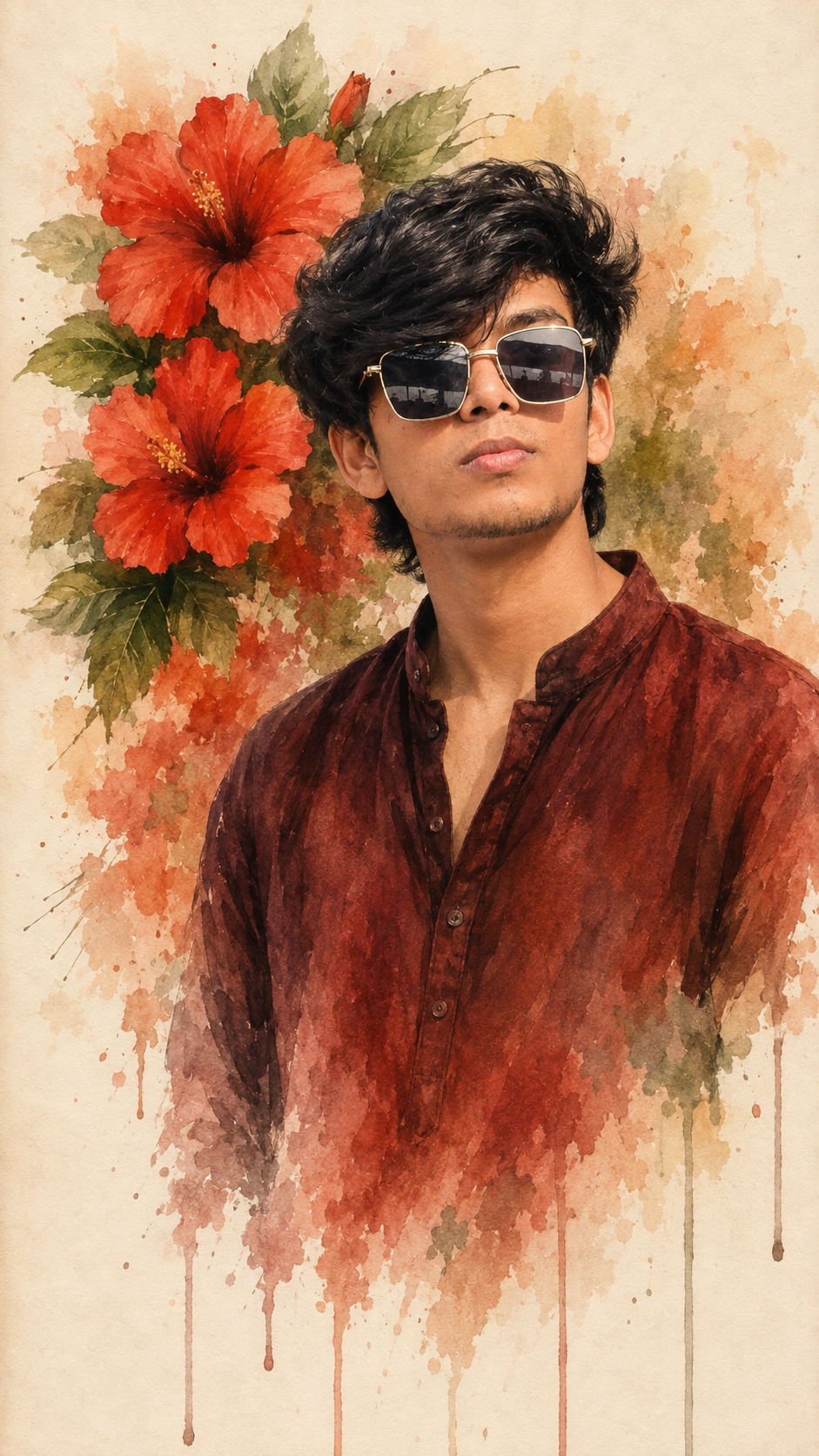
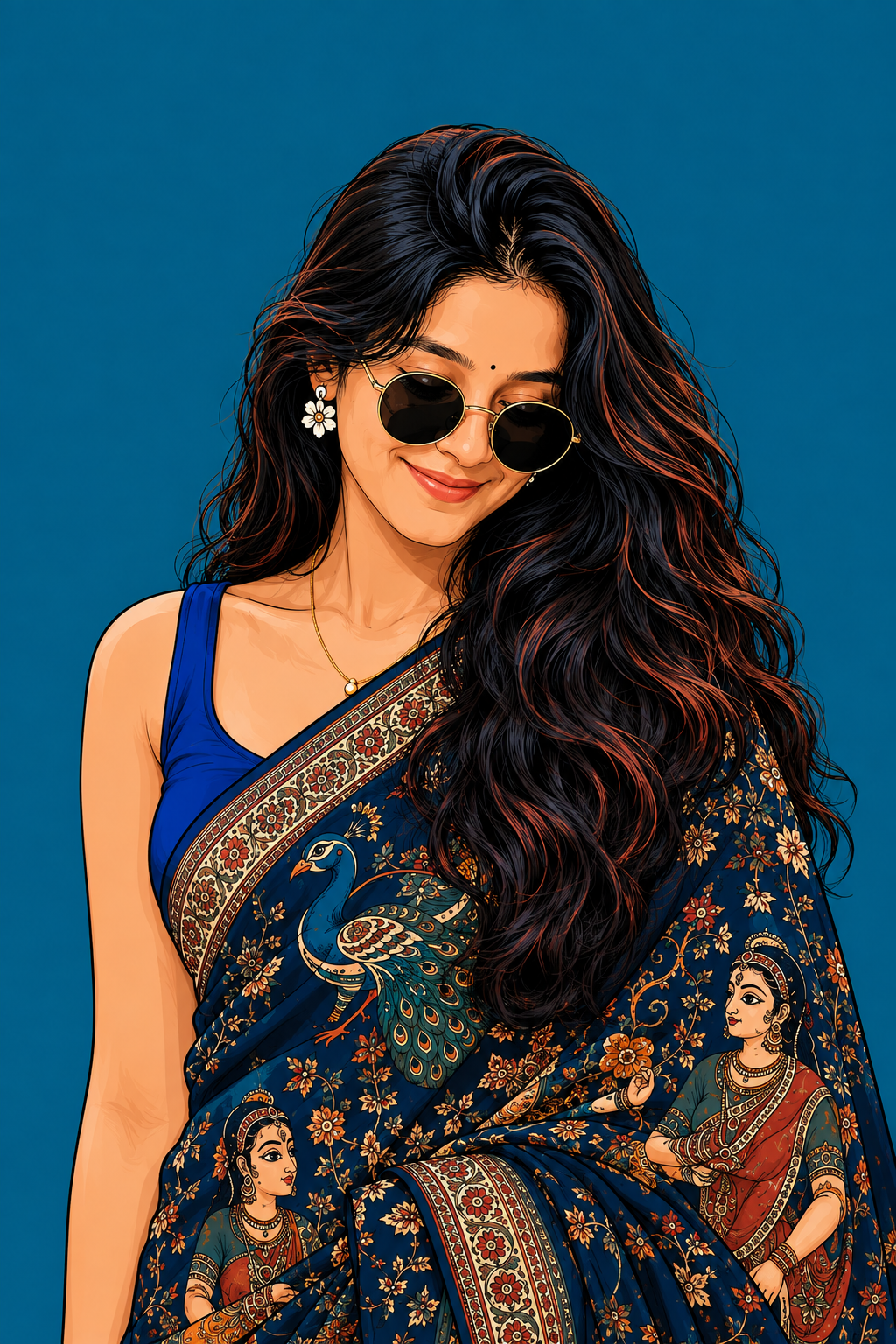
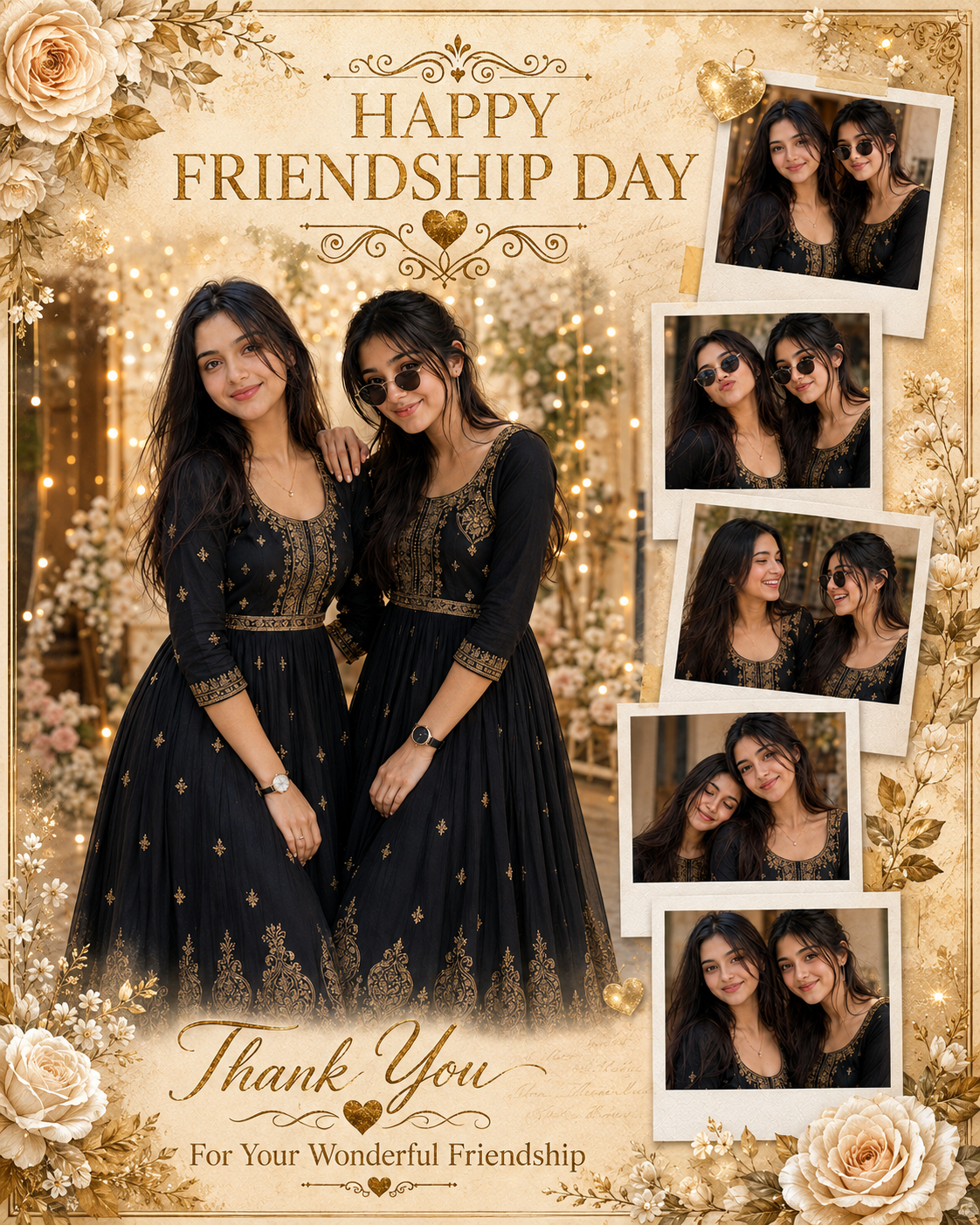
🛠️ How to Create Trending AI Images Using ChatGPT 🔥
1: Open the Suraj Space website. 2: Find the post featuring the AI image you want to create and open it. 3: Copy the Image Prompt from that post. 4: Open ChatGPT and upload your clear photo. 5: Paste the copied prompt into ChatGPT along with your uploaded photo. 6: Click on Generate. 7: Within a few seconds, your AI image will be generated using your photo. 8: If you don't understand any part of the process, search “Suraj Space” on Instagram and watch the tutorial video for the complete process.
🎨 Photo Editing Ideas
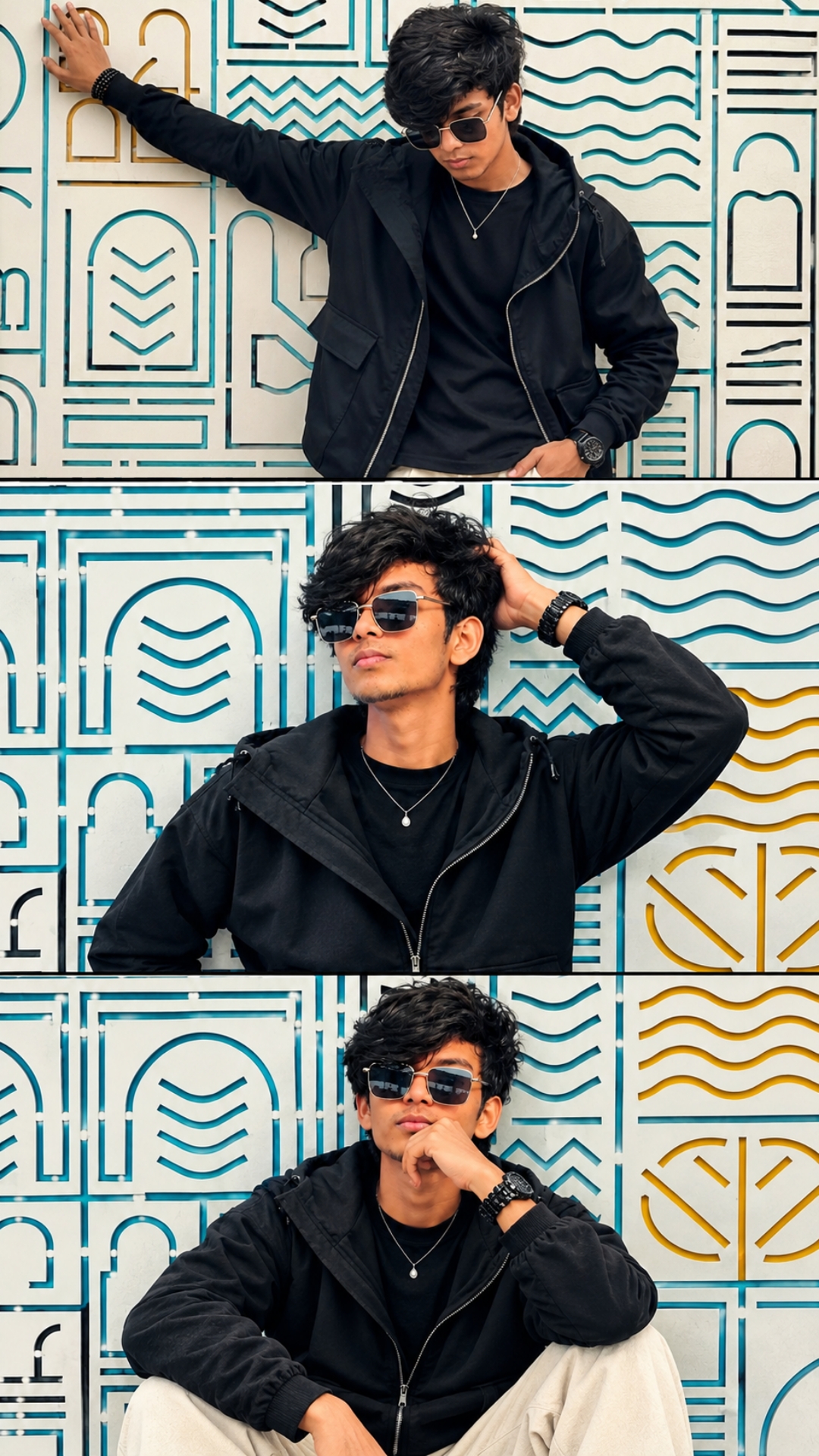
1. Apni 3 best photos ko collage-style thumbnail layout mein use karein.
2. Har photo mein same person ka face, hairstyle, skin tone aur body appearance consistent rakhein.
3. Bright and high-contrast cinematic color grading use karein for a more eye-catching look.
4. Yellow arrows, glow effects, splash effects aur dynamic graphic elements add karein.
5. Main text ko bold, large aur highly readable font mein rakhein, jaise “VIRAL AI” aur “DANCE VIDEO”.
6. Photos ke around strong black outlines aur colorful brush-stroke effects use karein.
7. Thumbnail mein action/reaction wale expressions ko clearly highlight karein.
8. Bottom corner mein small photo collage ya reference photos add karke “SAME PHOTOS” jaisa attention-grabbing element use kar sakte hain.
9. Background mein cinematic lighting, motion effects aur subtle particles add karein.
10. Final thumbnail ko 16:9 YouTube format mein high resolution aur sharp details ke saath export karein.
💡 How to Create Better, More Accurate, Highly Detailed & Realistic AI Images
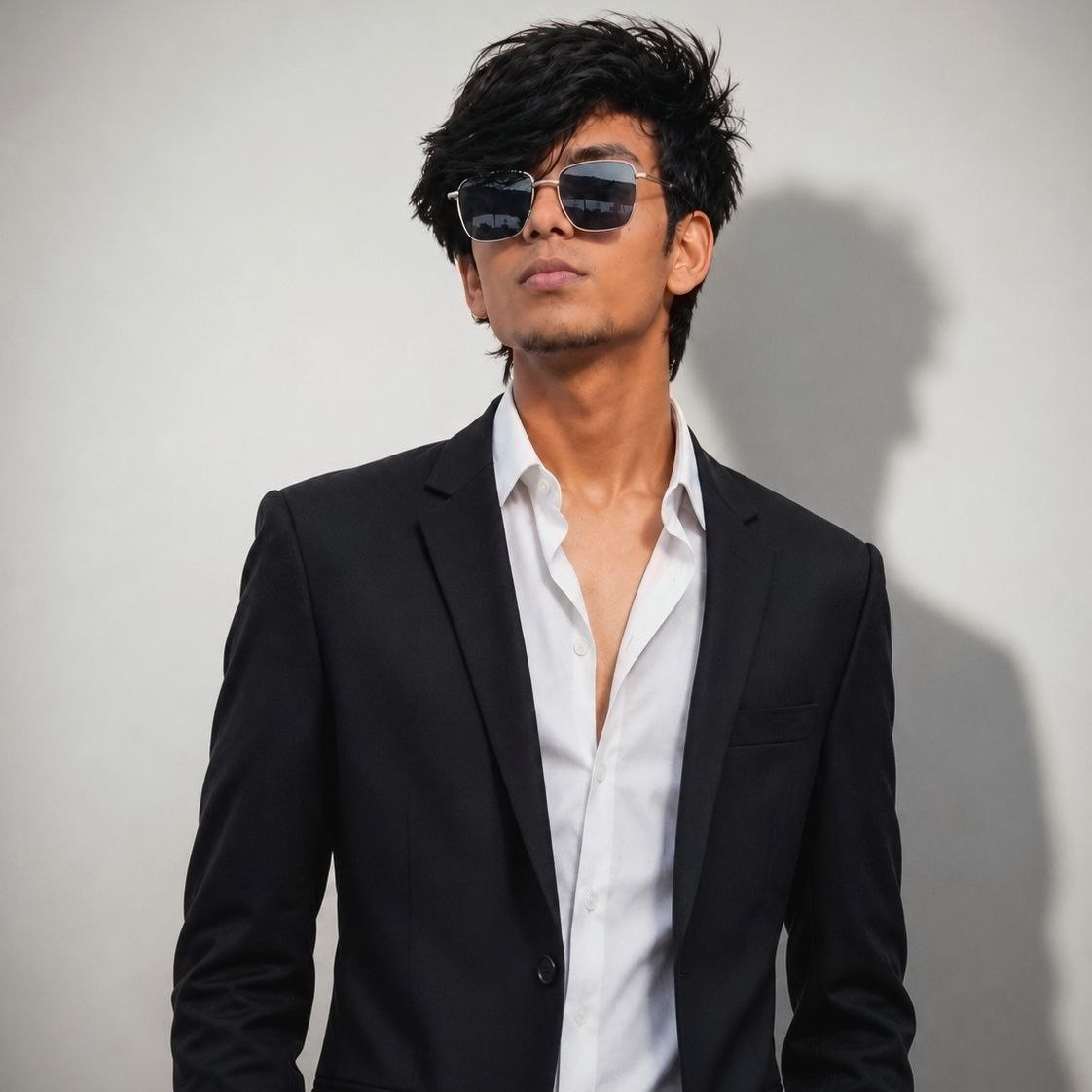
To achieve the best possible results when generating AI images, always begin with a clear, high-quality, natural reference photo of yourself. The quality of the reference image plays an important role in helping the AI understand your real appearance and create a more accurate and consistent result.
🙏 Final Words
Agar aapko ye Viral AI Dance Video prompt helpful lage, to ise save karke apne AI projects mein use karein. Apni photos ke saath creative experiments karein aur professional-looking AI videos aur thumbnails create karein. ❤️


💬 Recent Comments